
LTX-2.5: a complete guide to the open video and audio model
LTX-2.5 is the open-weights video model from LTX (Lightricks), released on August 11, 2026. It generates video and synchronized audio in one pass, renders several connected shots in a single generation, and ships with a substantially improved distilled checkpoint. This guide explains what the model does, how to prompt it, and which settings matter.
Log in and try LTX-2.5
LTX-2.5 runs in Prism, SpyGlass, Vector, Unified Editor and PirateDiffusion through the video-ltx25 (text to video) and animate-ltx25 (image to video) workflows.
Graydient plans are compatible with LTX-2.5
Run LTX-2.5 alongside more than 30,000 open image and video models on flat-rate GPU, with no credits and no per-image fees.
Already a member? Log in to My Graydient.
What is LTX-2.5?
LTX describes LTX-2.5 as an open world model with open weights, built for local execution and fine-tuning. Its established use is generating synchronized, high-fidelity video and audio from text, image and video inputs. According to the model card and the ComfyUI launch post, the release rebuilds most of the generation stack rather than upgrading a single stage:
- Diffusion Fidelity Rendering. Compute is allocated by scene complexity. Motion, composition and framing are generated in an 8x temporally compressed latent space alongside high-fidelity keyframes, and a pixel-diffusion stage renders the final frames.
- Diffusion video decoder. Replaces VAE reconstruction, with sharper faces, textures and on-screen text and fewer artifacts in fast motion.
- Native multi-shot. Several connected shots in one generation, holding character, environment, lighting, voice and style across cuts.
- Custom Gemma 4 12B text encoder. Keeps multiple subjects, actions, lighting and camera direction together across long prompts.
- Prompt enhancer and duration predictor. An optional rewrite pass expands short prompts, and an optional duration head predicts clip length from the action you describe.
- Carried over from LTX-2.3: native 4K, synchronized audio and video, and frame rates up to 50 fps.
Checkpoints and variants
The open-weights release is a split, ComfyUI-aligned pack with one file per component. The two transformers are the 22B dev model (full and trainable) and the distilled model, which LTX says retains much more of the full model's quality, prompt adherence and motion consistency than earlier distilled releases.
| Checkpoint | What it is for | Notes from the model card |
|---|---|---|
| LTX-2.5 dev (22B) | Highest fidelity, fine-tuning and LoRA training | Fully trainable with the LTX-2 Trainer |
| LTX-2.5 distilled (22B) | Fast generation | Fixed 8-step schedule, CFG 1 |
| Spatial upscaler x2 | Multi-stage pipelines | Required for the two-stage pipeline |
| Temporal upscaler x2 | Higher frame rates | Optional |
| Duration head | Automatic clip length | Used when the frame count is omitted |
What it can do
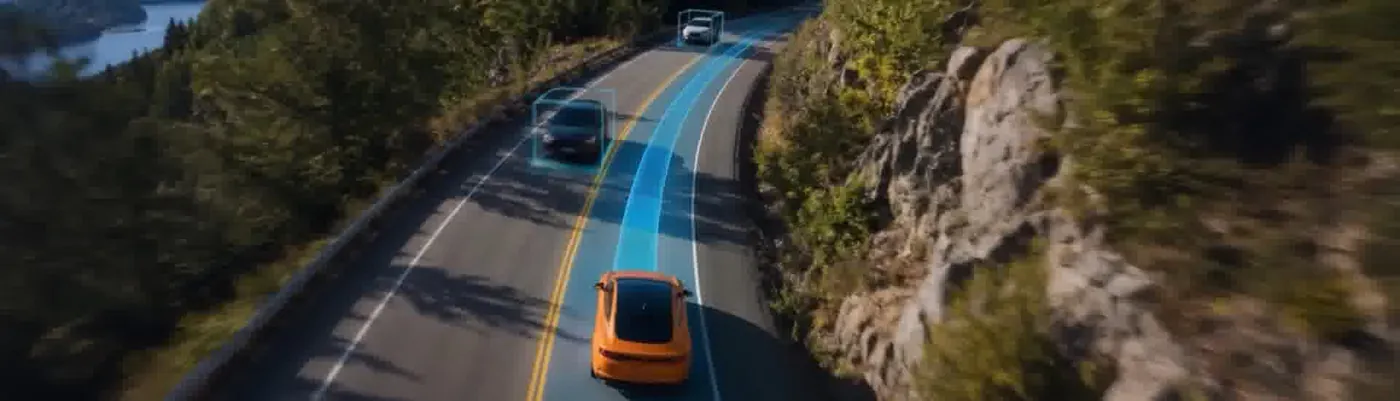
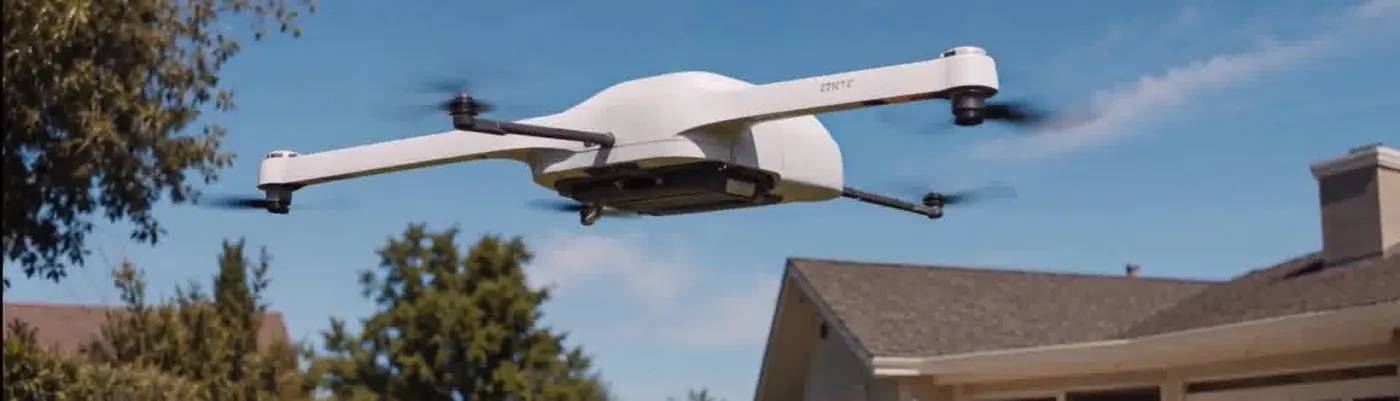
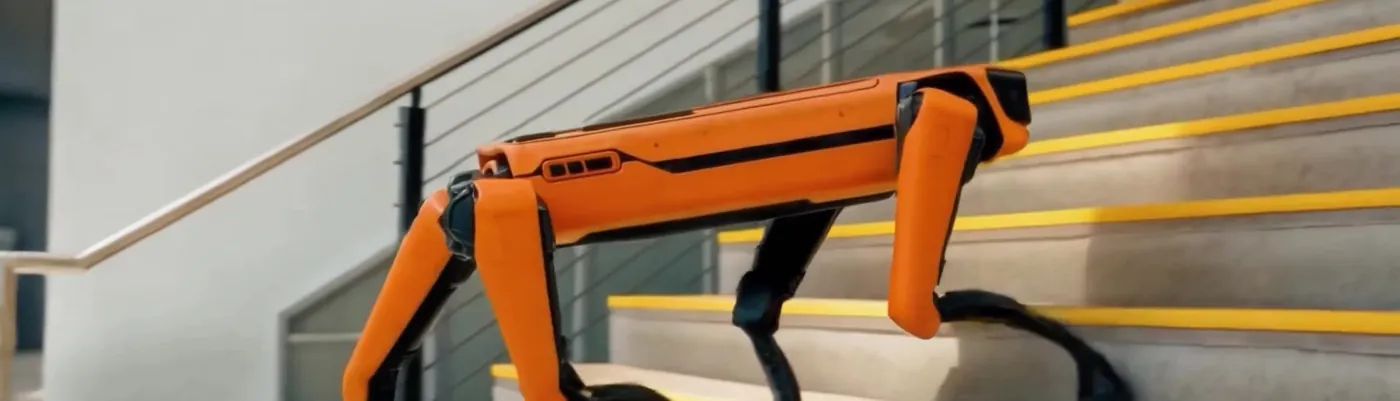
LTX positions LTX-2.5 for creative production, physical AI and real-time experiences. The official showcase on the model card mixes cinematic footage with robotics and simulation scenes.
How to prompt LTX-2.5
LTX's own prompting guide is the most reliable reference. Its core advice: paint a complete picture of the scene that flows from beginning to end, as a single paragraph in the present tense.
1. Cover the six elements
The guide lists six elements a strong prompt should include: establish the shot with cinematography terms; set the scene with lighting, palette, textures and atmosphere; describe the action as a natural sequence with active verbs; define the characters through age, hair, clothing and physical cues rather than abstract emotion labels; identify camera movement and what is in frame afterwards; and describe the audio, with dialogue in quotation marks.
2. Write a single flowing paragraph for one shot
For a single continuous take, LTX recommends roughly four to eight descriptive sentences, with detail matched to the shot scale: close-ups need more detail than wide shots. This official example from LTX's guide covers setting, light, action, character and sound in one paragraph:
A wide shot opens in a warm, sunlit frog yoga studio with a tactile, felt-and-fabric look. Golden morning light pours through tall wooden-framed windows, lush green foliage outside, thin wisps of incense smoke curling through the air; potted plants and wooden shelves line the softly blurred background. One housefly flies lazily around the room, flitting in and out of the smoke. A large green frog instructor sits in lotus position at the center on a woven straw mat, wearing an orange robe, eyes gently closed, a serene half-smile, hands resting on his knees. Behind him, rows of smaller green frogs sit on their own woven mats, throats swelling as they chant a deep, resonant meditative “Om” in unison, a low male vocal drone with rich harmonic overtones, no instruments, no music. Soft pond ambience underneath, and the faint buzz of the fly.
3. Name every cut for multi-shot scenes
Multi-shot prompts are written as one chronological paragraph, not as a shot list. At every cut, name the transition in prose ("A hard cut transitions to..."), re-establish the shot scale, angle and subjects, reuse the same identifiers for recurring characters, and state whether music, dialogue or ambience continues. LTX recommends two to four shots per generation.
A wide shot frames a rainy city intersection at dusk, neon signs reflecting on wet asphalt. A young woman in a yellow raincoat walks down the sidewalk toward camera, carrying a small bag, while the rain falls and cars drive past behind her. Soft synth music and traffic noise fill the air. The shot transitions to a medium close-up of her face under the hood, raindrops catching the neon as she looks off-screen left; the synth score continues across the cut, traffic muffled. She speaks quietly to herself, “He’s late.” A hard cut jumps to a low-angle shot of a man’s scuffed boots stepping into a puddle at the curb; the music drops to a low drone. The man she has been waiting for — short dark hair, soaked jacket — lifts his head into frame as he smiles at her off-screen. A bus rumbles past them.
4. Drive image-to-video with camera language
For image-to-video, the first frame anchors the look; the prompt should describe motion and camera. LTX advises staying single-shot from a first frame unless you intentionally describe a cut away. The model card's own image-to-video example is a single camera instruction:
The camera slowly dollies out as wind moves through the grass
5. Pace the action in the prompt
The optional duration predictor sizes the clip to the action you describe and times it as written. It will not add a pause you did not ask for, so write beats such as "she pauses" or "a beat of silence" into the prompt, or set an explicit duration.
6. Use the prompt enhancer for rough drafts
The enhancer is an LLM rewrite pass that expands a prompt before generation. LTX recommends it when a prompt is short, rough or written for another video model, and notes it helps least when a prompt already follows the structure above. Prompts written for other video models should be rewritten into LTX's flowing-paragraph form rather than pasted unchanged.
Settings and constraints
| Setting | Value | Source |
|---|---|---|
| Frame count | frames % 8 == 1 (1, 9, 17 ... 121) | Model card |
| Width and height | Divisible by 32 | Model card |
| Distilled sampling | Fixed 8-step schedule, CFG 1 | Model card |
| Hosted Fast variant | 2 to 20 seconds, 720p to 4K, 24/25/48/50 fps | ComfyUI blog |
| Hosted Pro variant | 2 to 10 seconds, 720p or 1080p | ComfyUI blog |
The last two rows describe the hosted Partner Node variants listed by ComfyUI; open-weights renders are bounded by the constraints above and the available GPU memory.
LoRAs and IC-LoRAs
The dev transformer is fully trainable. LTX states that the large majority of LoRAs and IC-LoRAs trained on LTX-2.3 run on LTX-2.5 without changes, with a small number of exceptions, and recommends validating adapters before production use. LTX has also published task IC-LoRAs for LTX-2.5 on Hugging Face, including detail refinement, day-to-night and clean-plate adapters.
Limitations
- On-screen text. Short text is more accurate than in earlier versions, but exact spelling and consistency across frames are not guaranteed. Keep text short and add critical titles in post.
- Complex physics. Highly chaotic motion can introduce artifacts; simpler, plausible motion is more reliable.
- Prompt style matters. The model card notes that prompt following is heavily influenced by prompting style.
- License. LTX-2.5 is released under the LTX-2.x Community License, free for commercial use by organizations under US$10M in annual revenue.
How to use LTX-2.5 on Graydient
You are all set. LTX-2.5 runs in Prism, SpyGlass, Vector, Unified Editor and PirateDiffusion through the video-ltx25 (text to video) and animate-ltx25 (image to video) workflows. Use the Log in to My Graydient button at the top of this page, open your app, and paste a prompt from this guide.
- Choose a Graydient plan. Graydient plans are compatible with LTX-2.5.
- LTX-2.5 runs in Prism, SpyGlass, Vector, Unified Editor and PirateDiffusion through the
video-ltx25(text to video) andanimate-ltx25(image to video) workflows. - Paste a prompt from this guide and render. Plans are flat-rate, so there are no credits or per-image fees.
Workflow details: LTX-2.5 text-to-video workflow · Animate LTX-2.5 image-to-video workflow
Graydient plans are compatible with LTX-2.5
Run LTX-2.5 alongside more than 30,000 open image and video models on flat-rate GPU, with no credits and no per-image fees.
Already a member? Log in to My Graydient.
LTX-2.5 FAQ
What is LTX-2.5?
LTX-2.5 is the open-weights video model from LTX, the company spun out of Lightricks. It generates synchronized video and audio from text, image and video inputs, and it was released on August 11, 2026.
Does LTX-2.5 generate sound?
Yes. Audio is generated in the same pass as the frames. Describe ambience, music, sound effects and dialogue in the prompt; put spoken lines in quotation marks.
What is multi-shot generation?
One generation can contain several connected shots joined by cuts, with character, environment, lighting, voice and style held across them. Name each cut in prose, for example "A hard cut transitions to...".
Which LTX-2.5 settings should I use?
The distilled checkpoint uses a fixed 8-step schedule with CFG 1. Frame counts must satisfy frames % 8 == 1 (for example 121), and width and height must be divisible by 32.
Do LTX-2.3 LoRAs work on LTX-2.5?
According to LTX, the large majority of LoRAs and IC-LoRAs trained on LTX-2.3 run on LTX-2.5 without changes. Validate each adapter before relying on it.
Is LTX-2.5 compatible with Graydient plans?
Yes. Graydient plans are compatible with LTX-2.5, which is available through the video-ltx25 and animate-ltx25 workflows on flat-rate GPU.
Sources
- Lightricks/LTX-2.5 model card (Hugging Face)
- LTX-2.5 Day-0 Support in ComfyUI (ComfyUI blog, Aug 12, 2026)
- LTX prompting guide (LTX documentation)
- LTX-2.5 product page (LTX)
Images are example outputs published by the model authors and the community on Hugging Face and the ComfyUI blog, used with credit. They were not made on Graydient. Specifications are as stated by the model developers at release.