
Krea 2: a complete guide to the open-weights image model
Krea 2 is Krea's image model, trained from scratch for creative and stylistic exploration. Its open-weights release on June 23, 2026 includes two checkpoints designed to work together: Krea 2 RAW for training and Krea 2 Turbo for fast, polished generation. This guide covers both, with settings and prompts taken from Krea's own model cards.
Log in and try Krea 2
Krea 2 runs in Prism, SpyGlass, Vector, Unified Editor and PirateDiffusion through the krea2 workflow, with community fine-tunes such as anime-krea2 alongside it.
Graydient plans are compatible with Krea 2
Run Krea 2 alongside more than 30,000 open image and video models on flat-rate GPU, with no credits and no per-image fees.
Already a member? Log in to My Graydient.
What is Krea 2?
According to the model card and the ComfyUI launch post, Krea 2 is a 12-billion-parameter dense diffusion transformer. It uses the Qwen-Image VAE and a Qwen3-VL text encoder with multi-layer feature aggregation. Krea describes it as its aesthetic-first model family, and ComfyUI highlights its range "from photographic portraits to anime to high-contrast editorial macro work."
- 12B dense DiT, trained from scratch by Krea.
- Two checkpoints: RAW (undistilled base) and Turbo (8-step distilled from a fully post-trained RL checkpoint).
- Natural-language prompting, trained on short, medium and long prompts.
- Built for LoRAs: LoRAs trained on RAW are designed to express strongly on Turbo.
RAW vs Turbo
| Krea 2 RAW | Krea 2 Turbo | |
|---|---|---|
| Role | Base checkpoint, no distillation or post-training | Post-trained and distilled for inference |
| Use it for | Fine-tuning, research, LoRA training | Final text-to-image renders |
| Sampling | Full sampler with classifier-free guidance | 8 steps, guidance disabled |
| Resolution (official code) | Trained up to about 1K | About 1K to 2K |
| Output character | Diverse and malleable | Higher quality, lower variation |
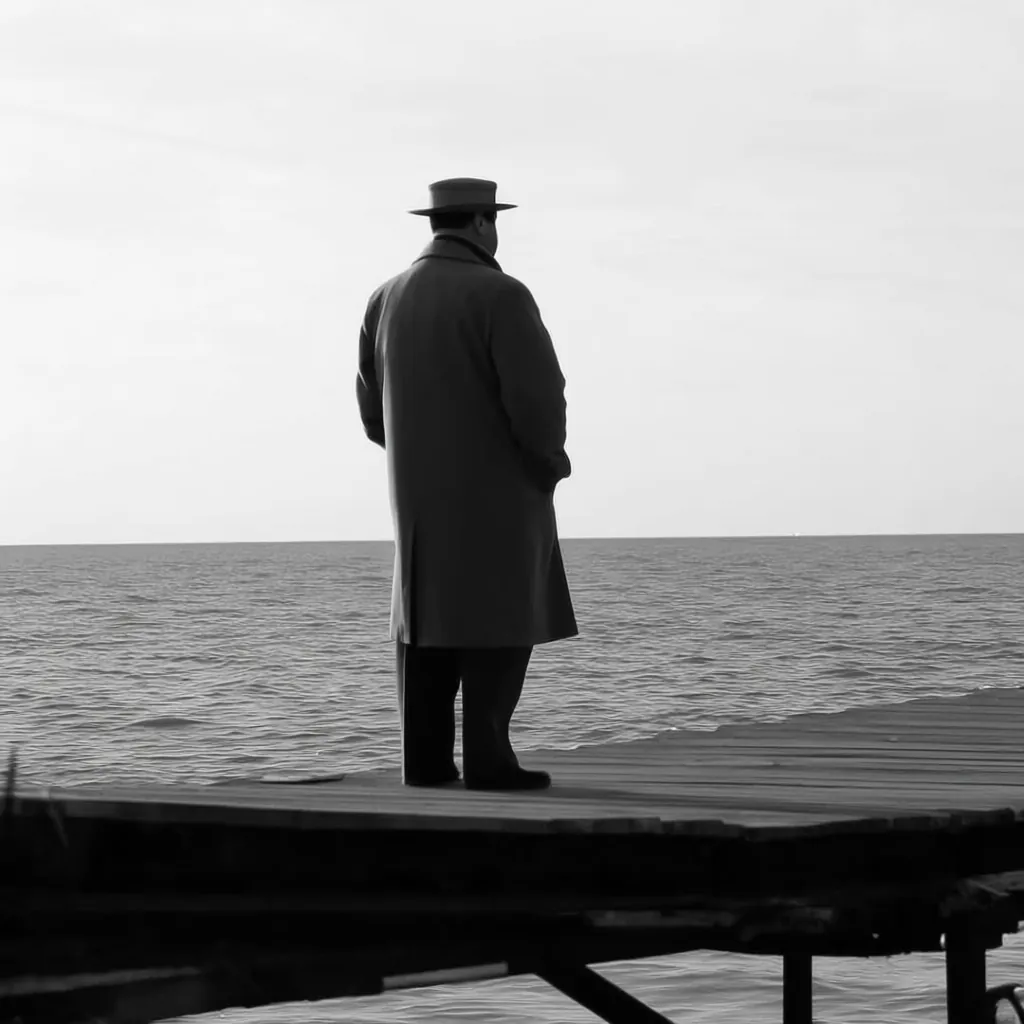
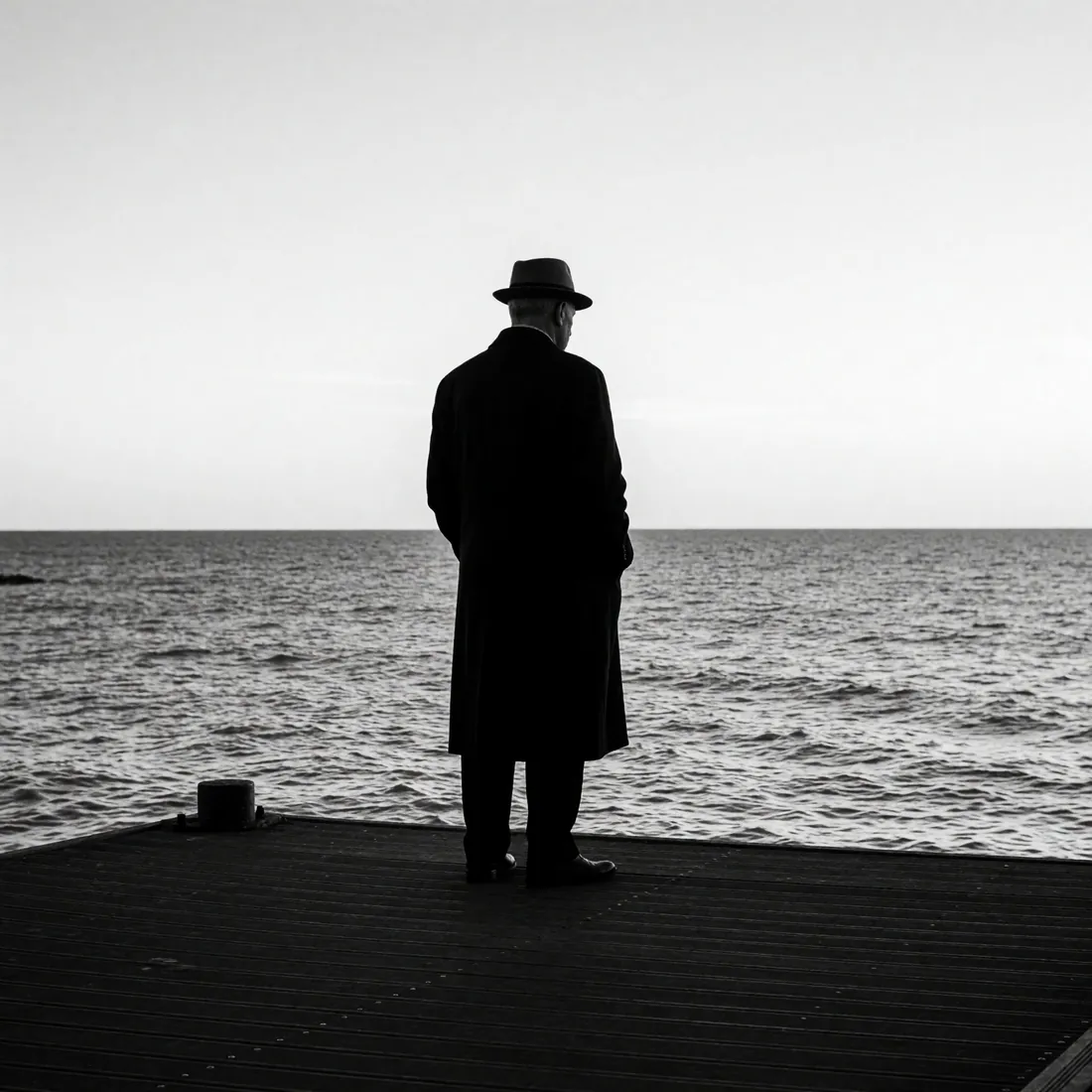
The difference is visible when the same official prompt runs on both checkpoints. RAW is looser and more varied; Turbo is cleaner and more finished.
What it does well
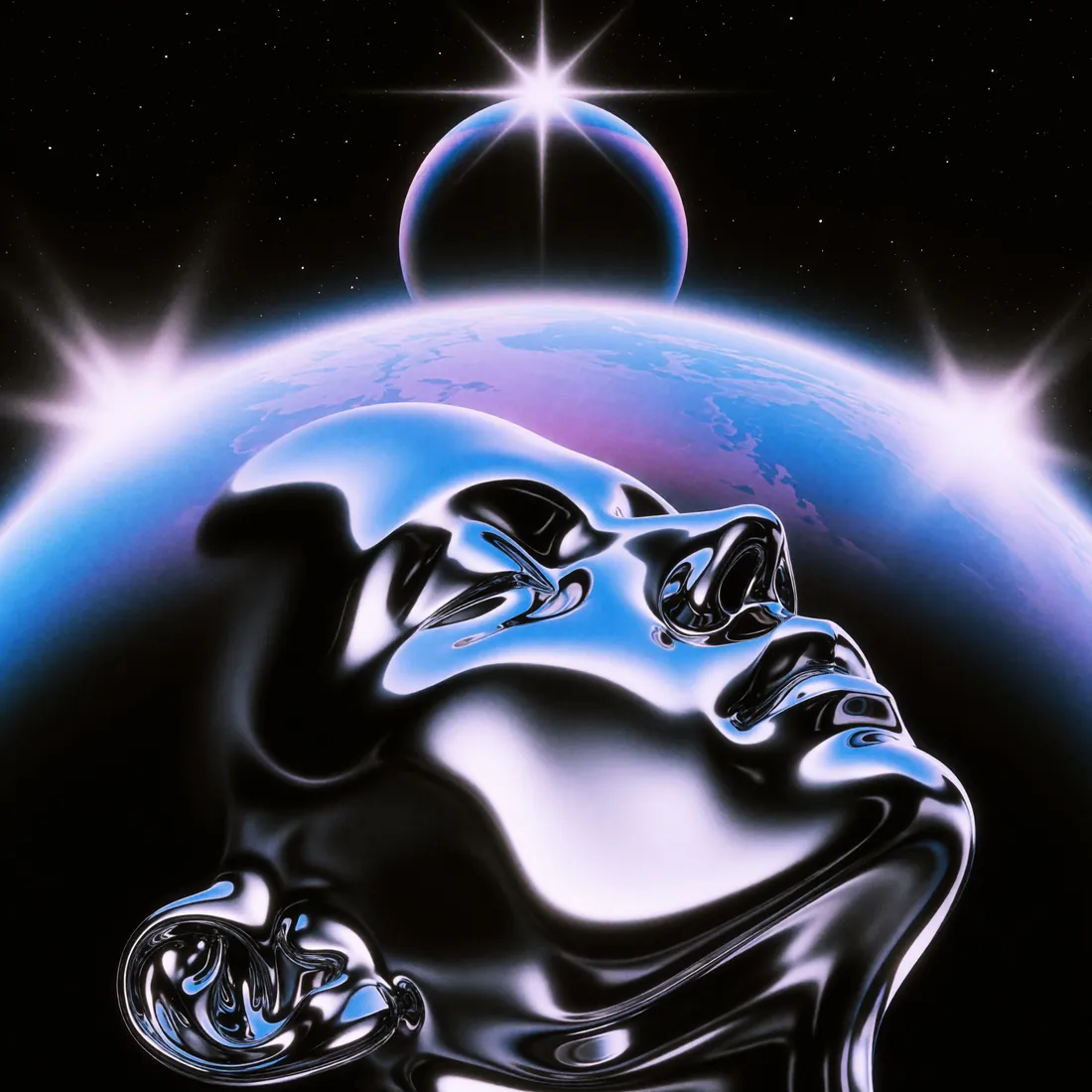
Krea's official samples emphasize medium and finish: halftone print, flat-colour illustration, mid-century collage and 1980s airbrush, as well as photography.
How to prompt Krea 2
1. Write a complete description, not a tag list
ComfyUI's launch notes are explicit: the model was trained on short, medium and long natural-language prompts, and detailed, long prompts give the best quality. Krea's official samples read like image captions: subject, setting, medium, light and composition, in full sentences.
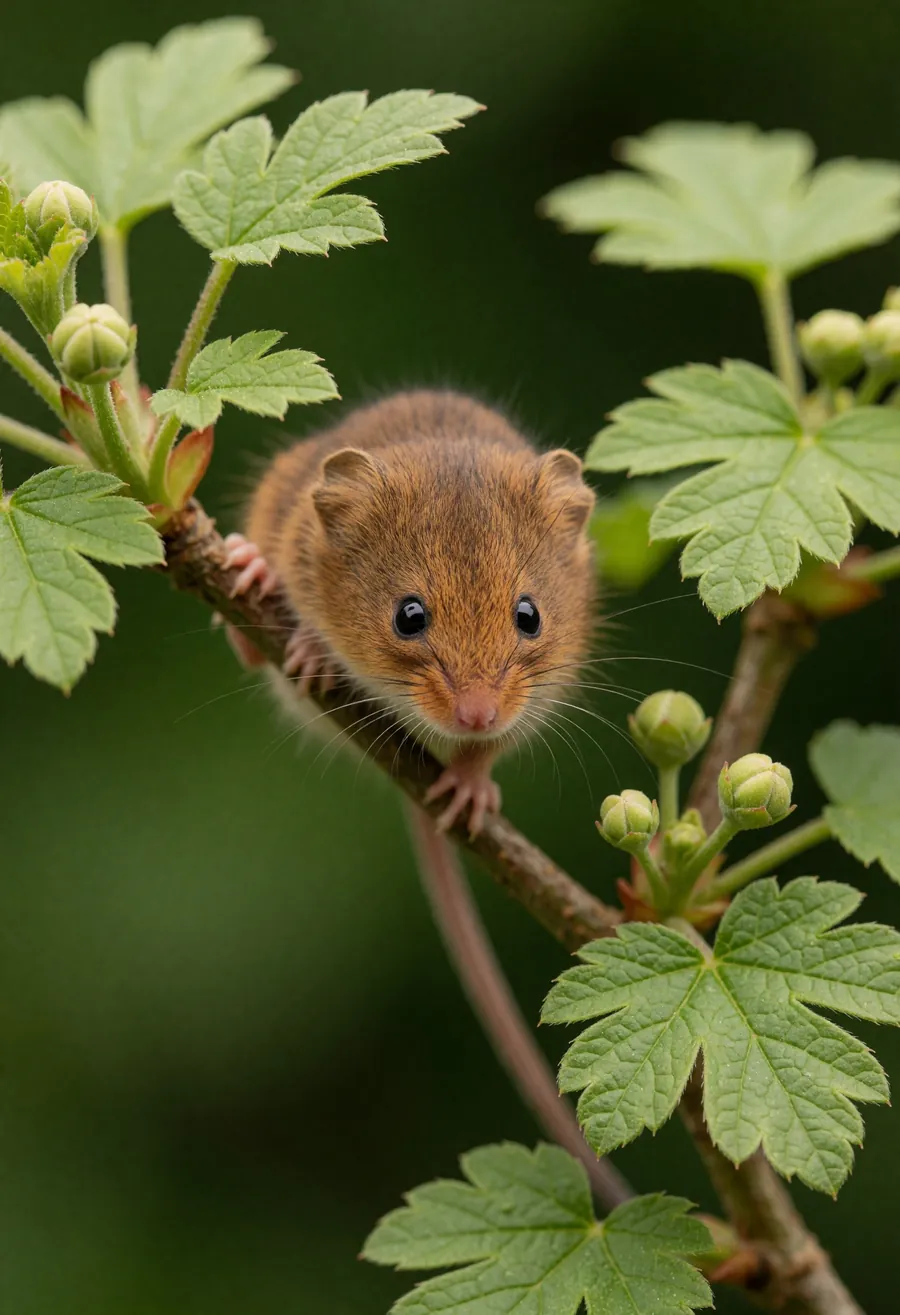
A tiny, russet-brown harvest mouse clings to a slender diagonal branch amid vibrant green lobed leaves and small round buds. The mouse has soft textured fur, glossy black eyes, a pink nose, fine whiskers, and delicate pink paws firmly gripping the wood. In this macro photograph, an extremely shallow depth of field sharply focuses on the animal's face. The deep green background dissolves into a smooth, creamy bokeh, illuminated by soft, diffused natural lighting that highlights the intricate details of the fur and foliage.
2. Name the medium and the surface
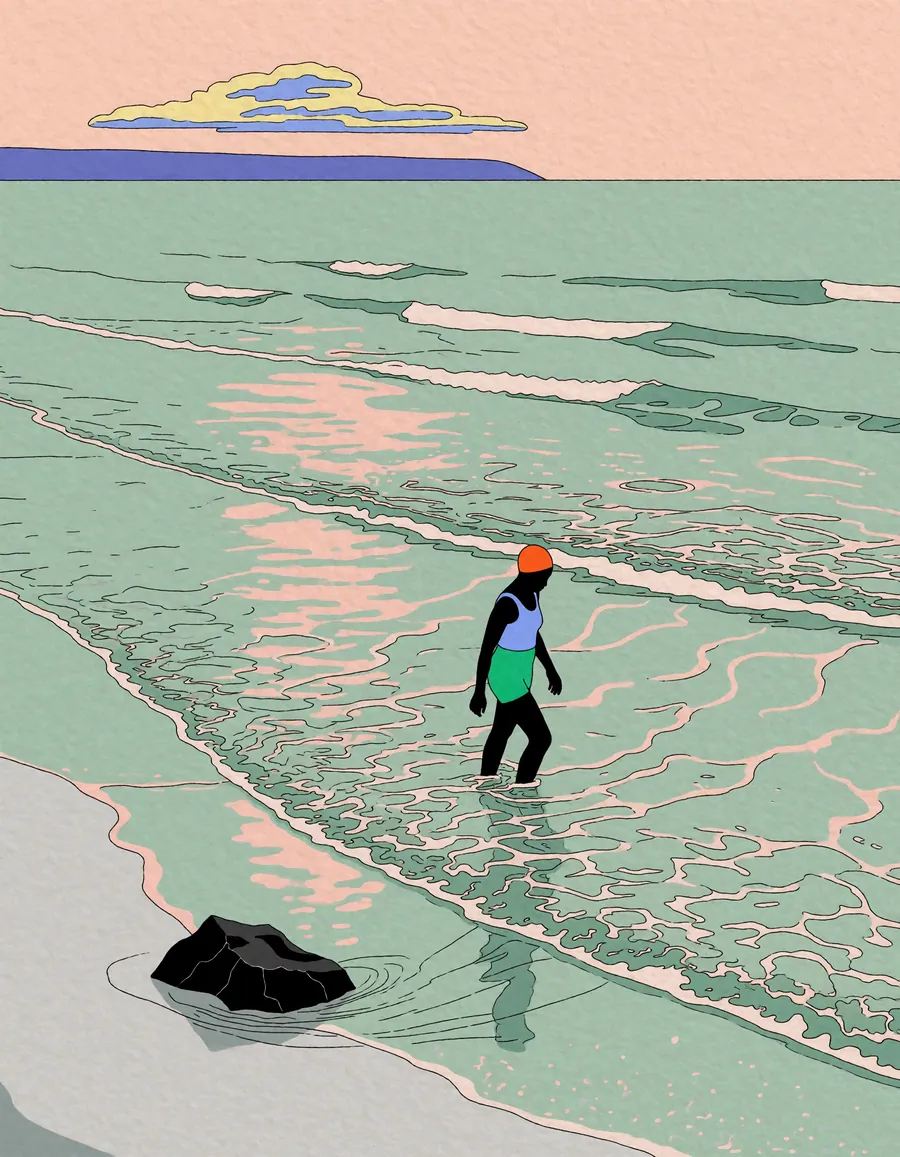
Krea 2 responds to precise descriptions of technique. The illustration samples specify line quality ("ligne claire"), texture ("subtle paper texture") and palette rather than an artist name.
A minimalist flat-color illustration of a person wading through expansive shallow ocean waves beneath a pale peach sky. The dark-skinned figure, wearing an orange swim cap, light blue top, and bright green shorts, steps carefully through knee-deep water. The ocean is rendered in muted mint green with delicate, thin black linework detailing the continuous ripples and gentle whitecaps. Soft pinkish-peach reflections echo the sky on the water's surface. A dark, jagged rock rests in the lower left foreground near a pale grey shoreline. The horizon features a solid purplish-blue landmass and a stylized, layered yellow and blue cloud. The high-angle wide perspective emphasizes the vast negative space of the water, utilizing a clean ligne claire drawing aesthetic with a subtle paper texture.
3. Append a short style suffix
Several official prompts end with a compact style phrase after the description, such as ", halftone texture" or ", black and white photography". It is a simple way to fix the overall treatment without rewriting the scene.
A small, dark-colored cat is captured mid-stride, walking down the center of a narrow, abandoned street. The street is paved and appears cracked and worn. On either side of the street are tall, dilapidated buildings with visible brickwork and windows. A street lamp stands on the right side. The entire image is rendered in a monochromatic blue, with a distinct halftone dot pattern overlaying the scene, giving it a retro or printed appearance. The focus is soft, and the lighting is diffused, creating a hazy, atmospheric effect. The perspective is from ground level, looking down the length of the street, which narrows into the distance., halftone texture
4. Use a prompt enhancer for short ideas
ComfyUI's Krea 2 templates ship with a Prompt Enhancer system instruction provided by the Krea team. If you start from a single line, expand it into a full description first, then render.
5. Describe graphic layouts literally
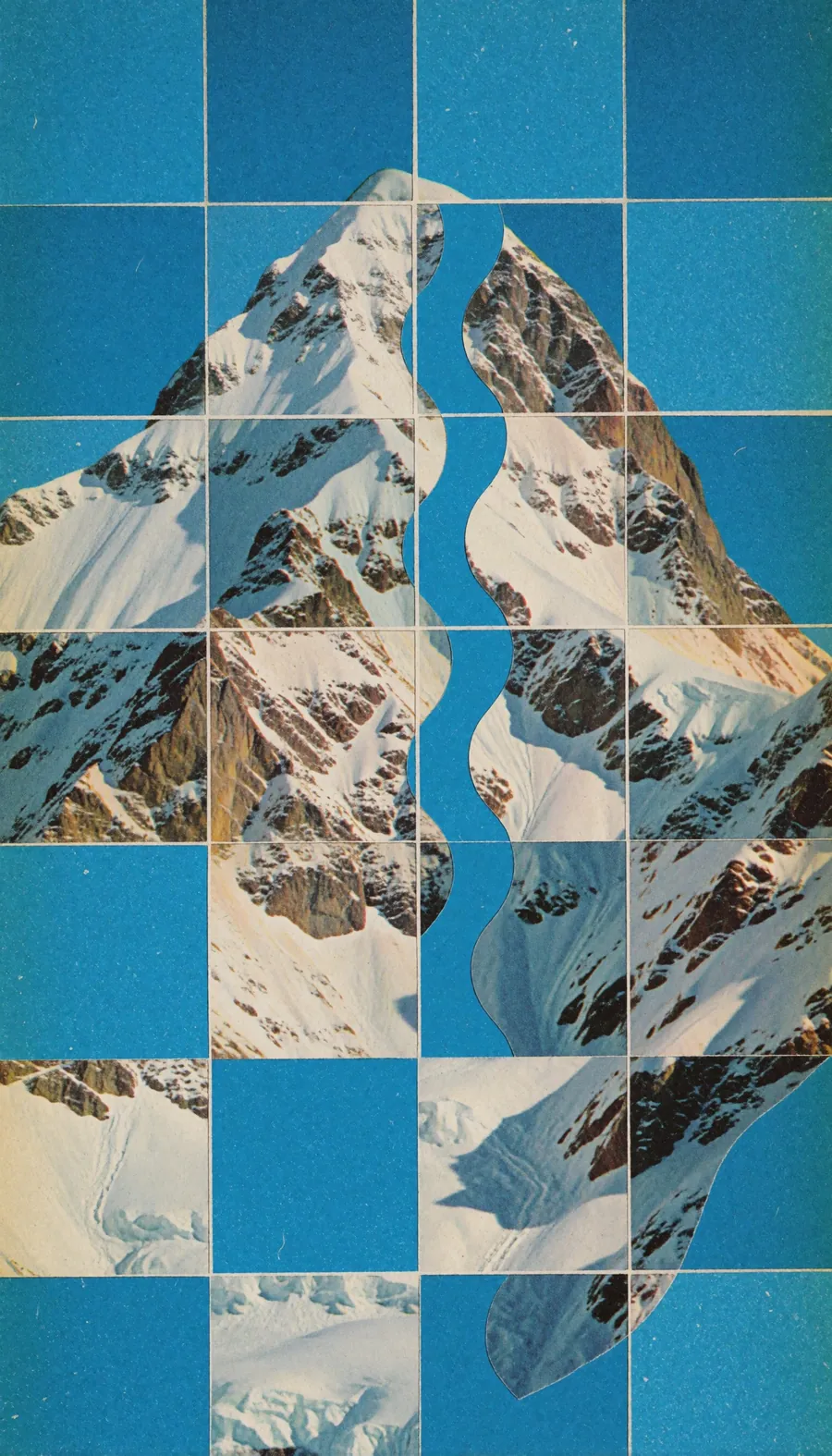
Structured compositions work when the structure is spelled out: grid size, alternating tiles, line colour and paper texture.
vintage analog collage, central irregularly shaped snowy mountain range with a section featuring distinct wavy edges, structured within a 12x16 grid of square tiles, composition fragments the subject by alternating tiles with solid azure blue background squares, thin white grid lines, grainy paper texture, retro aesthetic of mid-century print, vibrant cyan and warm neutral tones, experimental layout, tactile quality, high-contrast graphic composition
Recommended settings
| Setting | Turbo | RAW |
|---|---|---|
| Steps | 8 | Full sampler schedule |
| Guidance (CFG) | Disabled (0) | Enabled |
| Resolution | About 1K to 2K | Up to about 1K |
| Negative prompt | Not used | Optional with CFG |
Krea's reference command for Turbo runs --steps 8 --cfg 0.0 at 2048×2048. The Diffusers example uses num_inference_steps=8, guidance_scale=0.0.
LoRAs: train on RAW, run on Turbo
Krea "highly recommends" training LoRAs on RAW and applying them on Turbo. Because RAW is undistilled and diverse, it is easier to steer; because Turbo is distilled, the trained LoRA then renders in 8 steps. Krea has published official style LoRAs on Hugging Face, including retro anime, soft watercolour, dark brush and vintage tarot adapters.
Note: Krea 2 is its own architecture. Flux and Qwen-Image LoRAs do not apply to it, even though Krea 2 uses the Qwen-Image VAE.
Limitations
- RAW is not a finishing model. Krea states RAW is not tuned for final-quality generation on its own.
- Turbo trades diversity for quality. Expect less variation between seeds than RAW.
- Prompt sensitivity. The model card notes prompt following may be influenced by style, specificity, language and phrasing.
- License. Both checkpoints are released under the Krea 2 Community License with an Acceptable Use Policy; larger enterprises require a commercial license from Krea.
How to use Krea 2 on Graydient
You are all set. Krea 2 runs in Prism, SpyGlass, Vector, Unified Editor and PirateDiffusion through the krea2 workflow, with community fine-tunes such as anime-krea2 alongside it. Use the Log in to My Graydient button at the top of this page, open your app, and paste a prompt from this guide.
- Choose a Graydient plan. Graydient plans are compatible with Krea 2.
- Krea 2 runs in Prism, SpyGlass, Vector, Unified Editor and PirateDiffusion through the
krea2workflow, with community fine-tunes such asanime-krea2alongside it. - Paste a prompt from this guide and render. Plans are flat-rate, so there are no credits or per-image fees.
Workflow details: Krea 2 workflow · Anime Krea 2 workflow
Graydient plans are compatible with Krea 2
Run Krea 2 alongside more than 30,000 open image and video models on flat-rate GPU, with no credits and no per-image fees.
Already a member? Log in to My Graydient.
Krea 2 FAQ
What is Krea 2?
Krea 2 is an image model from Krea trained from scratch with a focus on creative and stylistic range. The open-weights release, Krea 2 RAW and Krea 2 Turbo, was published on June 23, 2026.
What is the difference between Krea 2 RAW and Turbo?
RAW is the undistilled base checkpoint intended for fine-tuning, research and LoRA training. Turbo is an 8-step distilled checkpoint built for fast, high-quality text-to-image, with less variation between outputs.
What settings does Krea 2 Turbo use?
Krea recommends 8 steps with classifier-free guidance disabled. The official code runs Turbo between 1K and 2K resolution.
Should I write long prompts for Krea 2?
Yes. The model was trained on short, medium and long natural-language prompts, and ComfyUI notes that detailed, long prompts give the best quality.
Do Flux LoRAs work on Krea 2?
No. Krea 2 is its own architecture. Use LoRAs trained for Krea 2, ideally trained on RAW and applied on Turbo.
Is Krea 2 compatible with Graydient plans?
Yes. Graydient plans are compatible with Krea 2 through the krea2 workflow, together with community Krea 2 fine-tunes.
Sources
- krea/Krea-2-Turbo model card (Hugging Face)
- krea/Krea-2-Raw model card (Hugging Face)
- Krea 2 OSS in ComfyUI (ComfyUI blog, Jun 23, 2026)
- krea-ai/krea-2 (GitHub)
- Krea 2 Technical Report (Krea)
Images are example outputs published by the model authors and the community on Hugging Face and the ComfyUI blog, used with credit. They were not made on Graydient. Specifications are as stated by the model developers at release.