
MiniMax H3 Image is now unlimited on every Graydient plan: a style guide
MiniMax H3 Image is now unlimited on every Graydient plan, at full ~16MP resolution. Below: what the model is good at, and the style tricks that get the most out of it.
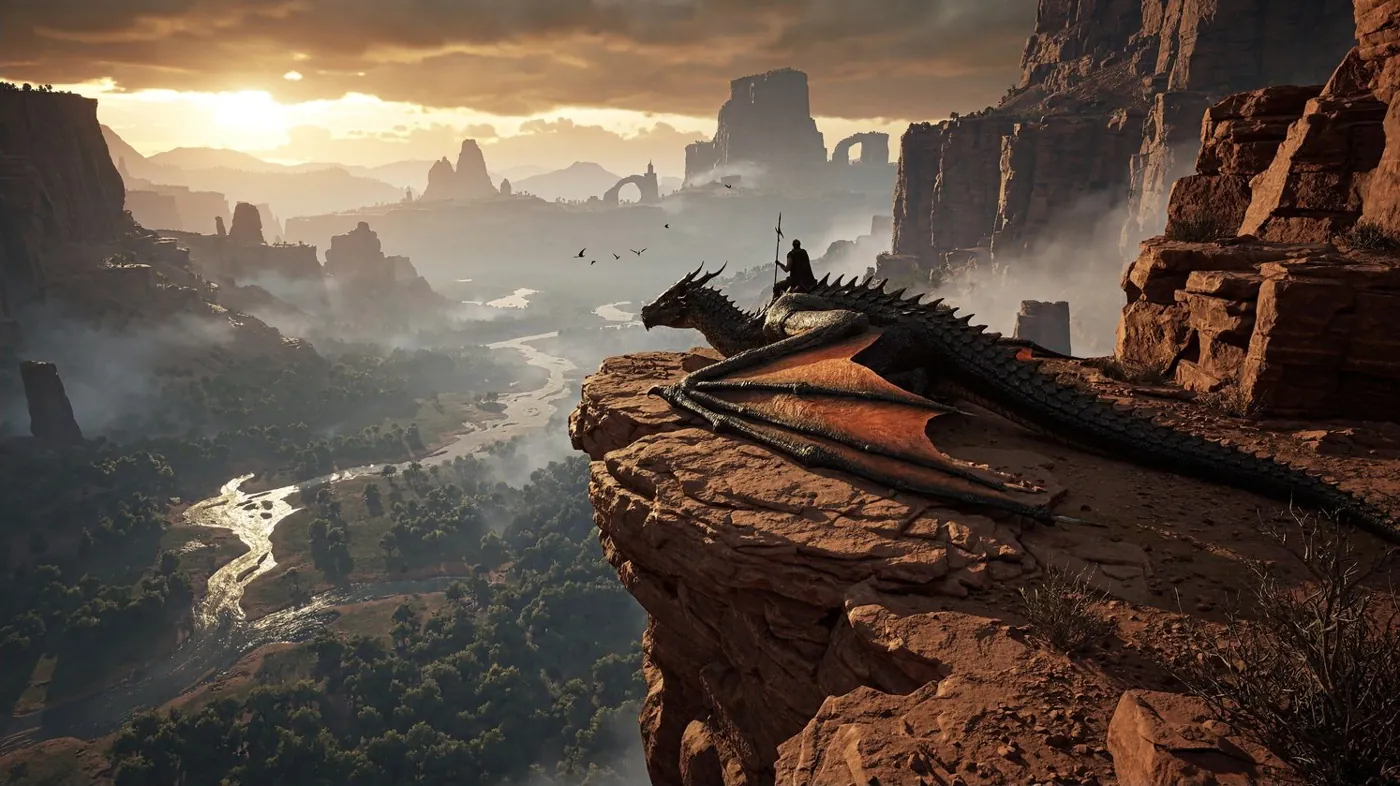
Log in and try it right now
H3 Image is already installed in Prism, Spyglass, PirateDiffusion and Unified Editor on your plan, with no credits and no image cap.
Get unlimited H3 Image on any plan
Every Graydient plan includes unlimited MiniMax H3 Image at full resolution, plus 30,000 open models, flat-rate with no credits.
Already a member? Log in and open Prism, Spyglass, PirateDiffusion or Unified Editor.
What is H3 Image?
H3 Image is MiniMax's open-weights image model, a 33.1B-parameter diffusion transformer. One checkpoint does both text-to-image and reference-based editing. It shares its Qwen3-VL text encoder with MiniMax's H3 video model, which is why it reads long, detailed English descriptions so well.
- Native ~16MP output: 4K-class images straight out of the model, no upscaler pass needed.
- 6 steps, guidance fixed at 1, no negative prompt. MiniMax quotes a 4K image in under 10 seconds.
- Prompts up to 4,096 tokens, so you can describe a whole scene.
- Up to 16 reference images for edits, character consistency and product shots.
Unlimited on every plan
Graydient is flat-rate GPU, not credits. H3 Image high-res renders are unlimited on every plan, so you can run long prompt experiments, big batches and variations without watching a meter. It sits next to the 30,000 open models already on Graydient. If you are comparing services, see flat-rate GPU vs credits or what Graydient is.
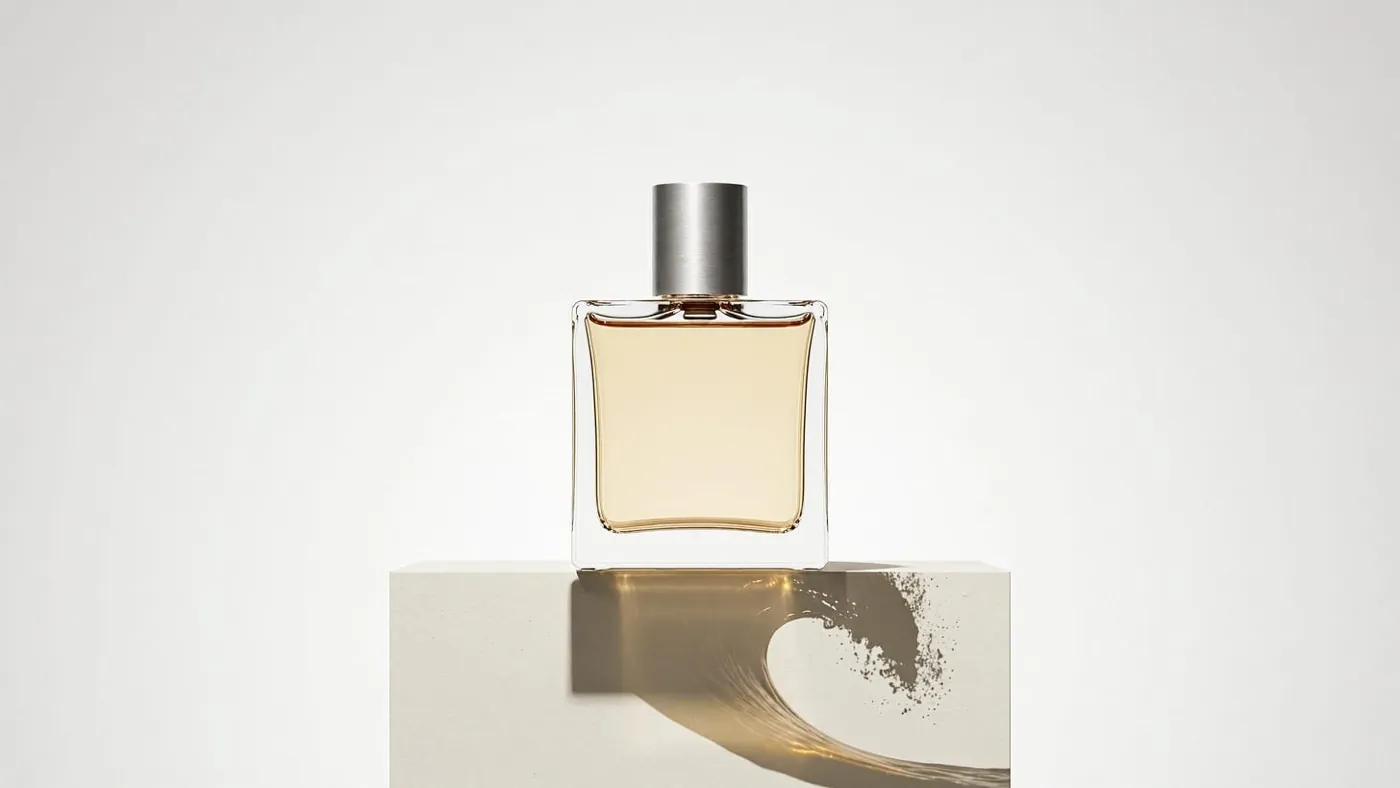
What it can do: the official showcase
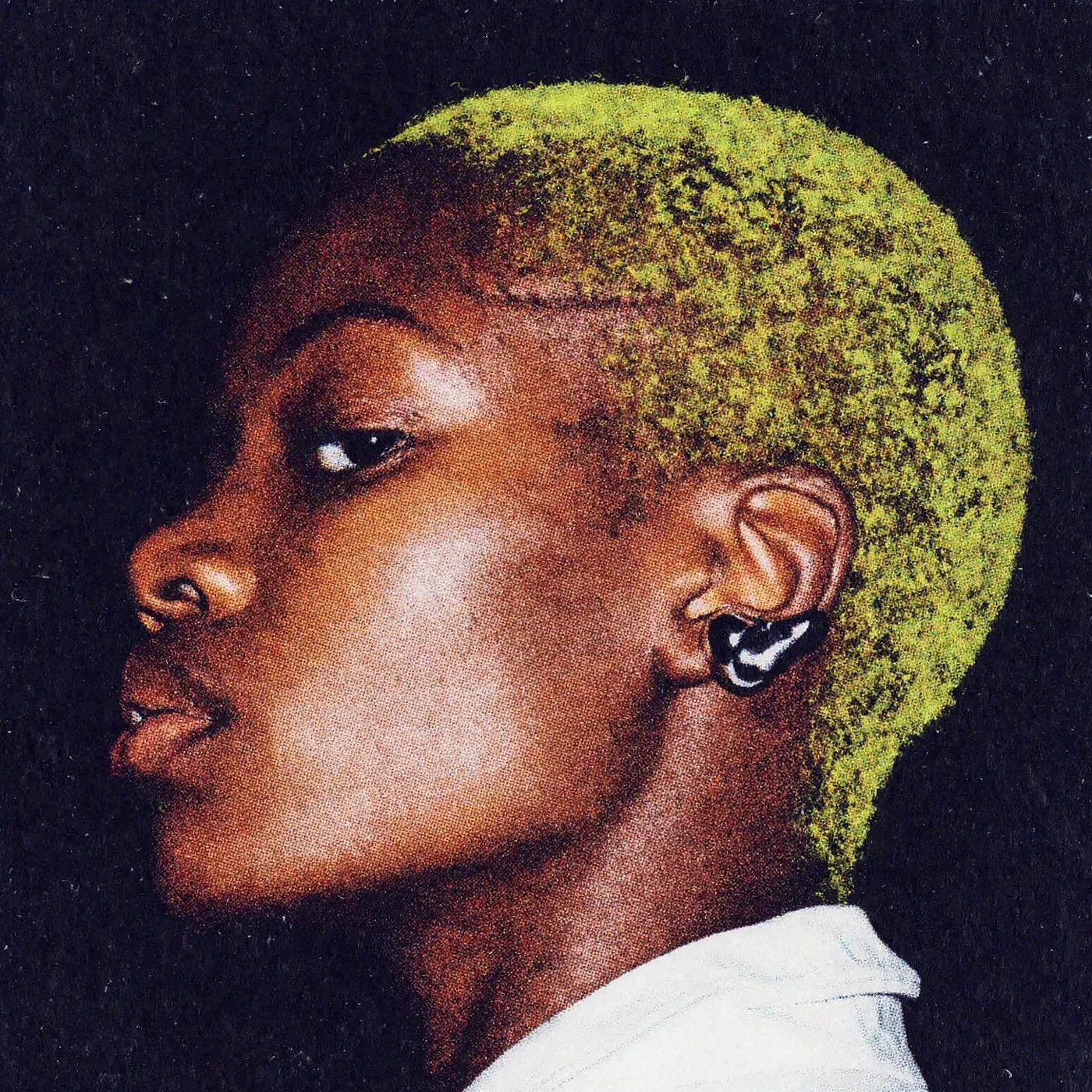
These renders come from the launch posts by ComfyUI and MiniMax on Hugging Face. They show the range: photoreal product shots, extreme close-ups, editorial portraits, illustration and layout.
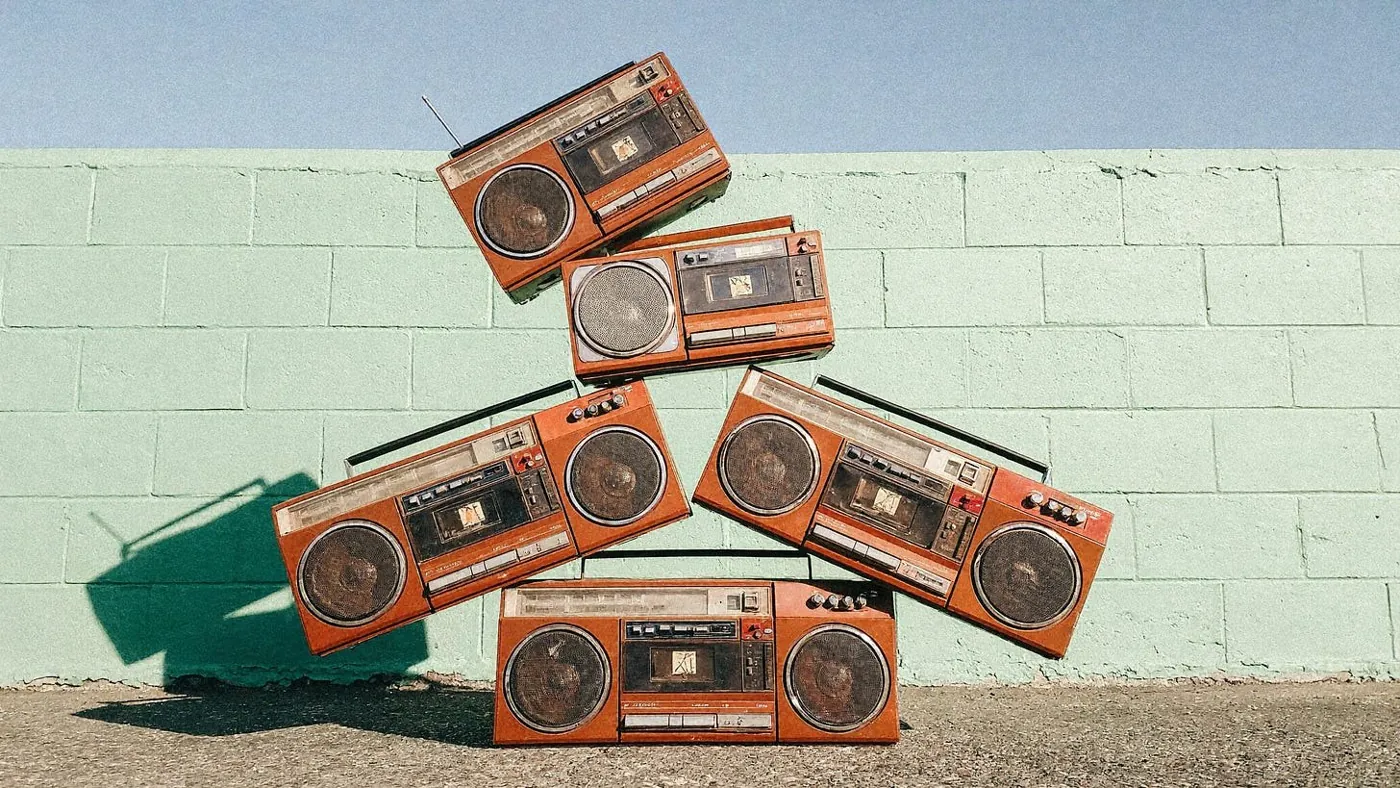
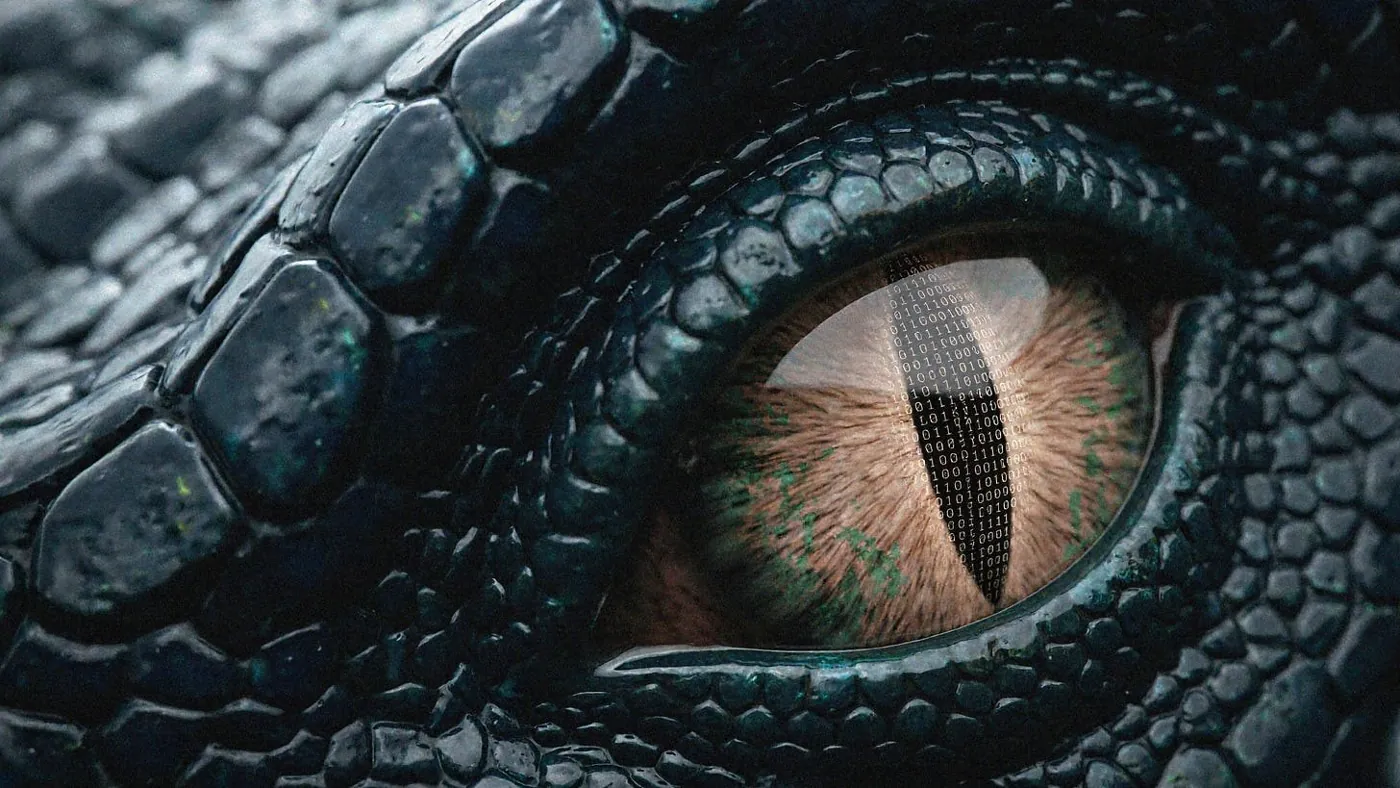
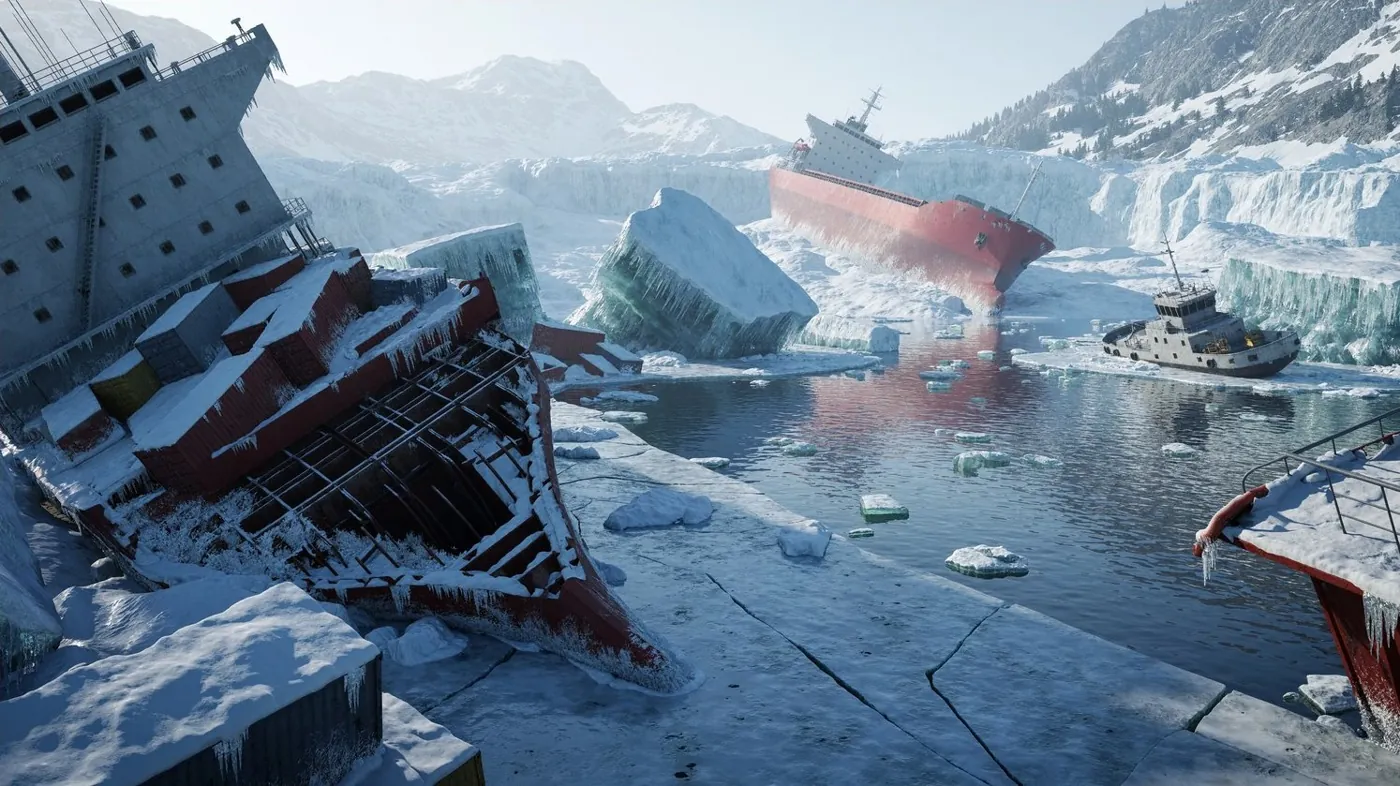
H3 Image style tips and tricks
1. Write the whole picture, not a tag list
H3 Image was trained on long, complete English descriptions. Instead of comma-separated keywords, write paragraphs that cover subject, setting, light, materials, composition and mood. MiniMax's own example starts from one sentence and expands it into a full scene:
Short ideaA rustic, overhead shot of a farm-to-table feast, showcasing a variety of colorful, seasonal vegetables, artisanal cheeses, and freshly baked bread on a weathered wooden table.
The model card's expanded version then spells out every dish, the wood grain, the light direction and the camera height, and renders at 4736×3552 (4:3).
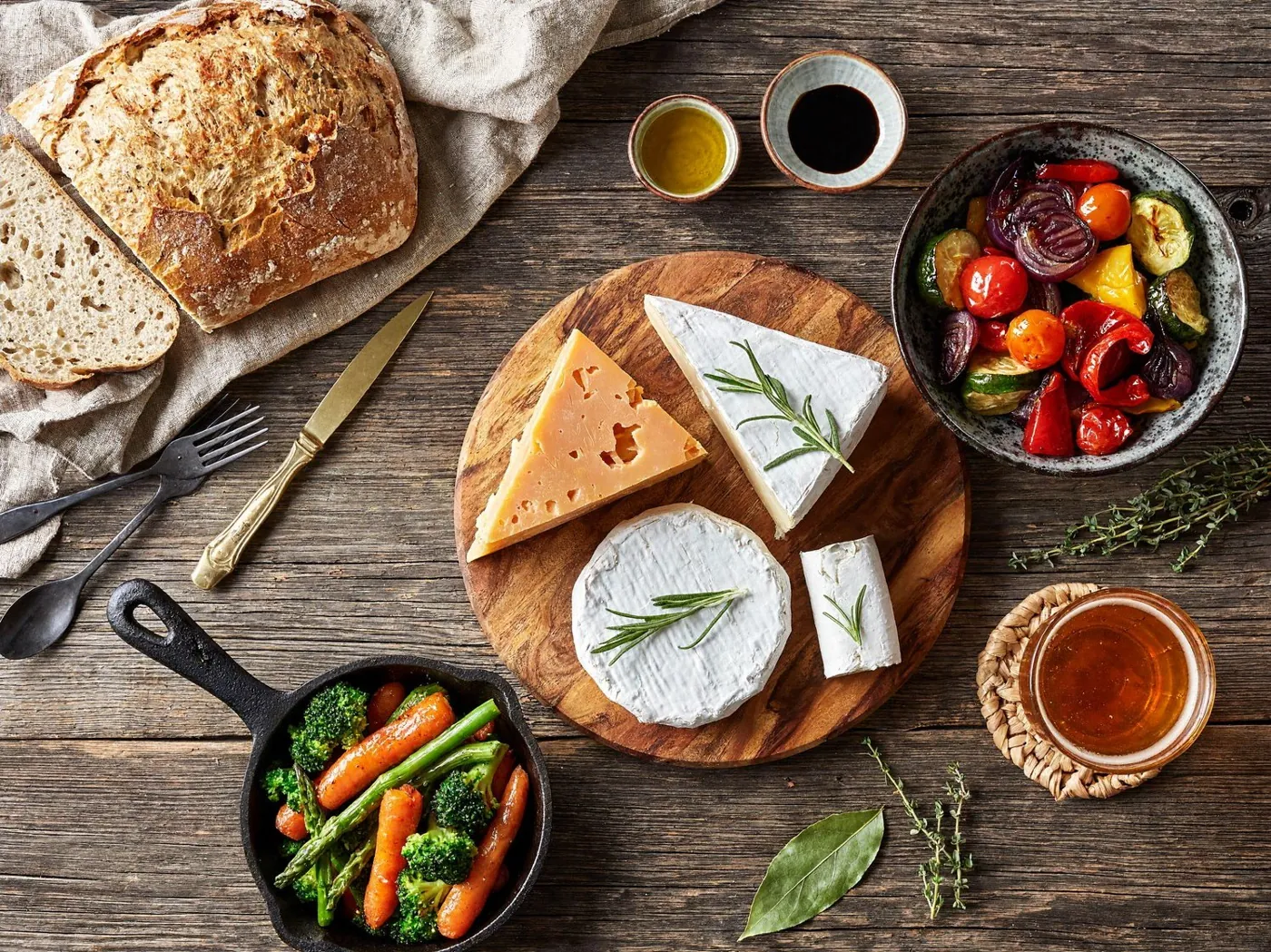
Trick: write your idea in one line, then ask Prism (or any chat model) to "expand this into a detailed photographic description." That is exactly what H3 Image's prompt expander does.
2. Name the camera, lens and film stock
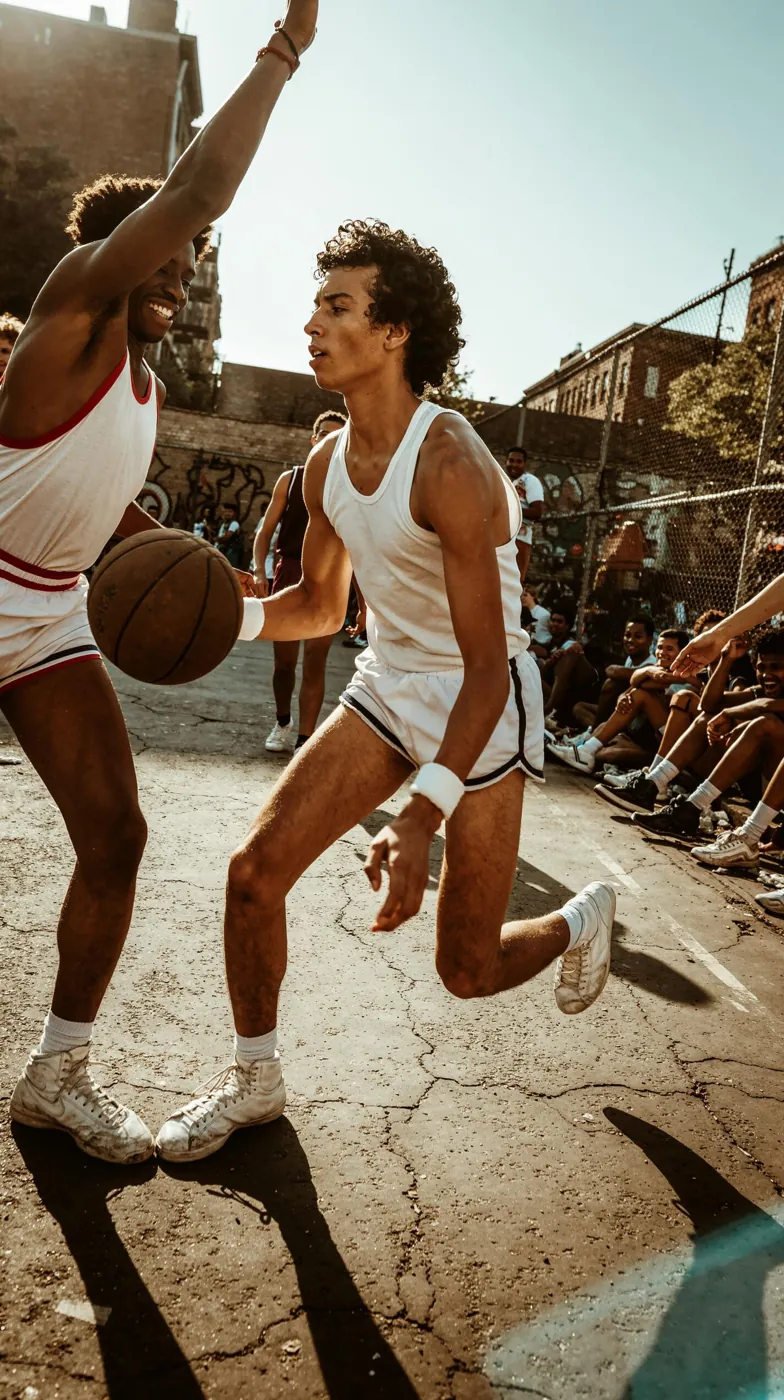
The most convincing community results read like a cinematographer's shot notes. Name a camera body, focal length, aperture and film stock, then say where the light comes from and how much of the frame sits in shadow.
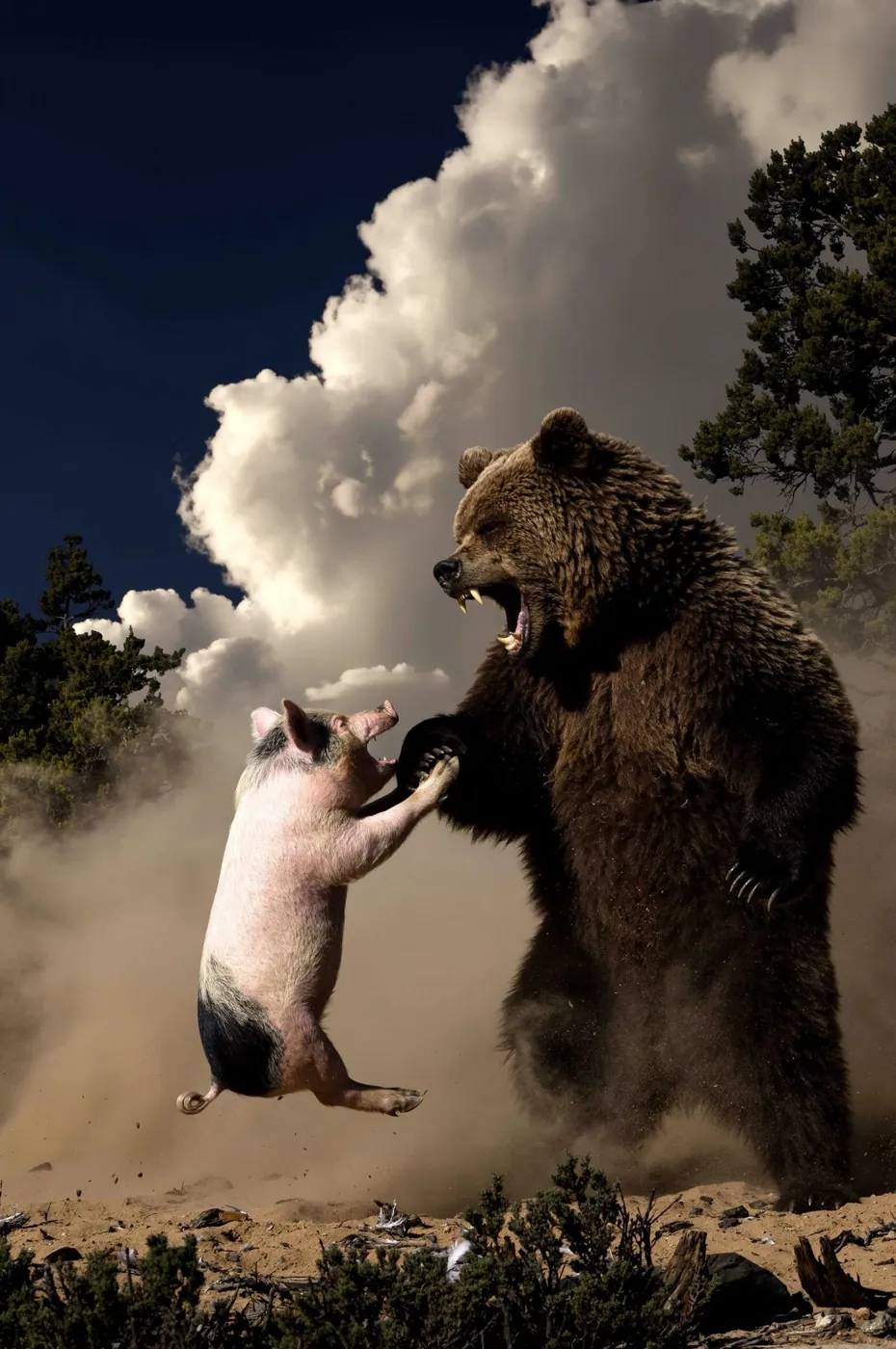
Prompt excerpt (bear and pig), by u/RayHell666A wildlife action photograph in the manner of a 1980s live-action wilderness feature production still, shot on a 35mm SLR with a 35mm lens at f/8, a fast shutter and a polarizing filter, on Kodachrome 64. The glass is clean with moderate sharpness, deep blacks and dense saturated contrast. Exposure is low-key, with about forty percent of the vertical frame in deep shadow…
Prompt excerpt (basketball), by u/RayHell666A late-1970s 35mm colour documentary photograph of a New York street basketball game, shot on a Nikon F2 with a 24mm f/2.8 lens stopped to f/8, on Kodacolor II negative film printed warm and slightly faded with age…
Note the percentages ("about forty percent of the frame in deep shadow"). H3 Image follows layout instructions like that surprisingly well.
3. Set the frame, aspect ratio and grade
Pick the native size that matches your shot, then describe the format inside the prompt too: letterbox bars, lens type, color grade.
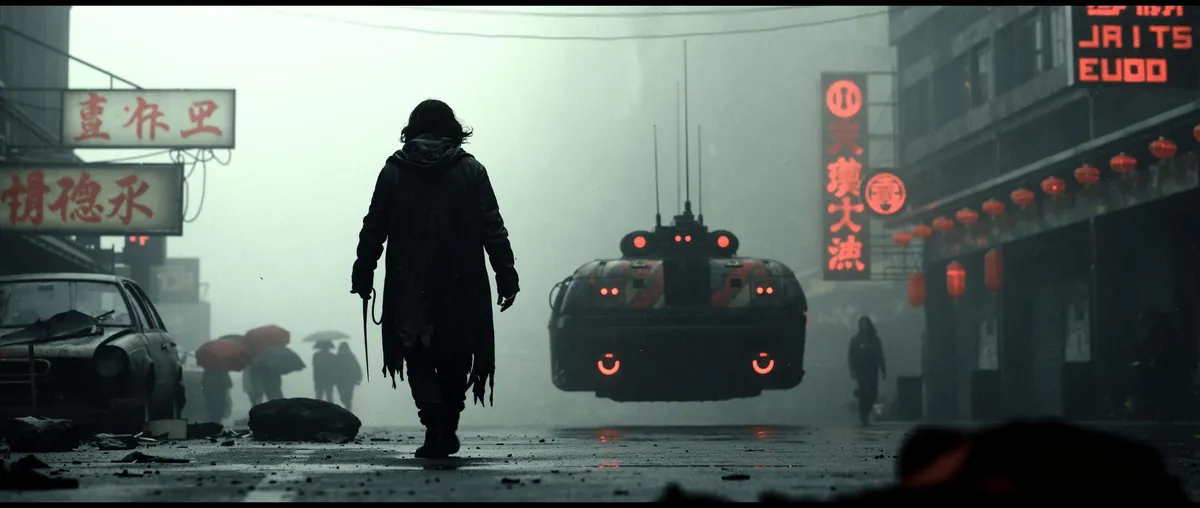
Prompt excerpt, by u/RayHell666…shot on an ARRI Alexa with a 135mm spherical prime at about T2.8, presented in 2.39:1 with black letterbox bars… teal-green grade…
| Aspect ratio | Native size | Good for |
|---|---|---|
| 1:1 | 4096×4096 | Avatars, product tiles, album art |
| 4:3 | 4736×3552 | Food, interiors, overhead shots |
| 3:2 | 5024×3360 | Classic 35mm photo framing |
| 16:9 | 5472×3072 | Wallpapers, thumbnails, video frames |
| 21:9 | 6272×2688 | Cinematic widescreen, banners |
Portrait versions of each size are available too (for example 3072×5472 for phone wallpapers).
4. Get the editorial film-portrait look
For people, describe the camera and film the same way and add how the stock was handled: pushed, scanned, cropped.
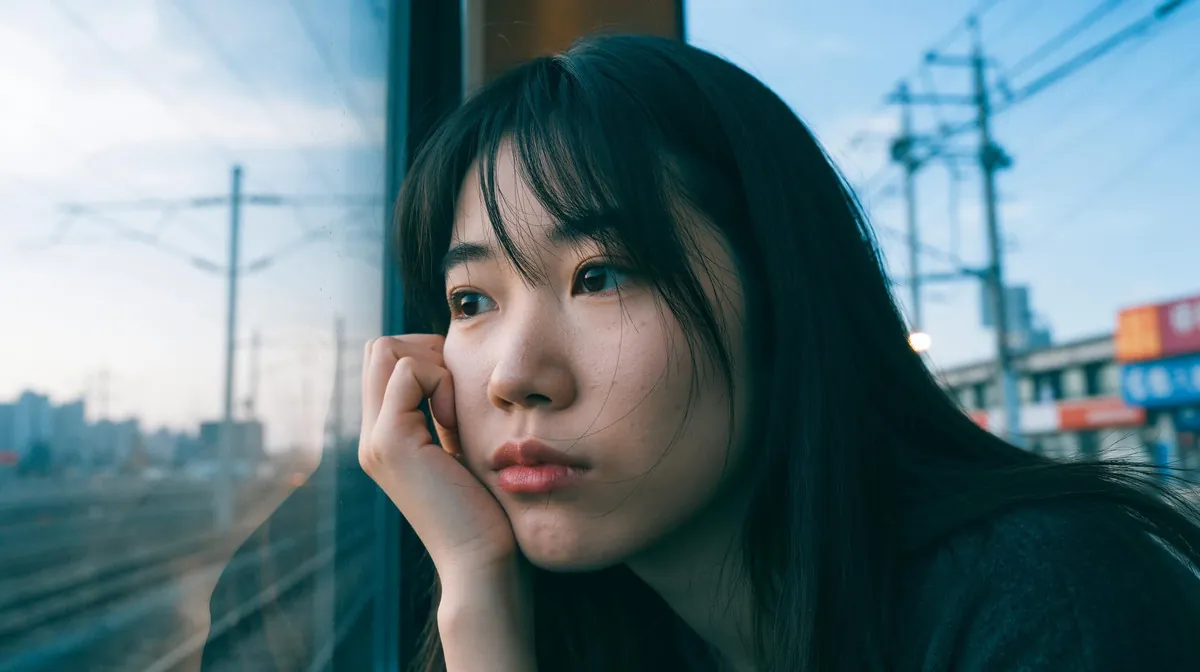
Prompt excerpt, by u/RayHell666A candid editorial portrait on 35mm film, shot with a Canon EOS-1V and a 35mm f/1.4 lens wide open on Fujifilm Pro 400H, pushed one stop and scanned in a wide 16:9 crop…
5. Switch to painting and illustration styles
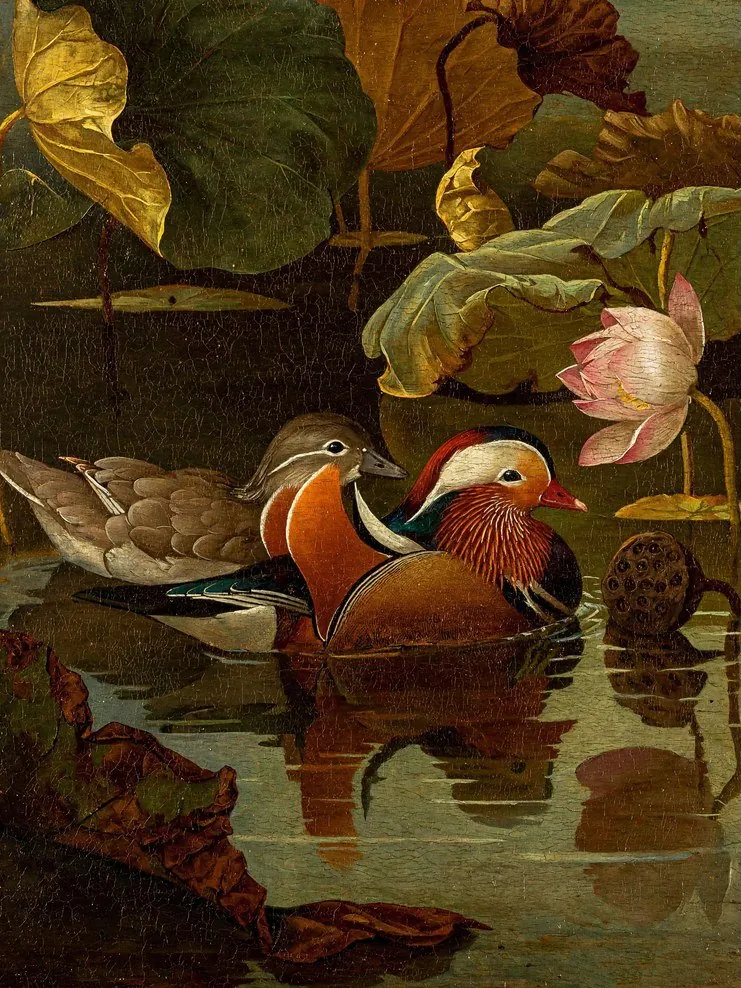
H3 Image is not just photoreal. Name the medium and the technique: oil impasto, loose watercolor washes, fine-line Chinese gongbi, ink brushwork. Describe the brushwork and paper as carefully as you would describe a lens.
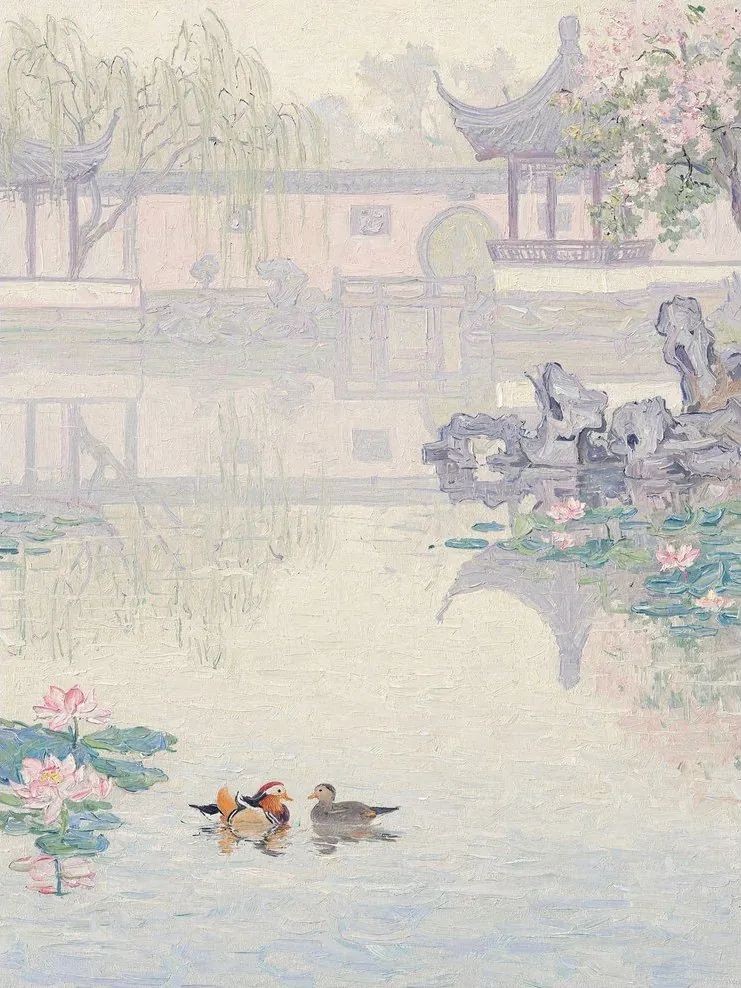
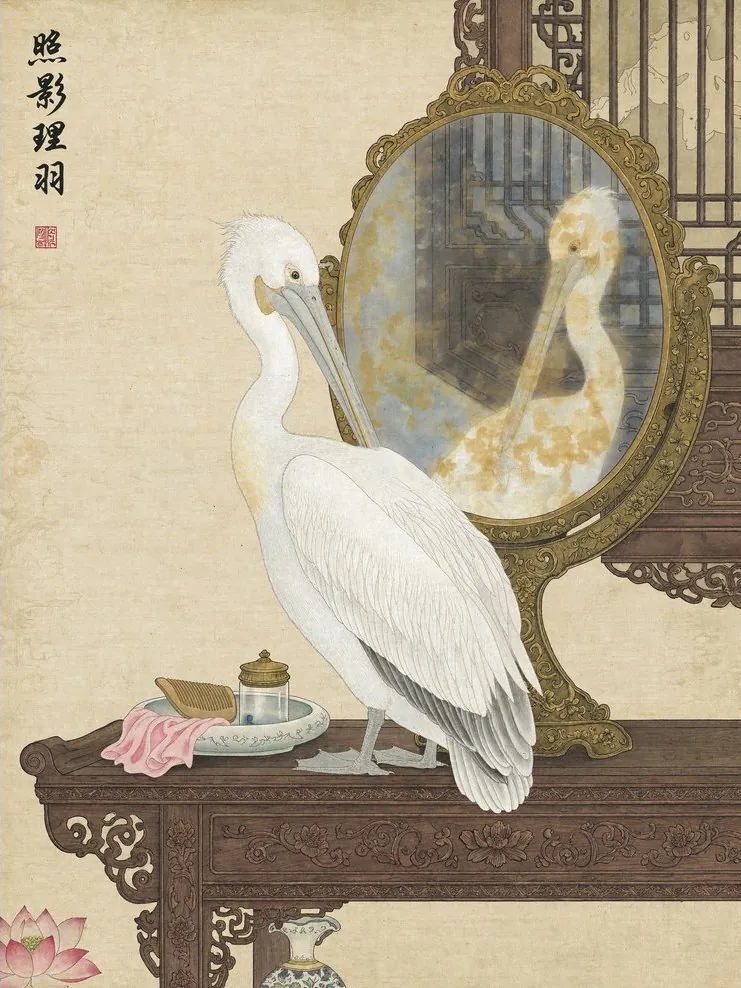
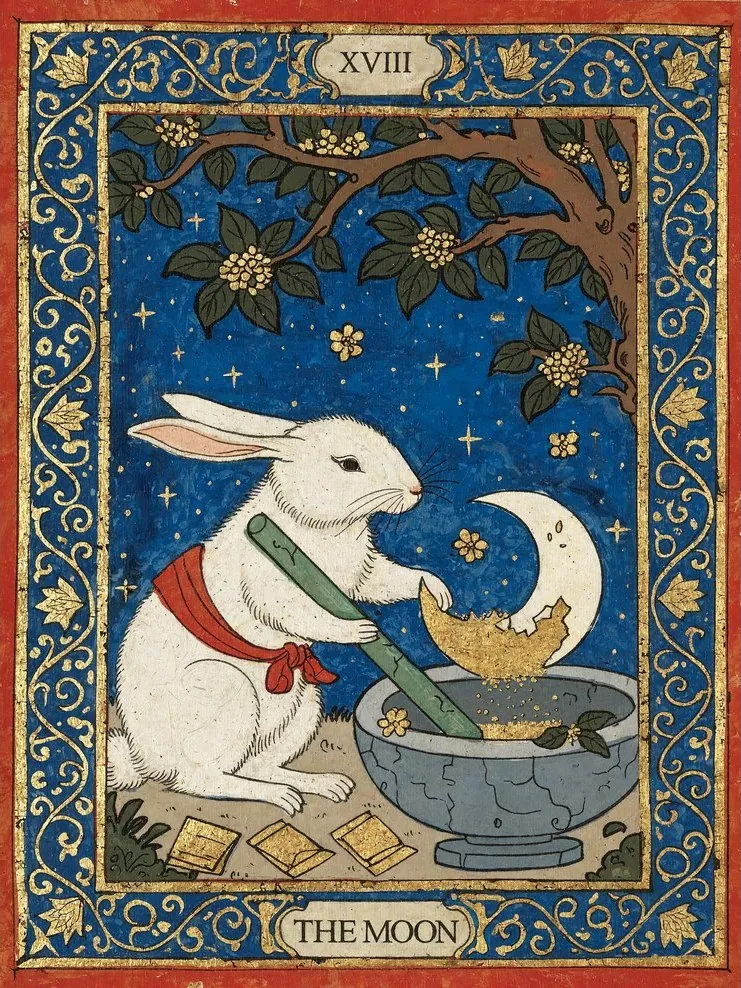
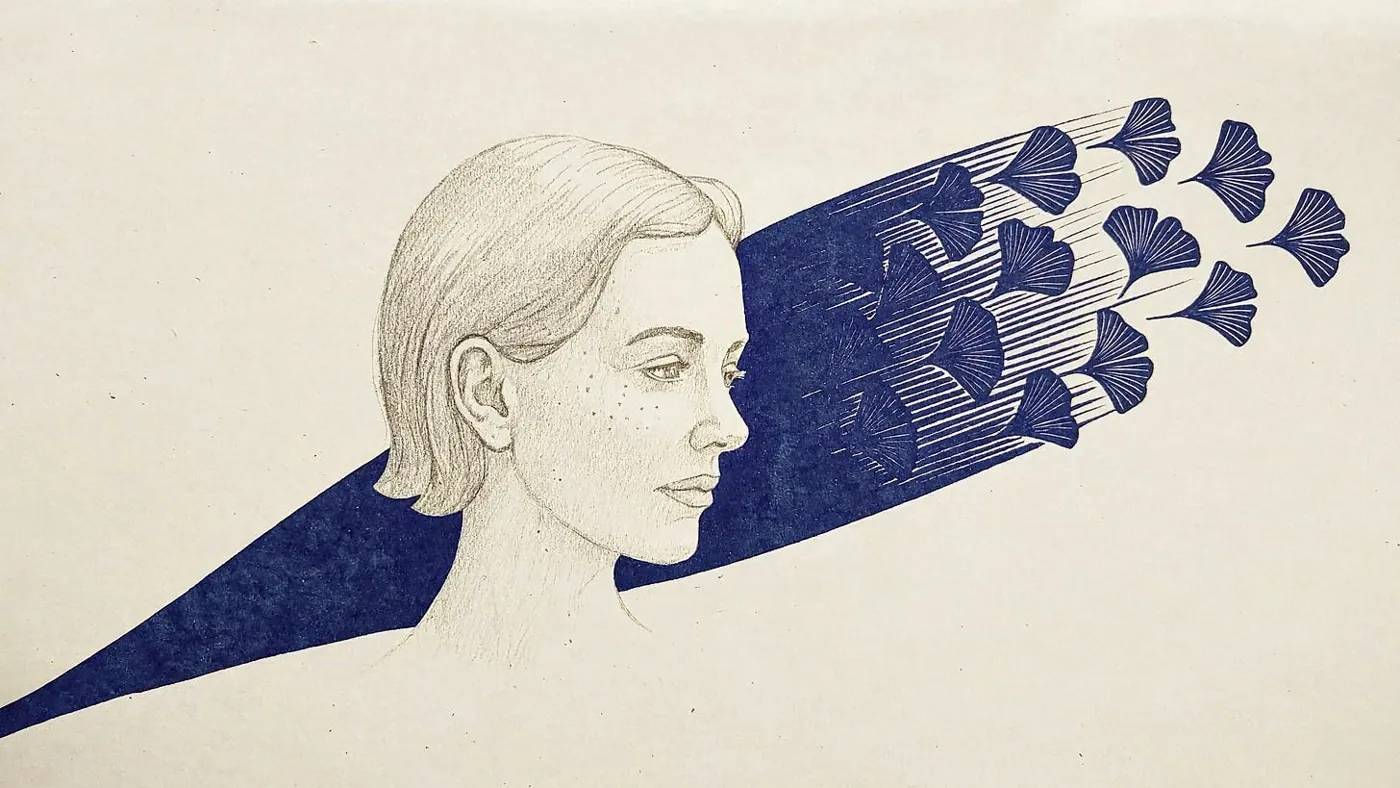
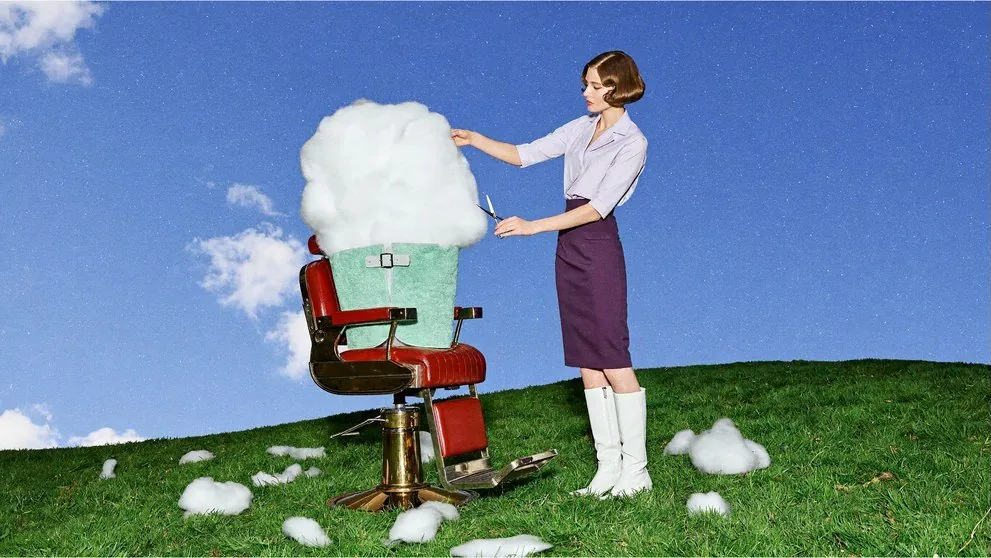
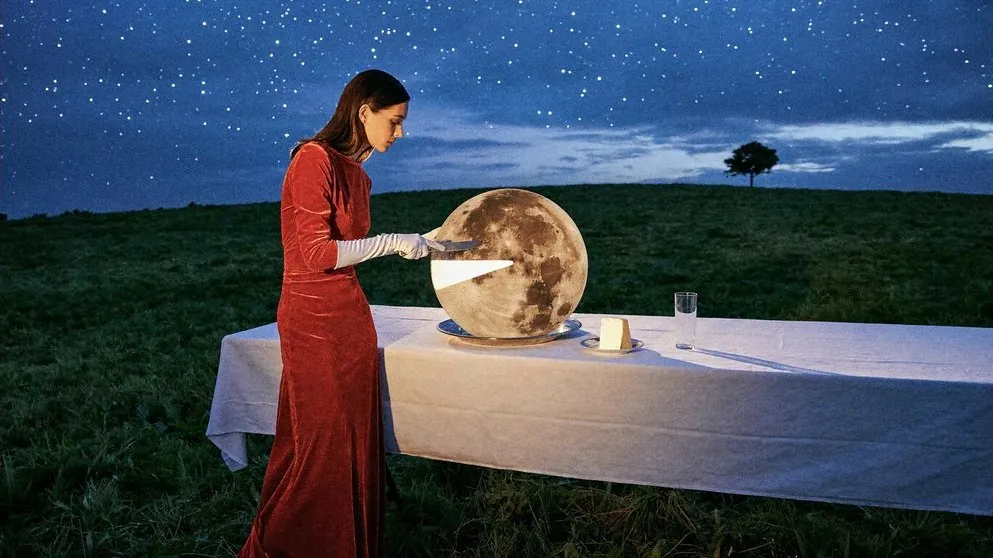
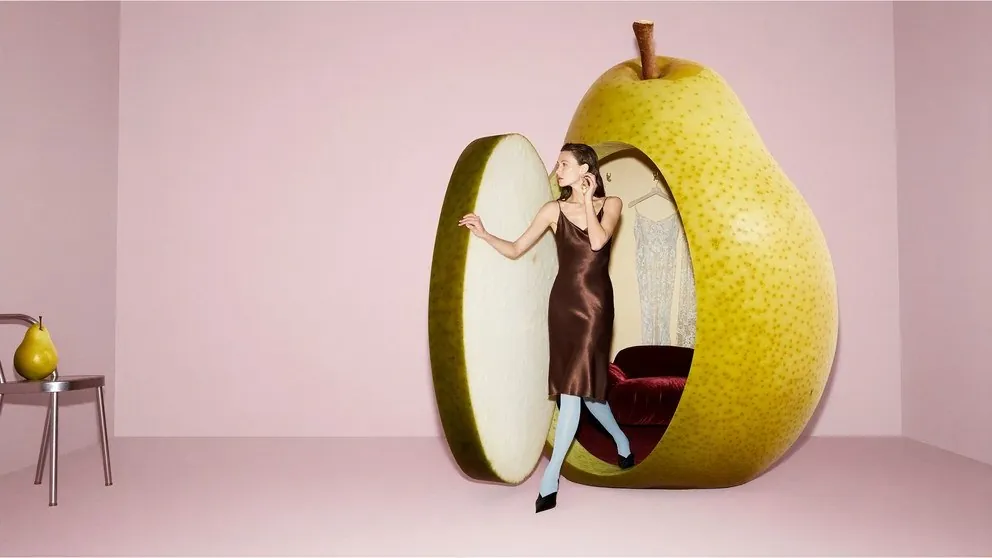
6. Go surreal, but keep it physical
Surreal concepts work best when you describe them as if they were real objects in real light: materials, scale, shadows, reflections.
7. Edit with reference images: <Picture 1>, <Picture 2>
Give H3 Image up to 16 references and refer to each one by position: <Picture 1> is the first image you added, <Picture 2> the second, and so on. Say exactly what to change, and describe what must stay the same.
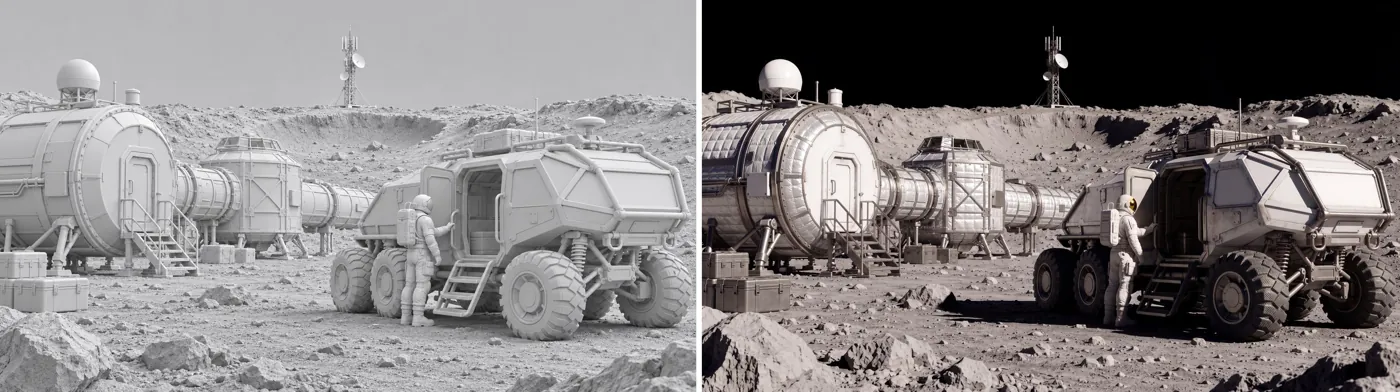
Edit instruction from the model cardTake the over-ear headphones off the man on the left and fill in his hair where the band flattened it. Have both hosts lean toward each other and fist-bump directly above the "MONEY TALKS" desk sign…
MiniMax's expanded version then labels every element ("the man on the left … in <Picture 1>", "the desk sign reading MONEY TALKS …") so the model knows what to keep. Do the same for logos, text and products you need to preserve.
8. Turnarounds and character sheets
Ask for a layout directly: "front, side and back views of the same outfit on a neutral studio background, evenly spaced." With references, you can keep a character or garment consistent across a set.
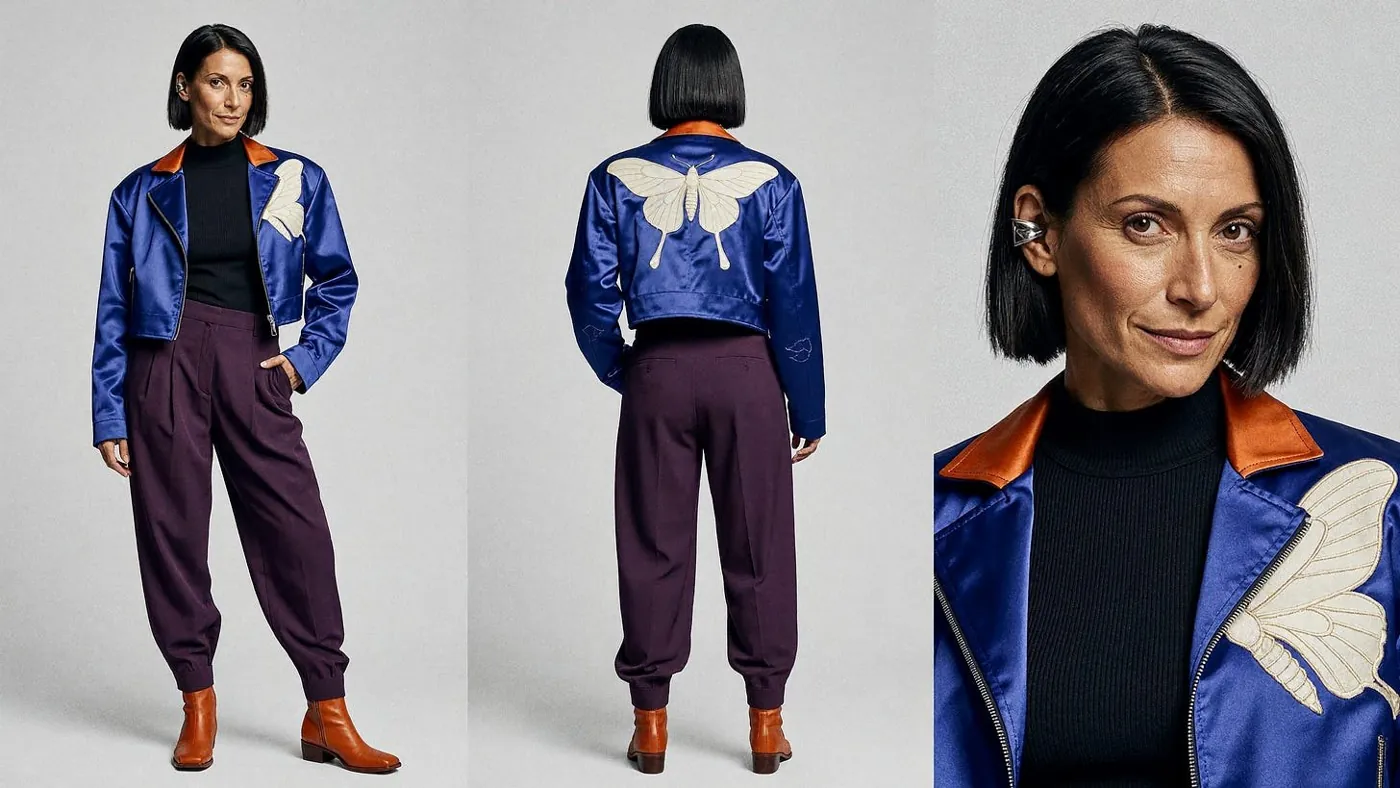
9. Power-user settings
- Skip the negative prompt. Guidance is fixed at 1, so put exclusions into the positive description ("clean background, no text").
- Render at 16MP, then downscale. u/RayHell666 renders at the default 16MP and downsizes by 0.33 with Lanczos for very clean, detailed results. An LCM sampler can reduce noise further.
- Let a language model write the long prompt. The community prompts above were written with an LLM from a short brief.
- Batch it. It's unlimited, so render many variations and keep the best.
How to try H3 Image on Graydient
You are all set. H3 Image is preinstalled in every app on your plan: Prism (chat-style creation), Spyglass (explore prompts and models), PirateDiffusion (generate from Telegram) and Unified Editor (canvas editing with references). Use the Log in to My Graydient button at the top of this page, pick your app, and paste a prompt from this guide.
- Pick any Graydient plan. All of them include unlimited H3 Image.
- Open Prism, Spyglass, PirateDiffusion or the Unified Editor. H3 Image is preinstalled.
- Paste a long prompt from this guide and pick a native size.
Get unlimited H3 Image on any plan
Every Graydient plan includes unlimited MiniMax H3 Image at full resolution, plus 30,000 open models, flat-rate with no credits.
Already a member? Log in and open Prism, Spyglass, PirateDiffusion or Unified Editor.
H3 Image FAQ
What is MiniMax H3 Image?
H3 Image is MiniMax's open-weights image model: a 33.1B-parameter diffusion transformer that handles both text-to-image and reference-based editing in one checkpoint. It renders natively at about 16 megapixels in 6 steps.
Is H3 Image really unlimited on Graydient?
Yes. H3 Image high-res generation is unlimited on every Graydient plan. Graydient is flat-rate, so there are no credits or per-image fees.
Which AI models are included?
Every plan includes H3 Image plus one-click access to 30,000 open image and video models, including Flux, SDXL, Wan and Hunyuan, the new Flux 3, Moss and Anima families, and LTX 2.3 for video. You can also install your own LoRAs and import models from ModelTrends, including community H3 fine-tunes.
Which Graydient apps have H3 Image?
Prism, Spyglass, PirateDiffusion and Unified Editor all have H3 Image preinstalled. Log in once and pick the app you prefer.
What resolutions does H3 Image support?
Native sizes are about 16MP: 4096×4096 (1:1), 4736×3552 (4:3), 5024×3360 (3:2), 5472×3072 (16:9) and 6272×2688 (21:9), with portrait versions of each.
Do I need a negative prompt?
No. H3 Image runs with guidance fixed at 1 and no negative prompt. Put everything you want into one complete positive description instead.
Can H3 Image edit an existing picture?
Yes. Give it up to 16 reference images and refer to them as <Picture 1>, <Picture 2> and so on, in the order you added them.
Showcase images are from the ComfyUI blog and the MiniMaxAI/MiniMax-H3-Image model card on Hugging Face. Community images and prompts by u/RayHell666 on r/StableDiffusion, used with credit. These are example outputs from H3 Image; they were not made on Graydient.
More reading: MiniMax H3 workflows on Graydient · Flux 3, Moss and Anima on Graydient · Prism, SpyGlass and Vector · Graydient Max