
Animate LTX-2.5 image-to-video workflow
See plans and pricing Installable from ModelTrends
LTX-2.5 turns a picture into a video with its sound generated in the same pass. The model understands natural language, so no special tags or tricks are needed to get audio: describe what happens and what is heard. Longer one-shot videos are possible; the example on the home page is a 1200-frame clip from one prompt. The prompt enhancer (/slot1:1) rewrites your prompt with more detail and improves the overall quality.
Compatible / Available in Graydient-powered Apps





Sample renders
Made with the models this workflow runs. Prompts are credited on BunchaPrompts; the model opens on ModelTrends. Pick a thumbnail to see the render large with the prompt that made it.
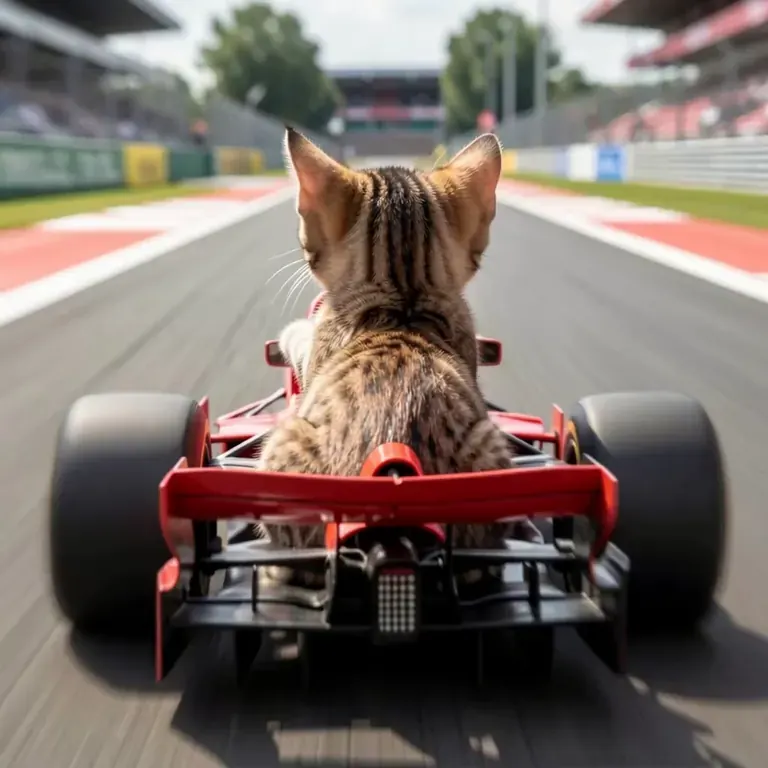
Prompt by Petishamiaou on BunchaPrompts · (LTX-2 Lora) - Rally (Race) Driver POV Video
r4llyp0v, POV view of a kitten driving a formula1 car on a track at fast speed.
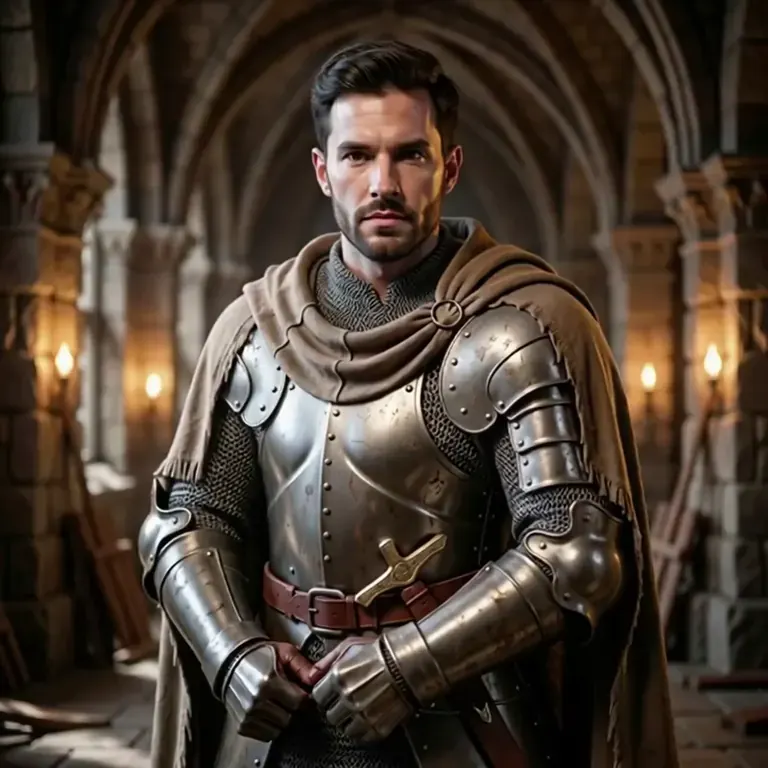
Prompt by kabachuha on BunchaPrompts · Disguise Drop - LTX-2 / Wan2.1 14B FLF2V
Disguise drop. A knight in shining, bulky armor stands in a castle courtyard. He struggles to move, then has an idea. He unzips the chest plate, revealing not a man, but a clever miniature raccoon inside. The miniature raccoon pops out, drops the suit, and scurries off with a piece of stolen treasure.
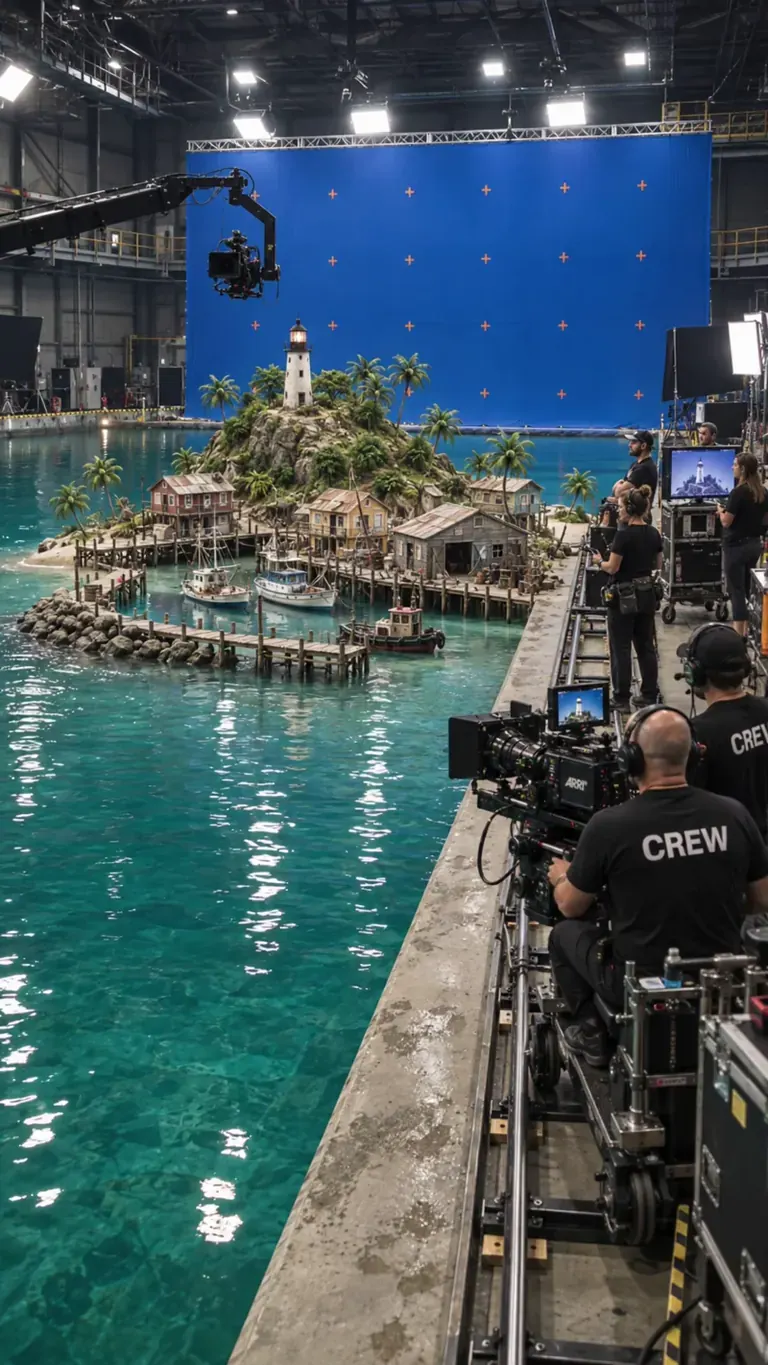
Prompt by Solricks on BunchaPrompts · BTS Movie Set
btssetstyle, locked-off stationary camera, miniature water-tank film shoot. The off-screen director calls, "And... action!" as a wave-maker sends a realistic surge across the studio tank. The wave crashes into the miniature harbor, tossing scale boats and flooding the wooden piers with white foam. As the water dissipates into calm foam, the director calls, "Cut!" The camera crew in the foreground relaxes, smiles, and applauds the take. Realistic water physics, blue-screen soundstage, 4k photorealistic
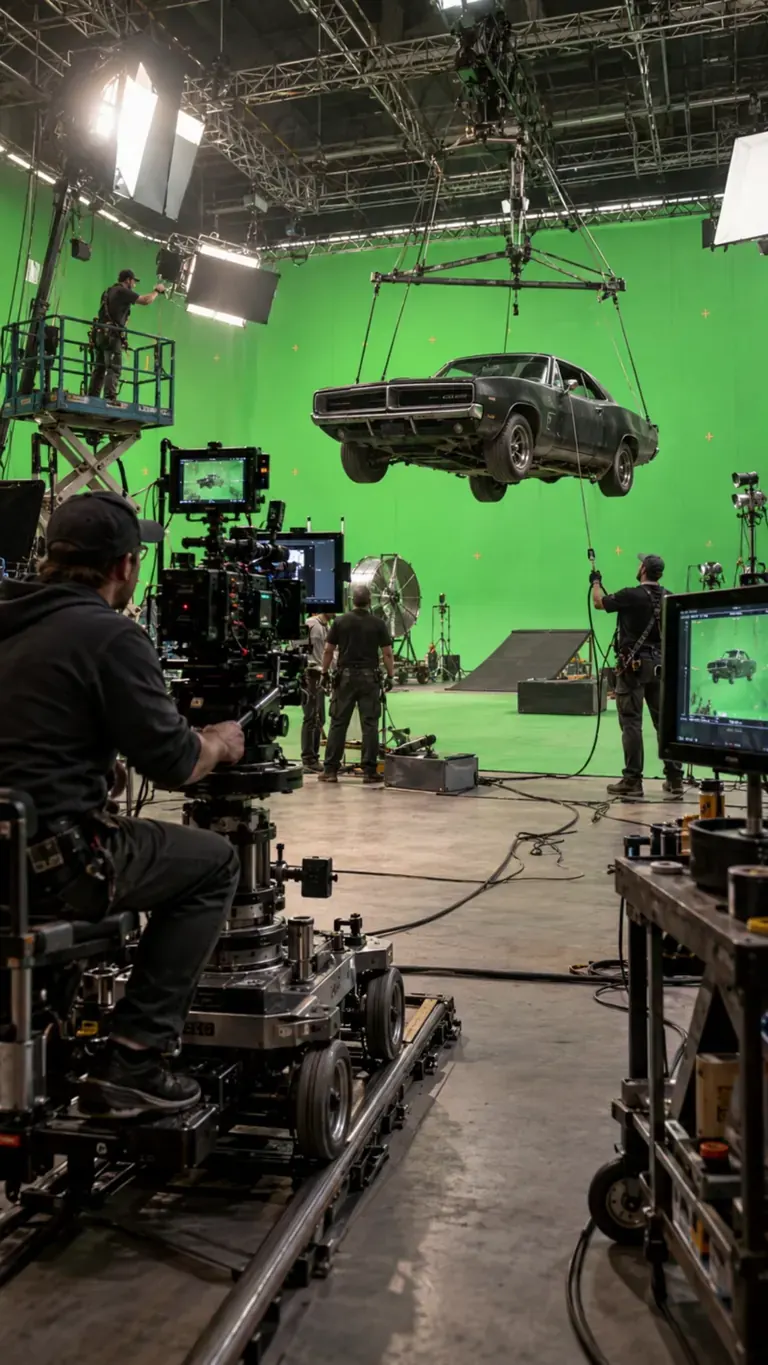
Prompt by Solricks on BunchaPrompts · BTS Movie Set
btssetstyle, Create a realistic behind-the-scenes vehicle stunt shoot. The suspended car moves very slightly on its rig with believable weight and inertia while crew members make natural adjustments around the set. The camera operator slowly moves the dolly along the track, technicians monitor the suspended vehicle, and the overhead rig remains stable. Keep all green-screen walls, stunt equipment, camera rigs and visible crew present throughout. Motion should be restrained, physically grounded and documentary-like, as if filmed during a real high-budget action production.
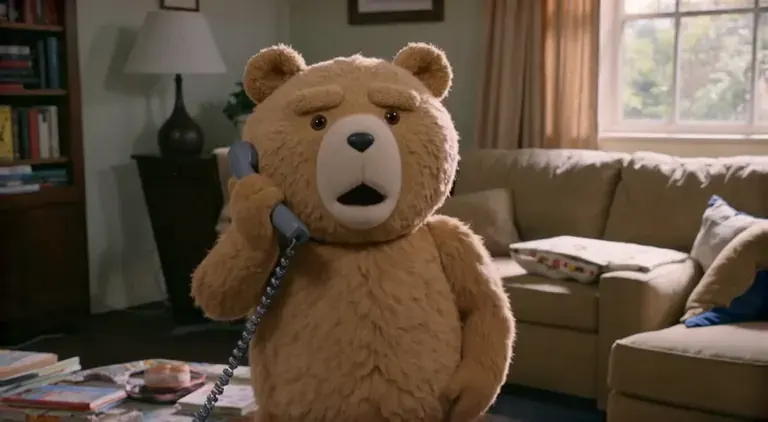
Prompt by kronos1959777 on BunchaPrompts · Immediate Scene Transition [LTX 2.3]
closeup of Ted_Bear in his living room on the phone saying, \"oh god, Jeffrey, you're in prison!?\" immediate scene transition to the same person (Ted_Bear) inside a prison visitor room talking to an unseen figure. After the scene transition, Ted_Bear is saying, \"Oh, Jeffrey, thank god you're doing okay. Are they treating you well here? I can't imagine my good friend Jeffrey ending up in a place like this. You've always been so good to people, especially ***.
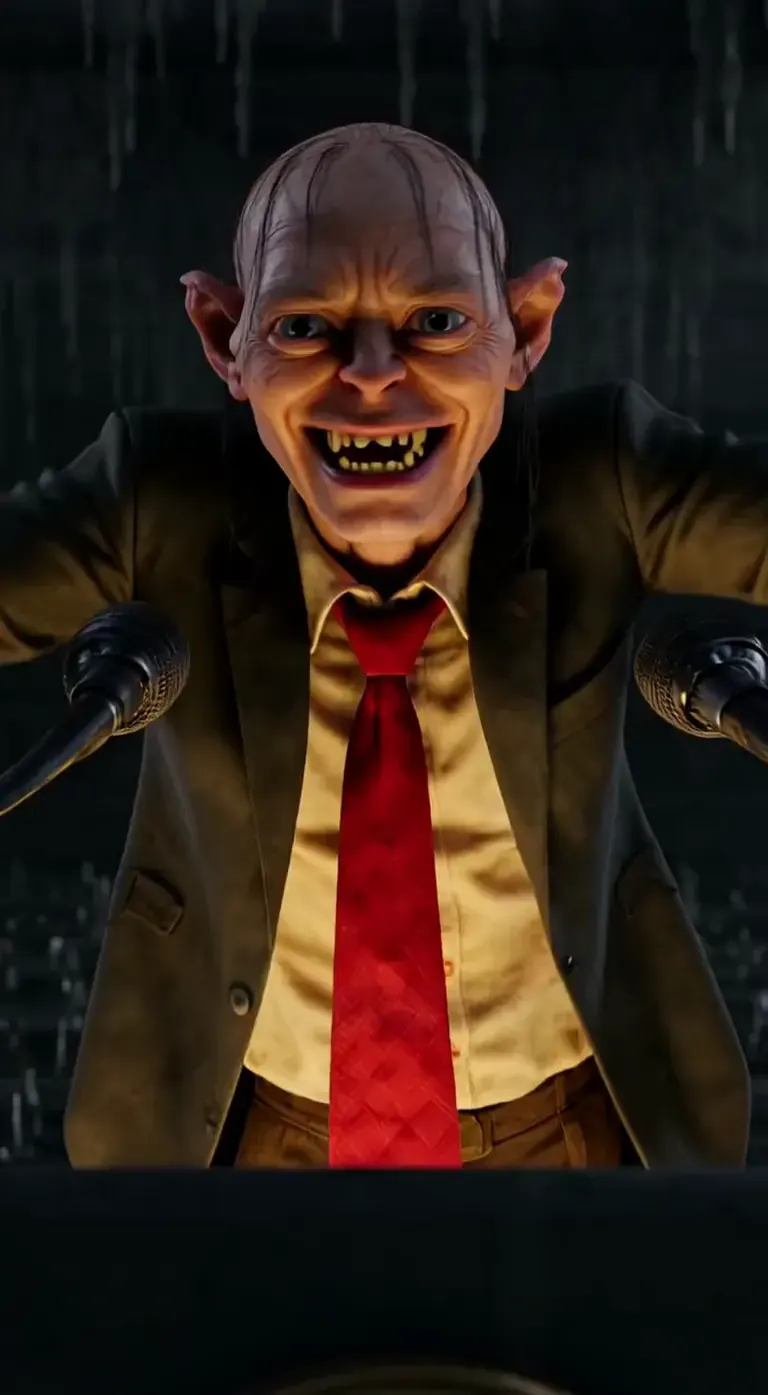
Prompt by playtime_ai_ · Gollum - LTX-2
Every time I hear trump speak, this is how I see it in my head... It really isn't fair to Gollum though. At least Gollum has redeeming qualities. Anyway, Donald Trump really said this dumb shite. Enjoy!
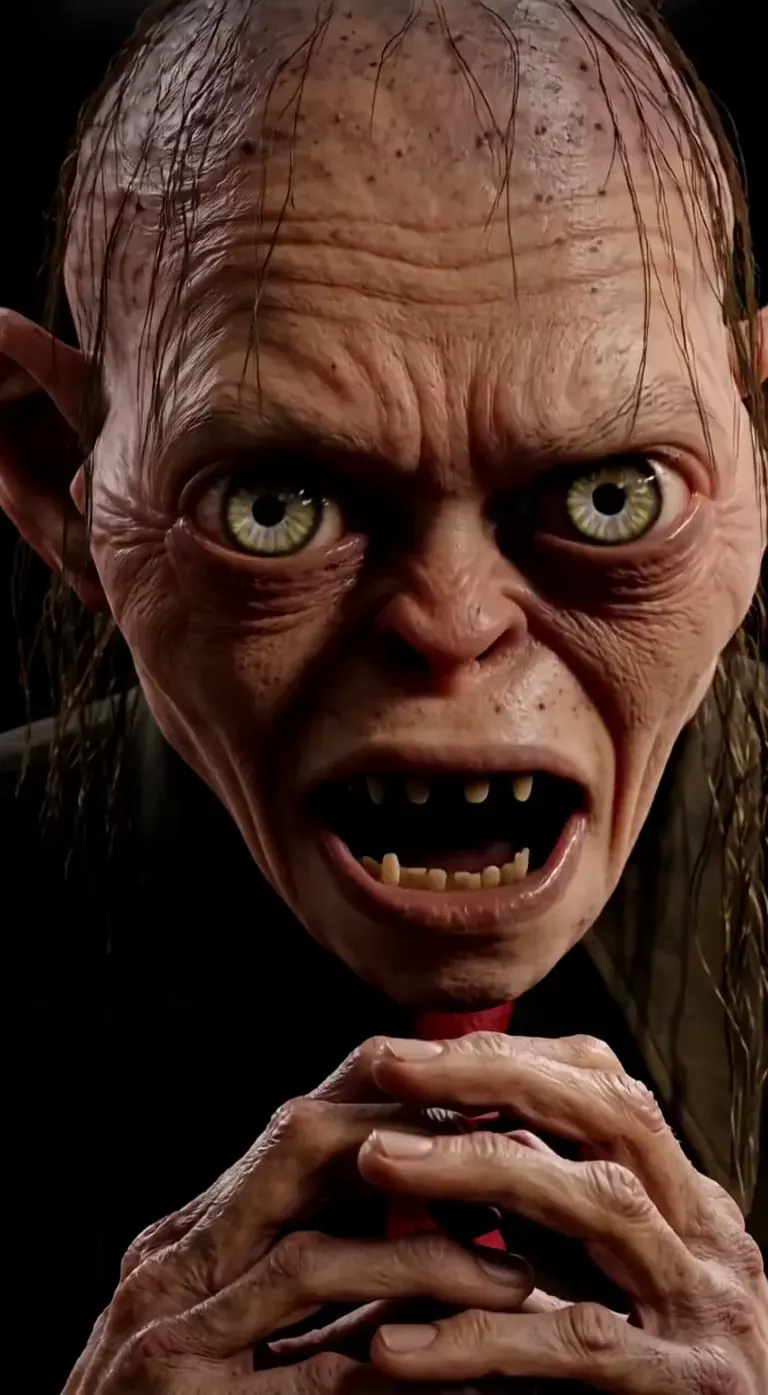
Prompt by playtime_ai_ on BunchaPrompts · Gollum - LTX-2
Every time I hear trump speak, this is how I see it in my head... It really isn't fair to Gollum though. At least Gollum has redeeming qualities. Anyway, Donald Trump really said this dumb shite. Enjoy!
Prompts from BunchaPrompts. Workflows and models on ModelTrends.
Options
| Option | Maps to | Default |
|---|---|---|
(image) | Load Image → image | — |
(prompt) | CLIP Text Encode → text | — |
/guidance | KSampler → cfg | 3 |
/length | LTXV Img To Video → length (frames) | 1200 |
/seed | KSampler → seed | random |
/size | LTXV Img To Video → width, height | 640 × 640 |
/slot1 | Prompt Enhancer → enhance (1 = on) | 0 |
/steps | KSampler → steps | 30 |
Models used
 Animate LTX-2.5 Model imported by shortcode
 /run:animate-ltx25 from ModelTrends See it on ModelTrends For Developers (optional)
Example API snippet. You can build your own app with this workflow for personal use. Upgrade to a Business Plan when you're ready to deploy. See the full rendering API documentation.
curl https://cloud.graydient.ai/api/v3/render/ \
  -X POST \
  -H "Content-Type: application/vnd.api+json" \
  -H "Accept: application/vnd.api+json" \
  -H "Authorization: Bearer $GRAYDIENT_TOKEN" \
  -d '{
    "prompt": "/workflow /run:animate-ltx25 /size:640x640 /length:1200 a parrot and a pirate are singing. the lyrics are about booze, pizza, generative ai, pirate, diffusion, \"making longer videos in one shot prompts is now possible\"",
    "callback_url": "https://example.com/webhook/render"
}'This is how it works behind the scenes. This is already configured for you. The parameters in the table above plug into these slots, allowing you to change how it works and which models get loaded. You don't have to understand or modify this - it just works, already set up.
Read-only view. The highlighted pills are the options a call can set. Natural prompting; describe the sound as well as the motion.
Node docs on ModelTrends
Plain-language write-ups for nodes in this graph: what each one does, its inputs and outputs, and how to fix the errors it throws.
- Load Checkpoint
- Load Image
- CLIP Text Encode (Prompt)
- KSampler
- VAE Decode
All the workflows: Powerful Workflows