
Anima: a complete guide to the anime and illustration model
Anima is a 2-billion-parameter anime and illustration model created by CircleStone Labs in collaboration with Comfy Org. Anima-Base v1.0 was released on May 14, 2026. It reads both booru-style tags and plain English, which makes it unusually flexible for character and illustration work. This guide covers the versions, prompt structure and settings from the official model card.
Log in and try Anima
Anima runs in Prism, SpyGlass, Vector, Unified Editor and PirateDiffusion through the anima workflow, which supports Anima LoRAs, alongside community fine-tunes.
Graydient plans are compatible with Anima
Run Anima alongside more than 30,000 open image and video models on flat-rate GPU, with no credits and no per-image fees.
Already a member? Log in to My Graydient.
What is Anima?
Anima focuses on anime concepts, characters and styles, and also handles a wide variety of other non-photorealistic content. According to the model card it was trained on several million anime images and about 800,000 non-anime artistic images, with no synthetic data; the anime training data has a knowledge cut-off of September 2025. It is built on NVIDIA Cosmos (a derivative of Cosmos-Predict2-2B-Text2Image), uses a small Qwen3 0.6B text encoder and the Qwen-Image VAE, and runs natively in ComfyUI.
- 2B parameters: light enough for hardware that runs SDXL-class models.
- Tags and natural language, separately or mixed in any order.
- Three versions: Base, Aesthetic and Turbo.
- Illustration first: intentionally not a photorealism model.
Base, Aesthetic and Turbo
| Version | What it is | Use it for |
|---|---|---|
| Anima-Base | Pretrained, unrefined base model | LoRA training; maximum flexibility, diversity and style adherence |
| Anima-Aesthetic | Fine-tuned on high-quality images for consistency and a stronger default style | Polished renders with less prompting |
| Anima-Turbo | Distilled for fast generation, CFG 1 at 8 to 12 steps | Fast iteration; the model card’s recommended starting point |
The model card's author recommends starting with Turbo: on average it is only slightly worse than Aesthetic while being very fast, and its added stability can sometimes make it better.
How to prompt Anima
1. Start with the recommended prefix
The model card recommends this positive prefix, which includes a safety tag. Anima uses the safety tags safe, sensitive, nsfw and explicit; keep safe in the positive prompt for general-audience work.
masterpiece, best quality, score_7, safe,
2. Follow the tag order
The model card gives this order: quality, meta, year and safety tags; then the subject count (for example 1girl, 1boy, 1other or no humans); then character, series, artist and general tags. Within each section order is free. Use lowercase tags with spaces instead of underscores; only the score_ tags keep underscores. Because Anima was trained with random tag dropout, you do not need every relevant tag.
masterpiece, best quality, score_7, safe, no humans, scenery, ramen shop, night, rain, neon lights, steam, wet street, reflections, lantern, cozy, highres
3. Or write at least two descriptive sentences
For pure natural language, more descriptive is better: the model card advises at least two sentences, because extremely short prompts give unexpected results. Quality and artist tags can lead the sentence.
masterpiece, best quality, safe. A watercolor-style anime illustration of a small mountain village at dawn. Mist drifts between wooden houses with tiled roofs, and a narrow stone path leads uphill to a red shrine gate. Soft pink light from the rising sun catches the edges of the clouds.
4. Describe named characters, not just their names
When prompting a known character, name them and then describe their basic appearance. This matters most with several characters: a list of names without descriptions can confuse the model. Use standard English capitalization for character and series names.
5. Prefix artist tags with @
Artist styles must be written with an @ prefix, for example @artist name; without it the effect is very weak.
6. Use dataset tags for non-anime looks
Anima was also trained on filtered LAION-POP (ye-pop) and DeviantArt data, labelled with a dataset tag on the first line of the prompt. Starting a prompt with deviantart or ye-pop, optionally followed by a title line, steers it toward those painterly, non-anime styles.
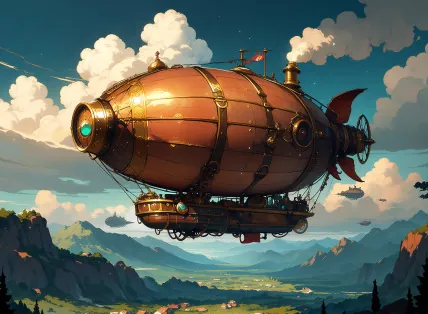
deviantart Airship at dusk Digital painting of a copper airship with a riveted hull drifting above rolling green hills at dusk, warm clouds lit from below, small propellers turning, soft painterly brushwork.
7. Weight prompts more heavily than SDXL
Prompt weighting works, but Anima needs higher weights than SDXL users expect; the model card's example is (chibi:2).
Recommended settings
| Setting | Base / Aesthetic | Turbo |
|---|---|---|
| Steps | 30 to 50 | 8 to 12 |
| CFG | 4 to 5 | 1 |
| Resolution | 512² to 1536² | 512² to 1536² |
| Sampler (model card favourites) | er_sde as a neutral default; euler_a for softer lines | euler works well |
For Base, the model card suggests this negative prompt. For Aesthetic, it advises against score tags in both the positive and negative prompt.
worst quality, low quality, score_1, score_2, score_3, artist name, blurry, jpeg artifacts, chromatic aberration
LoRAs and fine-tuning
LoRAs should be trained on Anima-Base. The model card recommends leaving the LLM adapter untrained and starting at a learning rate of 2e-5 for a rank-32 LoRA. Anima LoRAs are not compatible with SDXL-era Illustrious or Pony LoRAs.
Limitations
- No photorealism. This is intended; Anima is an anime, illustration and art model.
- Short prompts can drift. Use the appropriate safety tags in both the positive and negative prompt and write sufficiently detailed prompts.
- Text rendering. Single words and short phrases are possible; longer text does not work well.
- Base is plain by default. Without artist or quality tags its default style is neutral.
- License. The weights are under the CircleStone Labs Non-Commercial License; the model card states the restriction applies to the model, not to generated images.
How to use Anima on Graydient
You are all set. Anima runs in Prism, SpyGlass, Vector, Unified Editor and PirateDiffusion through the anima workflow, which supports Anima LoRAs, alongside community fine-tunes. Use the Log in to My Graydient button at the top of this page, open your app, and paste a prompt from this guide.
- Choose a Graydient plan. Graydient plans are compatible with Anima.
- Anima runs in Prism, SpyGlass, Vector, Unified Editor and PirateDiffusion through the
animaworkflow, which supports Anima LoRAs, alongside community fine-tunes. - Paste a prompt from this guide and render. Plans are flat-rate, so there are no credits or per-image fees.
Workflow details: Anima workflow · Anima Yume workflow
Graydient plans are compatible with Anima
Run Anima alongside more than 30,000 open image and video models on flat-rate GPU, with no credits and no per-image fees.
Already a member? Log in to My Graydient.
Anima FAQ
What is Anima?
Anima is a 2-billion-parameter text-to-image model created by CircleStone Labs and Comfy Org. It focuses on anime concepts, characters and styles and other non-photorealistic art. Anima-Base v1.0 was released on May 14, 2026, after preview checkpoints from January 2026.
Should I use tags or natural language?
Both work. Anima was trained on Danbooru-style tags, natural-language captions and combinations of the two, in any order.
Which Anima version should I start with?
The model card recommends starting with Anima-Turbo: it is only slightly behind Aesthetic on average and much faster. Use Base for LoRA training and maximum diversity.
What settings does Anima use?
Base: 30 to 50 steps at CFG 4 to 5, between 512 and 1536 pixels per side. Turbo: CFG 1 with 8 to 12 steps.
Can Anima do photorealism?
No, by design. The model card states Anima is an anime, illustration and art model and will not work well at realism.
Is Anima compatible with Graydient plans?
Yes. Graydient plans are compatible with Anima through the anima workflow, which also supports Anima LoRAs.
Sources
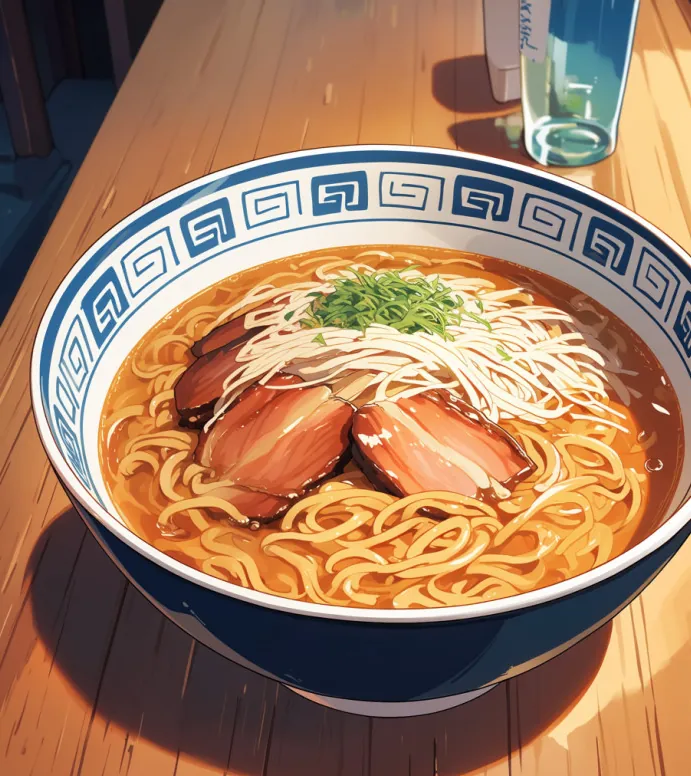
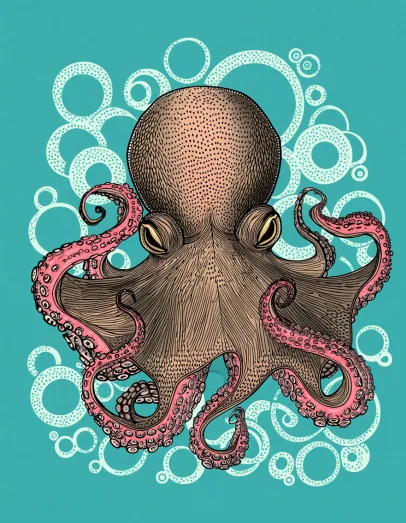
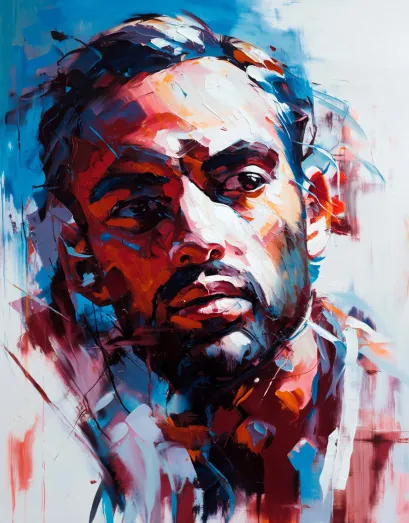
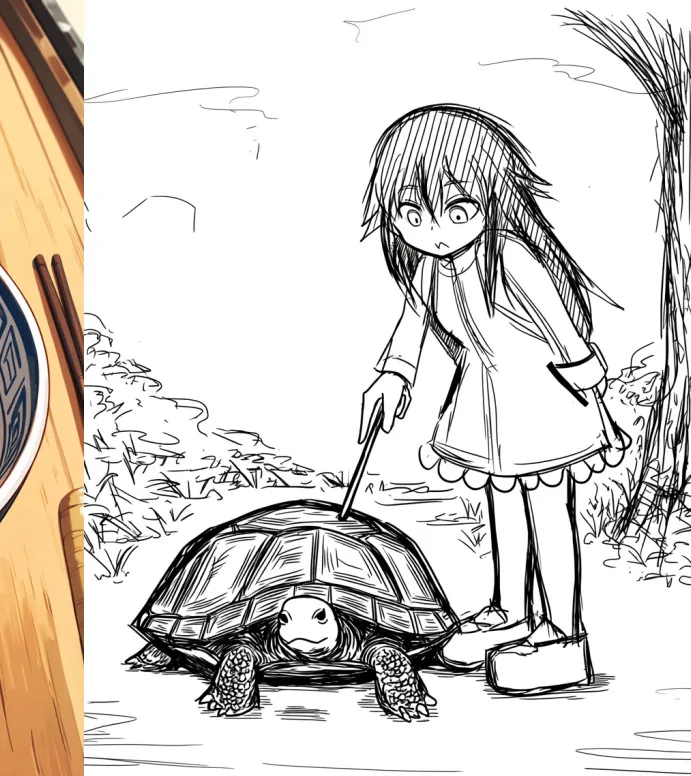
Images are example outputs published by the model authors and the community on Hugging Face and the ComfyUI blog, used with credit. They were not made on Graydient. Specifications are as stated by the model developers at release.