
Flux Dev and its LoRAs: the complete guide to FLUX.1 [dev] and LoRA add-ons
FLUX.1 [dev], released by Black Forest Labs on August 1, 2024, became the base for the largest LoRA ecosystem in open image generation. This guide explains the model, what a LoRA is and how it works, how trigger words, weights and stacking behave, and which kinds of LoRA are worth knowing, with examples from published LoRA model cards.
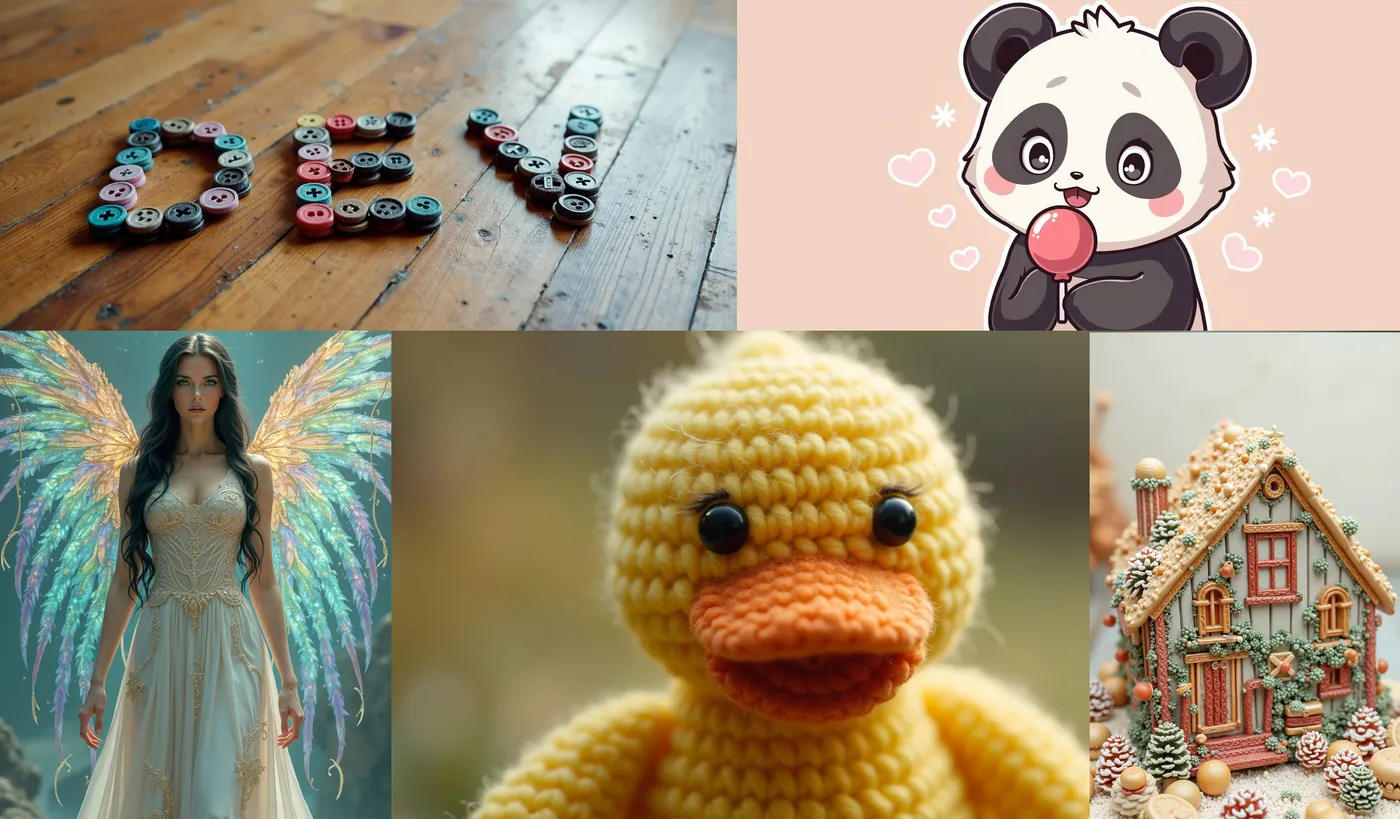
Log in and try FLUX.1 [dev]
FLUX.1 [dev] runs in Prism, SpyGlass, Vector, Unified Editor and PirateDiffusion with the <flux-dev> base, and any Flux.1 LoRA you import is called with <lora:shortcode:weight>.
Graydient plans are compatible with FLUX.1 [dev]
Run FLUX.1 [dev] alongside more than 30,000 open image and video models on flat-rate GPU, with no credits and no per-image fees.
Already a member? Log in to My Graydient.
What is FLUX.1 [dev]?
Black Forest Labs launched the FLUX.1 suite on August 1, 2024 in three variants: [pro] through its API, [dev] as open weights, and [schnell] as a fast Apache 2.0 model. According to the announcement and model card, FLUX.1 [dev] is:
- A 12B rectified-flow transformer, built on a hybrid of multimodal and parallel diffusion transformer blocks and trained with flow matching.
- Guidance-distilled directly from FLUX.1 [pro], for similar quality and prompt adherence at higher efficiency.
- Open weights under the FLUX.1 [dev] Non-Commercial License; the model card states that generated outputs can be used for personal, scientific and commercial purposes as described in that license.
Recommended Flux Dev settings
| Setting | Value | Notes |
|---|---|---|
| Guidance | 3.5 | The value in Black Forest Labs’ Diffusers example |
| Steps | About 20 to 28 | Diffusers example uses 50; LoRA authors commonly publish 24 |
| Resolution | 1024×1024 and similar | Diffusers example size |
| Negative prompt | Not used | Guidance-distilled; describe what you want instead |
Flux reads natural sentences. Describe the scene, add the LoRA trigger word, and leave Stable Diffusion keyword lists behind.
What is a LoRA?
LoRA stands for low-rank adaptation, a technique introduced by Hu et al. in 2021. Instead of retraining a model's billions of weights, training freezes the base model and learns a pair of small low-rank matrices for selected layers. The result is a compact file, typically tens to a few hundred megabytes, that adds one capability on top of the base: a style, a character, a product, a camera look, or a fix.
- A LoRA never renders alone. It rides on a base model and only works with the family it was trained for.
- LoRAs are interchangeable files. The same .safetensors works in ComfyUI, Forge or any Flux runtime.
- LoRAs can be scheduled and masked. ComfyUI supports applying LoRA strength to parts of an image or parts of the sampling schedule.
Trigger words
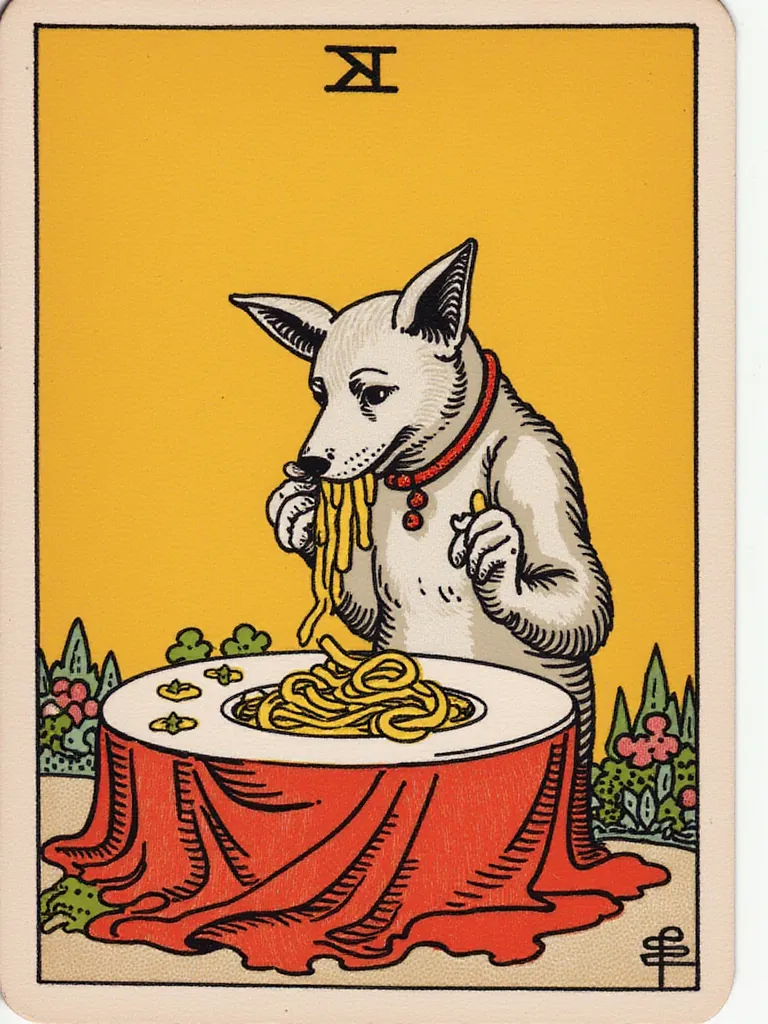
Most LoRAs are trained with a trigger word, a phrase attached to every training caption. Putting it in your prompt activates the effect. The trigger is listed on the LoRA page, and it is often deliberately unusual so it does not collide with ordinary vocabulary. The tarot LoRA below uses in the style of TOK a trtcrd tarot style.
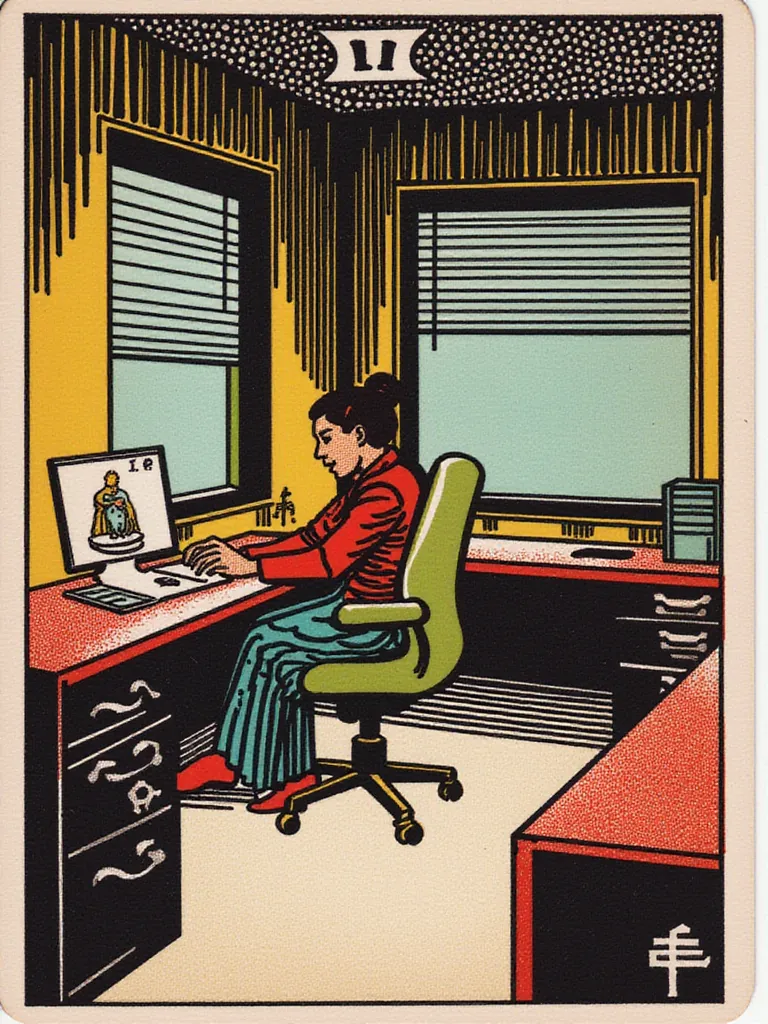
a work cubicle in the style of TOK a trtcrd, tarot style
Weights
The weight (or scale) sets how strongly the LoRA applies. It is the setting that fixes most poor renders.
- Start at the author’s recommendation. Shakker-Labs recommends 0.8 for its Logo Design LoRA and 0.8 to 1.0 for Vector Journey. When a page says nothing, 0.8 is a safe default.
- Too strong (waxy faces, blown colours, noise): lower the weight in steps of 0.1.
- Too weak: raise the weight slightly and confirm the trigger word is in the prompt.
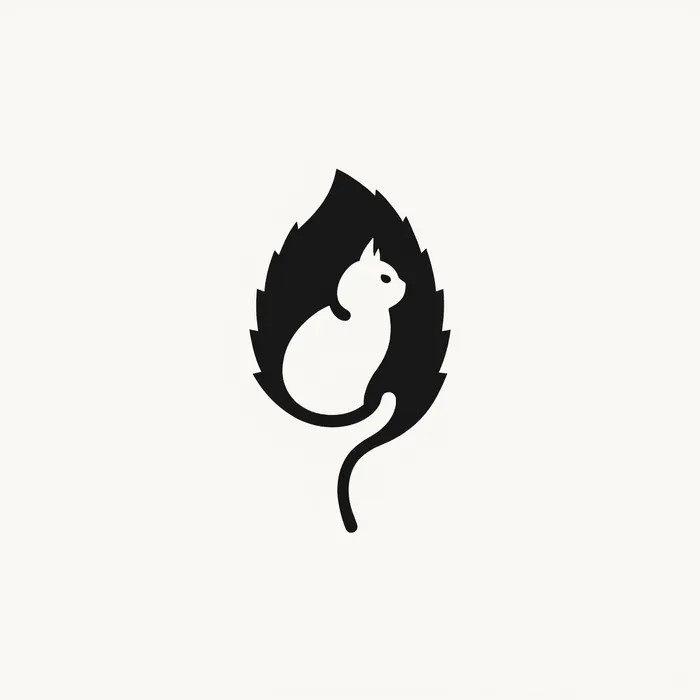
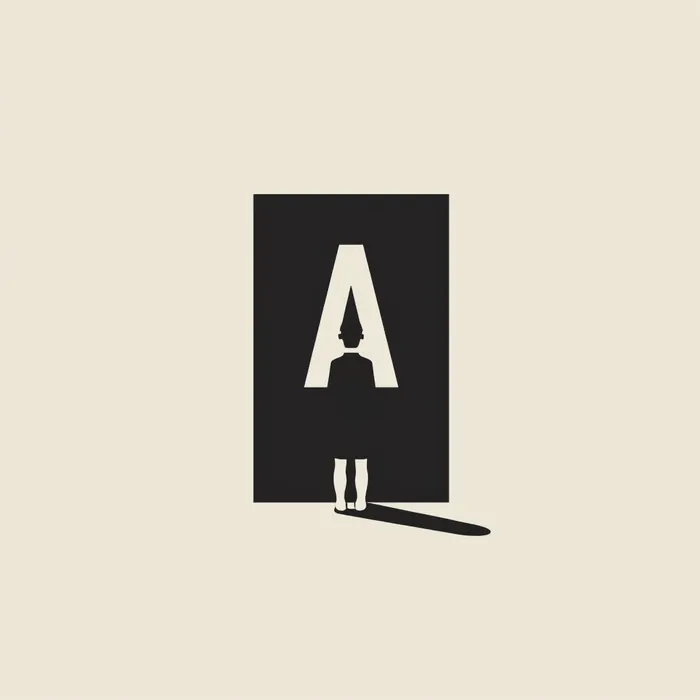
wablogo, Minimalist, Leaf and cat, logo,
Stacking LoRAs
Several LoRAs can be combined, for example a film-look LoRA with a detail LoRA. Each keeps its own weight. Keep stacked LoRAs at about 0.7 or lower so they do not fight, and change one weight at a time while testing.
The LoRA types worth knowing
Photographic looks
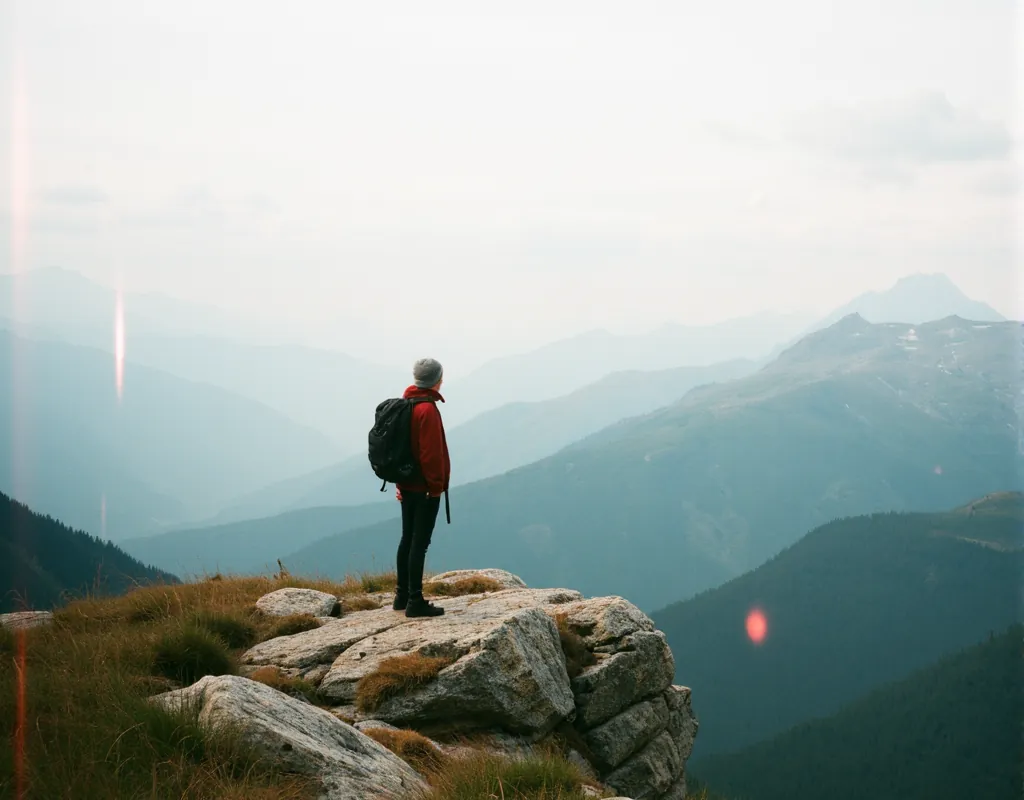
Film-stock and camera LoRAs change colour science, grain and light. The Koda LoRA, triggered by flmft style, imitates a Kodachrome film look.
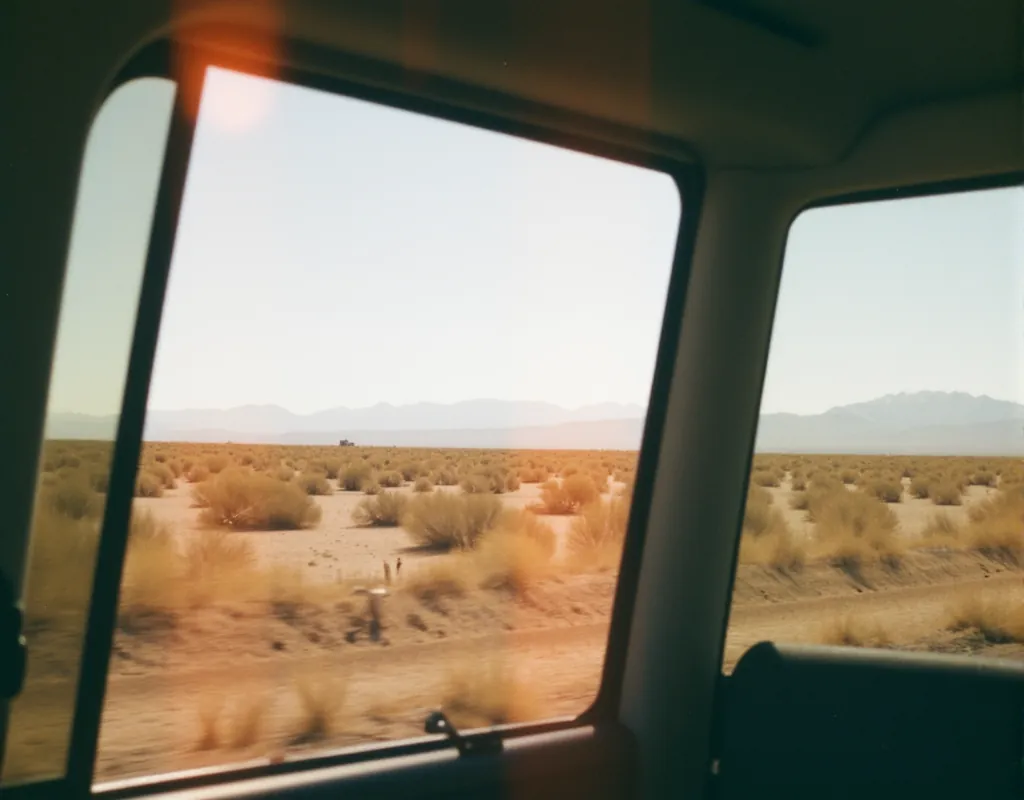
Road trip, view through car window of desert highway, light leak effect, flmft style
Illustration styles
Style LoRAs are the largest category. Vector Journey blends illustrated characters into realistic scenes; its trigger is a whole sentence.

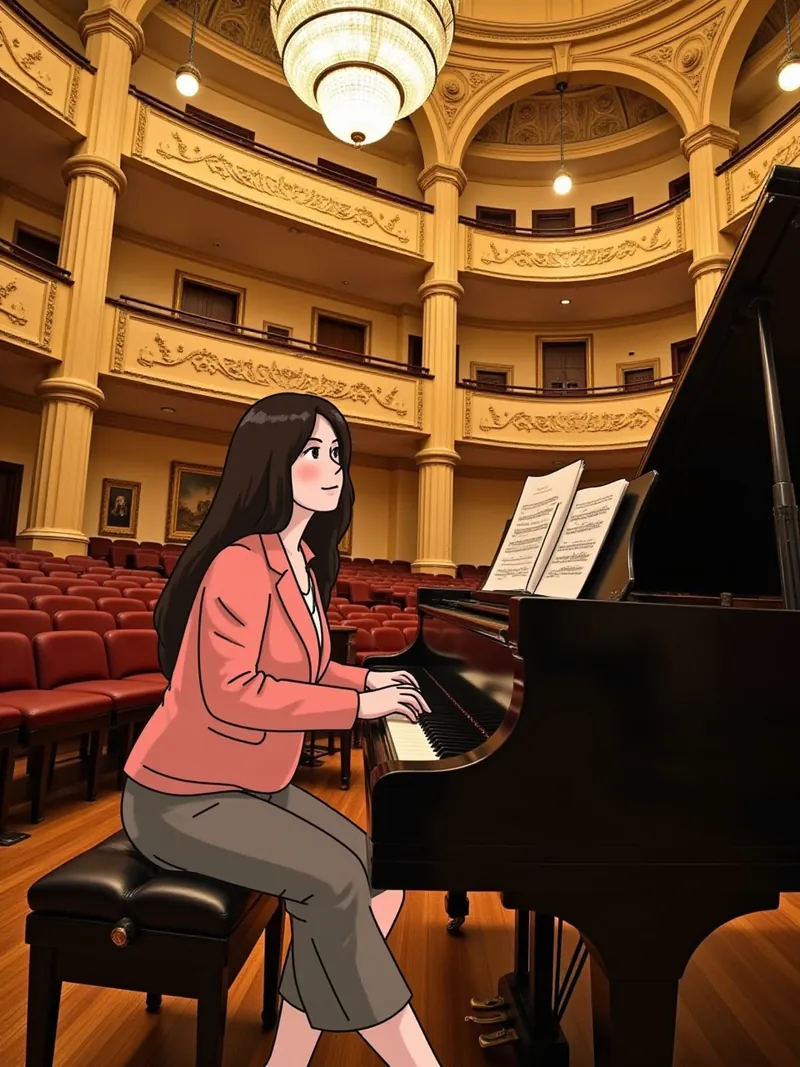
A cartoon-style boy playing games in his living room, artistic style blends reality and illustration elements.
Design and layout
Logo, icon and template LoRAs constrain the output to a graphic format, as with the Logo Design LoRA above.
Instructional and technique
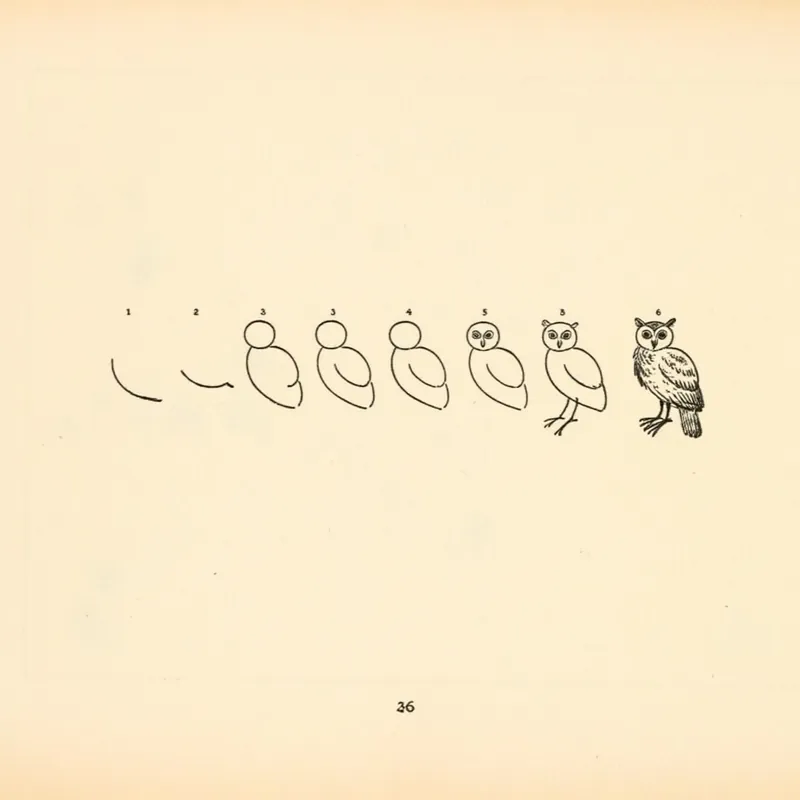
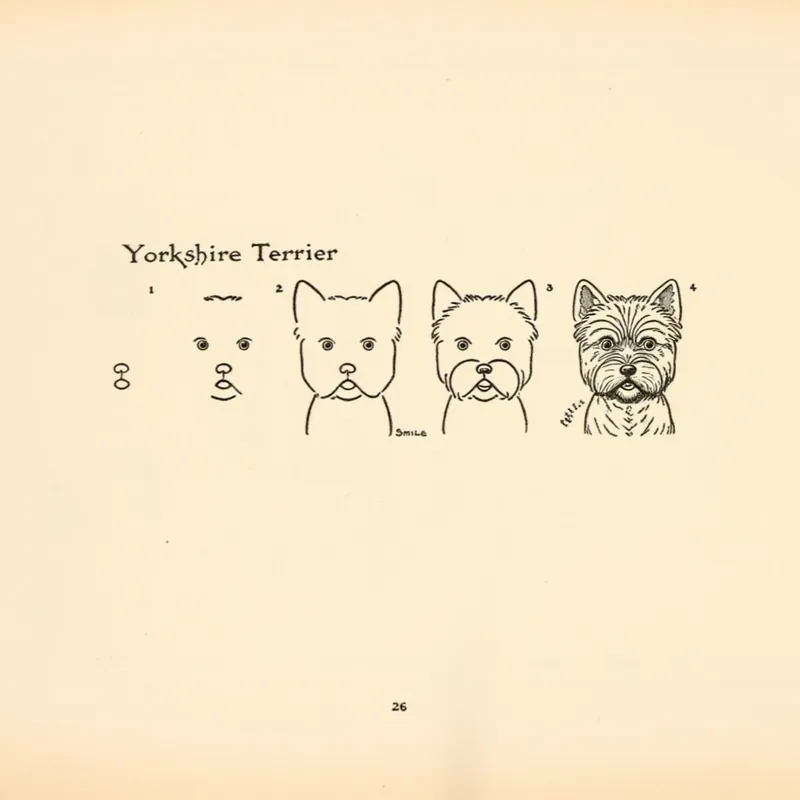
Some LoRAs teach a format rather than a style. How2Draw (CC0) produces step-by-step drawing sheets with the trigger How2Draw.
Characters, products and people
Subject LoRAs teach one specific face, character or product from 15 to 30 images. Use them only for subjects you have the right to depict.
Control and utility
Black Forest Labs released official FLUX.1 Canny and Depth LoRAs in November 2024 for structural control. Detail and realism LoRAs, such as Shakker-Labs' Add Details, sharpen texture without changing style.
Using Flux LoRAs on Graydient
On Graydient, a LoRA in your library is called with a tag of three parts, the word lora, its ShortCode and a weight, followed by the base model ShortCode. In PirateDiffusion (Telegram) and Vector (Discord) the command looks like this; replace the example ShortCodes with the ones in your library:
/render a work cubicle in the style of TOK a trtcrd, tarot style <lora:your-tarot-lora:0.8> <flux-dev> /steps:24 /guidance:3.5 /size:768x1024
/render Road trip, view through car window of desert highway, light leak effect, flmft style <lora:your-film-lora:0.6> <lora:your-detail-lora:0.5> <flux-dev> /steps:24 /guidance:3.5
Prism accepts the same tags at the end of a message, and SpyGlass and the Unified Editor take the tag in the prompt field after you pick the Flux base. The full walkthrough is in how to use a Flux LoRA on Graydient.
Compatibility
| Base | FLUX.1 LoRAs work? |
|---|---|
| FLUX.1 [dev] and FLUX.1 fine-tunes | Yes |
| FLUX.1 [schnell], FLUX.1 Krea [dev] | Generally, with weaker results on schnell |
| FLUX.2 [dev], FLUX.2 [klein] | No; use FLUX.2 LoRAs |
| FLUX 3 Image Klein | No; use FLUX 3 LoRAs |
| Krea 2, Qwen-Image, Anima | No; separate architectures |
Limitations
- No negative prompt. As a guidance-distilled model, Flux Dev relies on the positive description.
- LoRA quality varies. Check the author’s sample images and recommended weight before relying on a LoRA.
- Licenses vary. The base model uses the FLUX.1 [dev] Non-Commercial License, and each LoRA has its own license; How2Draw is CC0, for example.
How to use FLUX.1 [dev] on Graydient
You are all set. FLUX.1 [dev] runs in Prism, SpyGlass, Vector, Unified Editor and PirateDiffusion with the <flux-dev> base, and any Flux.1 LoRA you import is called with <lora:shortcode:weight>. Use the Log in to My Graydient button at the top of this page, open your app, and paste a prompt from this guide.
- Choose a Graydient plan. Graydient plans are compatible with FLUX.1 [dev].
- FLUX.1 [dev] runs in Prism, SpyGlass, Vector, Unified Editor and PirateDiffusion with the
<flux-dev>base, and any Flux.1 LoRA you import is called with<lora:shortcode:weight>. - Paste a prompt from this guide and render. Plans are flat-rate, so there are no credits or per-image fees.
Workflow details: How to use a Flux LoRA on Graydient · How to train a Flux LoRA · UltraReal Flux workflow · Import Civitai models
Graydient plans are compatible with FLUX.1 [dev]
Run FLUX.1 [dev] alongside more than 30,000 open image and video models on flat-rate GPU, with no credits and no per-image fees.
Already a member? Log in to My Graydient.
FLUX.1 [dev] FAQ
What is FLUX.1 [dev]?
FLUX.1 [dev] is a 12-billion-parameter rectified-flow transformer from Black Forest Labs, announced on August 1, 2024. It is an open-weights, guidance-distilled model derived from FLUX.1 [pro].
What is a Flux LoRA?
A LoRA (low-rank adaptation) is a small add-on file that teaches a base model one thing, such as a style, a character, a product or a camera look, without changing the base model itself. It only works with the model family it was trained for.
What is a trigger word?
A word or phrase the LoRA was trained with. Including it in the prompt activates the effect; many style LoRAs do little without it. The LoRA page lists it.
What weight should I use for a Flux LoRA?
Start at the weight the LoRA author recommends; 0.8 is a common default. Lower it in steps of 0.1 if the image looks over-processed, raise it slightly if the effect is weak.
Can I stack several LoRAs?
Yes. Add two or three LoRAs, each with its own weight, and keep each around 0.7 or lower so they do not compete.
Do FLUX.1 LoRAs work on Flux 2, Flux 3 or Krea 2?
No. FLUX.1 LoRAs work on FLUX.1 [dev] and FLUX.1-based checkpoints. FLUX.2, FLUX 3 and Krea 2 each need LoRAs trained for them.
Is Flux Dev compatible with Graydient plans?
Yes. Graydient plans are compatible with FLUX.1 [dev] and imported Flux.1 LoRAs from ModelTrends, Civitai or Hugging Face.
Sources
- Announcing Black Forest Labs (Aug 1, 2024)
- black-forest-labs/FLUX.1-dev model card (Hugging Face)
- LoRA: Low-Rank Adaptation of Large Language Models (Hu et al., 2021)
- Masking and scheduling LoRA and model weights (ComfyUI blog)
- Shakker-Labs/FLUX.1-dev-LoRA-Logo-Design (Hugging Face)
- multimodalart/flux-tarot-v1 (Hugging Face)
- alvdansen/flux-koda (Hugging Face)
- glif/how2draw (Hugging Face)
- Shakker-Labs/FLUX.1-dev-LoRA-Vector-Journey (Hugging Face)
Images are example outputs published by the model authors and the community on Hugging Face and the ComfyUI blog, used with credit. They were not made on Graydient. Specifications are as stated by the model developers at release.