
Krea2 text-to-image workflow
See plans and pricing Installable from ModelTrends
Krea2 is a very fast, very capable new foundational model. Use natural prompting without negatives. A low-step workflow: 8 steps, guidance 1. Unlike the first Krea model it is not based on Flux 2 or Qwen, though it uses the Qwen encoders. A versatile, high-quality, safe-for-work model for commercial use.
Compatible / Available in Graydient-powered Apps





Sample renders
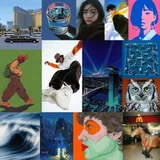
Made with the models this workflow runs. Prompts are credited on BunchaPrompts; the model opens on ModelTrends. Pick a thumbnail to see the render large with the prompt that made it.
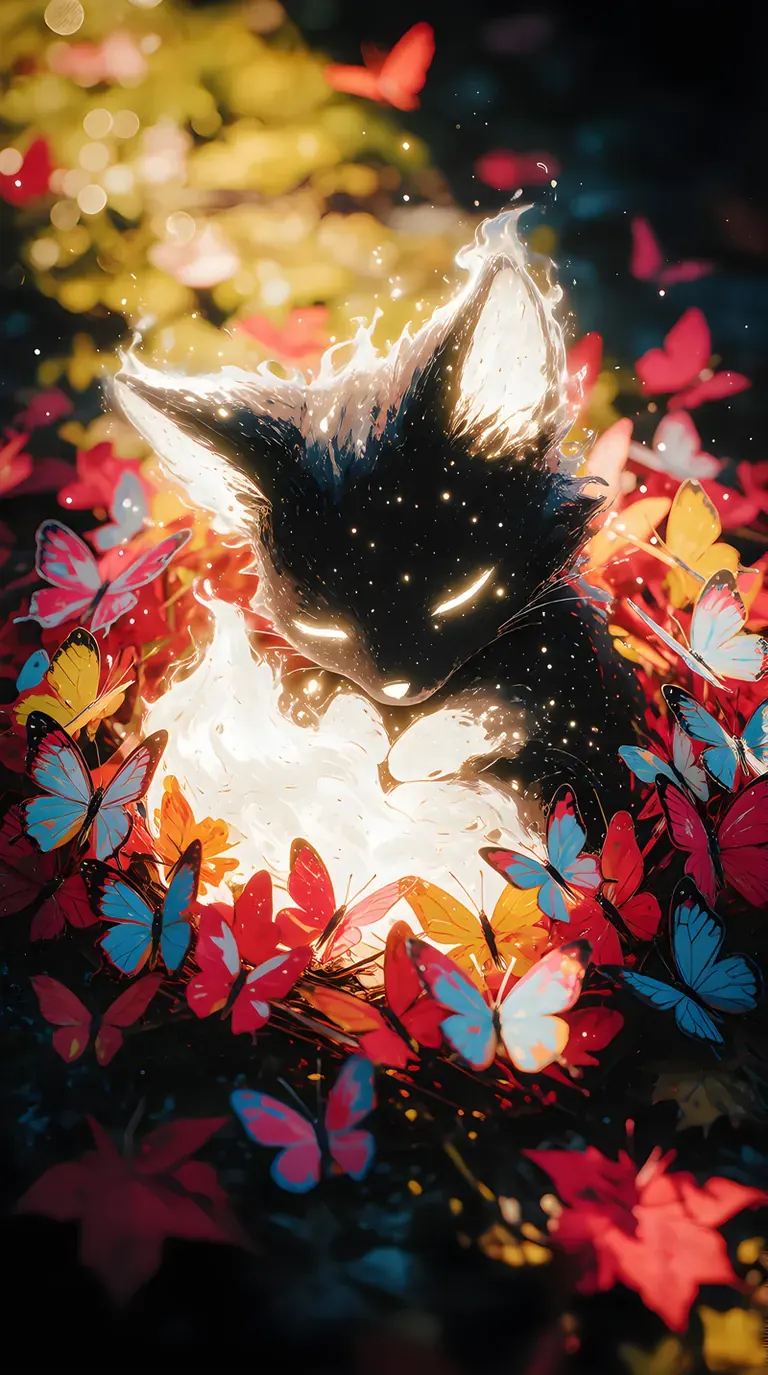
Prompt by Cinnadust on BunchaPrompts · Krea2 - Melancholy
zidiusArt, anime-style tiny fox, made of sparkling white and black fire, sleeping, curled up, cradled in a nest of multicolored painterly styled butterflies. Forest floor at late evening, red and yellow golden sunset lighting. Autumn leaves.
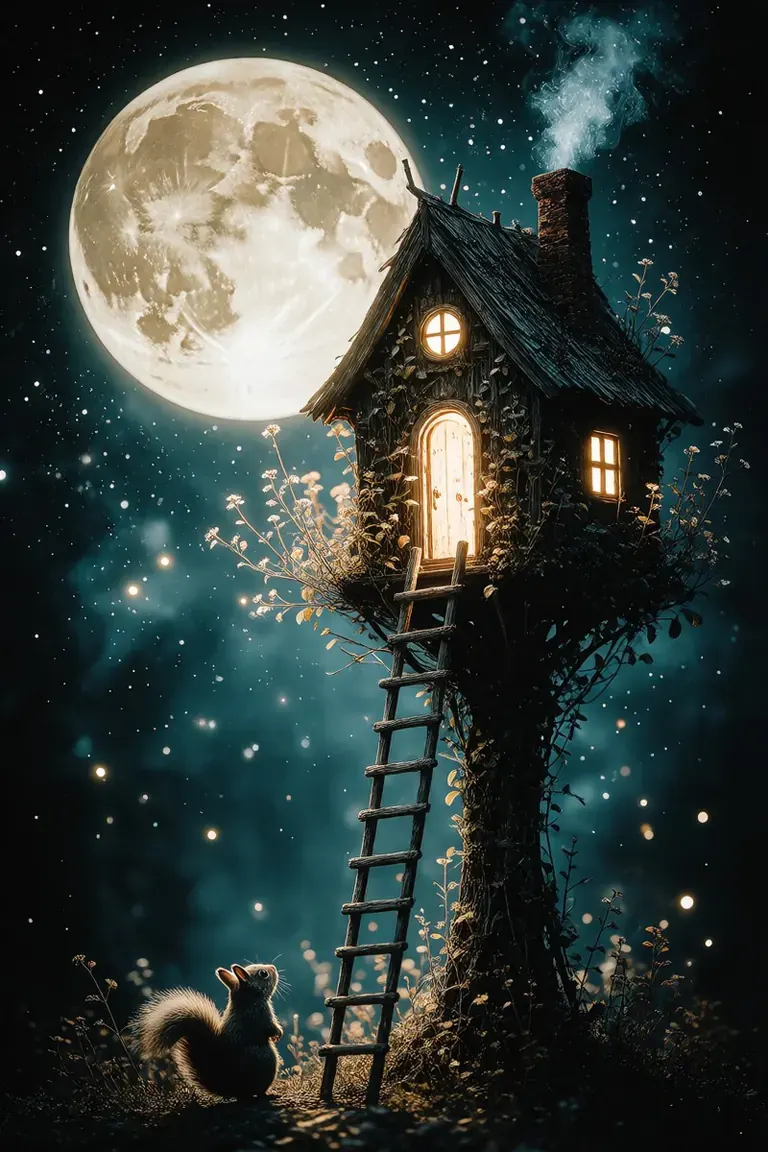
Prompt by grasshoppergreen on BunchaPrompts · Krea2 - Melancholy
zidiusArt, whimsical book illustration, a tall slender tree with a cozy two-story house built into the upper branches, a long rustic wooden ladder leaning against the tree trunk, a small squirrel standing at the bottom left looking up, a massive detailed full moon in the upper left corner, deep teal starry night sky, warm yellow light glowing from the arched door and windows, smoke drifting from the brick chimney, painterly style, magical atmosphere, gold and teal color palette.
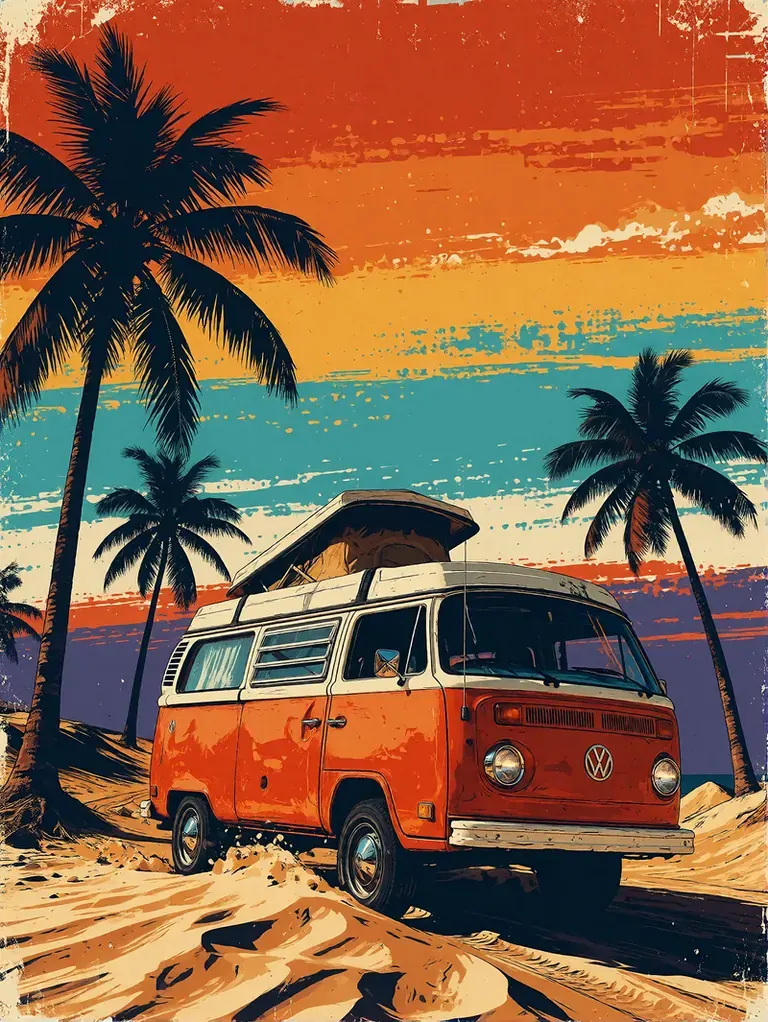
Prompt by Rick13972 on BunchaPrompts · ta86_inkriot KREA_V1
Retro screen print illustration of a classic vintage camper van parked on a sand dune, palm tree silhouettes in deep navy blue, background composed of horizontal painted brushstroke color blocks in burnt orange, warm yellow, turquoise, and indigo, flat vector art, distressed ink print texture, 1970s surf poster aesthetic
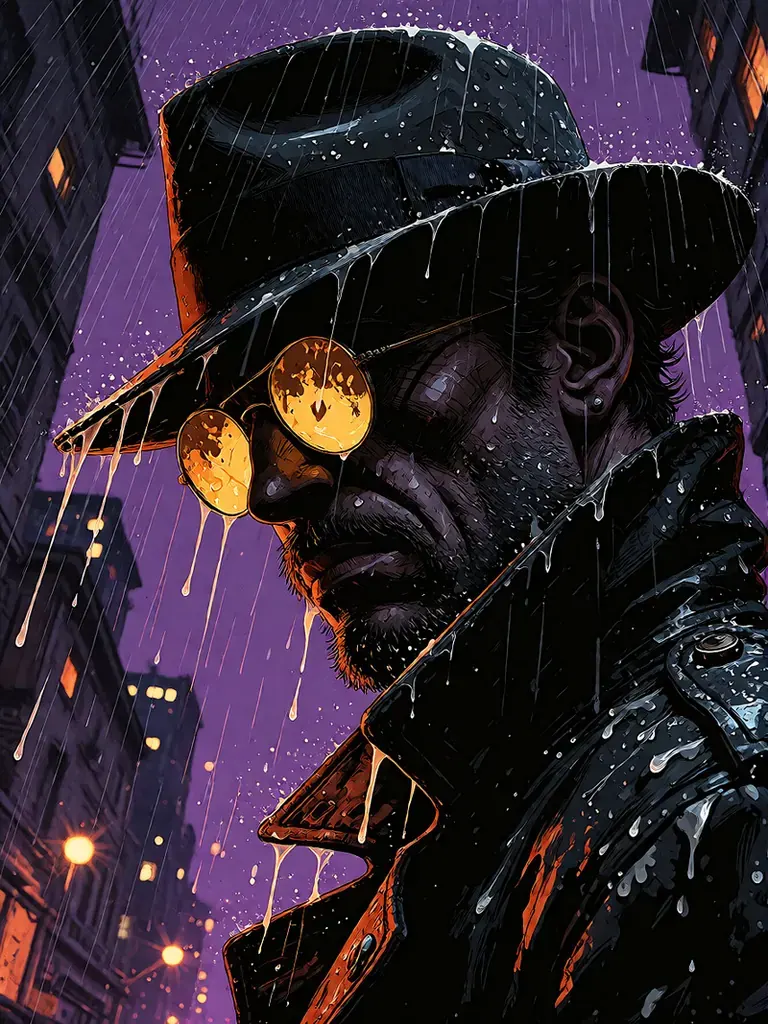
Prompt by Rick13972 on BunchaPrompts · ta86_inkriot KREA_V1
Neo-noir dark graphic novel illustration, private investigator profile in a rainy alley at night, round yellow lens sunglasses, classic fedora with a trench coat texture defined by water effects drawn with heavy black lines, intense cross-hatching and deep ink shadows, monochromatic black, white, and gray tones with a single muted purple accent color, solid deep violet background, gritty screen print texture.
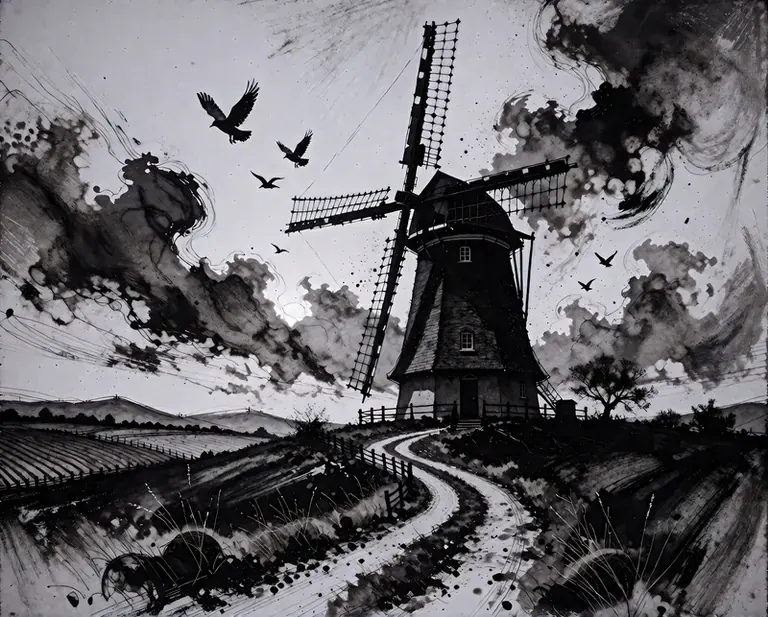
Prompt by Neriva on BunchaPrompts · DETAILCORE FOREVER BY STX
Charcoal Sketch: A rich, expressive drawing style built on soft, smudgy charcoal strokes ranging from velvety deep blacks to delicate greys, bold, gestural mark-making blended with smoky tonal passages, dramatic contrast and atmospheric softness where edges dissolve into shadow, visible paper tooth catching the charcoal grain, and a raw, immediate, hand-drawn expressiveness. Influenced by: traditional charcoal-drawing technique, gestural life-drawing tradition, tonal sketch method. a towering windmill on a hill overlooking a sprawling farmland, with birds soaring through the sky. Establishing shot.
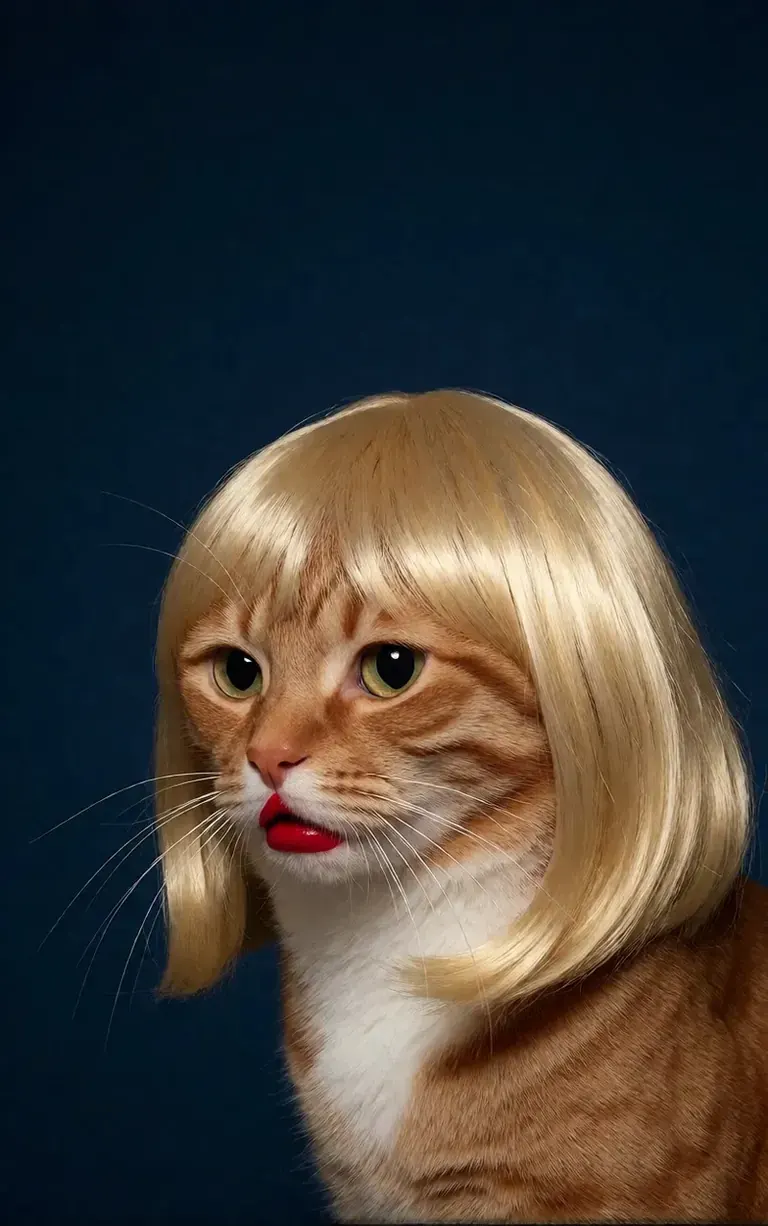
Prompt by 6vidit9 on BunchaPrompts · Realism Enhancer Krea2
A minimalist, high-contrast studio portrait captures an orange tabby cat wearing a perfectly styled blonde wig with straight bangs, looking off-camera with a grumpy expression and wearing bright red lipstick, featuring rich composition grading and insane sharpness. The cat's smooth, light brown and white fur stands out sharply against a flat, deep dark blue background that serves as a vast expanse of clean negative space. The tight, centered flash composition highlights the realistic texture of the shiny blonde synthetic hair, the cat's long white whiskers, and the glossy red pout, creating a bizarre, authentic, and starkly humorous artistic study.
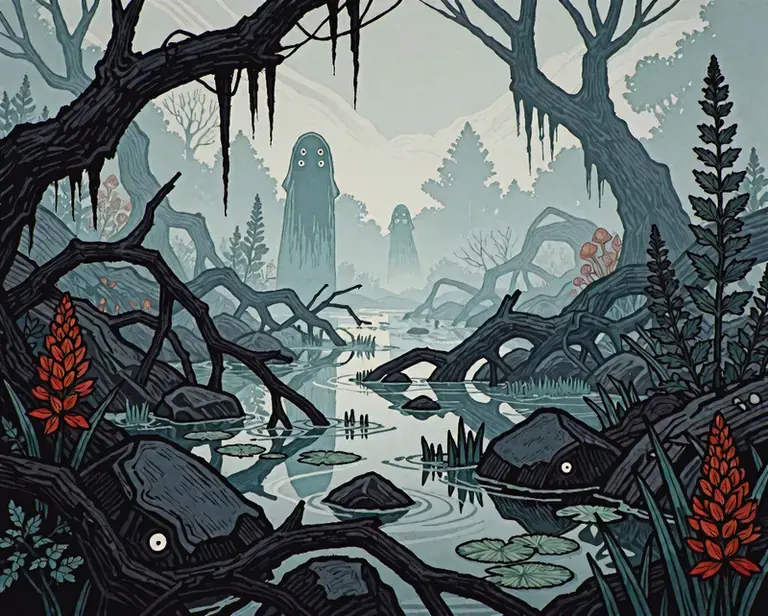
Prompt by Neriva on BunchaPrompts · More Dynamic Poses v1.0 Krea2
PoseDaal, Bradhamel art style, Bold Linocut Style, A creepy, fog filled swamp, with tangled branches and unseen creatures lurking
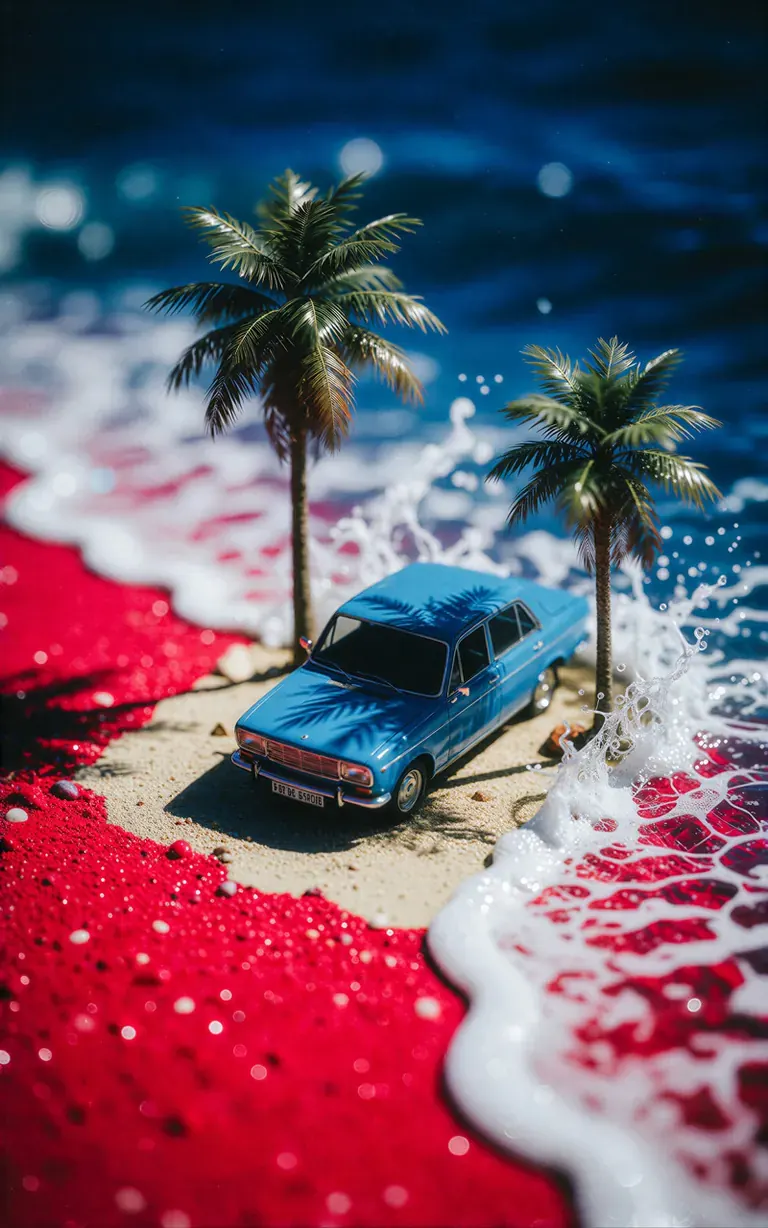
Prompt by LumaRift on BunchaPrompts · KREA_2_MIDJOURNEY
A high-angle surrealist composition featuring a vintage blue sedan parked on a tiny square patch of sand with two small palm trees, surrounded by gentle foaming ocean waves splashing against a vibrant crimson red shoreline. Set against a deep lapis blue sky background, soft grainy paper texture, retro aesthetic with bold primary color blocking of rich cyan blue and stark crimson red.
Prompts from BunchaPrompts. Workflows and models on ModelTrends.
Options
| Option | Maps to | Default |
|---|---|---|
(prompt) | CLIP Text Encode → text | — |
/guidance | KSampler → cfg | 1 |
/images | Empty Latent Image → batch_size | 1 |
/seed | KSampler → seed | random |
/size | Empty Latent Image → width, height | 1024 × 1024 |
/steps | KSampler → steps | 8 |
Models used
 Krea2 (v7) Model imported by shortcode
 /run:krea2 from ModelTrends See it on ModelTrends For Developers (optional)
Example API snippet. You can build your own app with this workflow for personal use. Upgrade to a Business Plan when you're ready to deploy. See the full rendering API documentation.
curl https://cloud.graydient.ai/api/v3/render/ \
  -X POST \
  -H "Content-Type: application/vnd.api+json" \
  -H "Accept: application/vnd.api+json" \
  -H "Authorization: Bearer $GRAYDIENT_TOKEN" \
  -d '{
    "prompt": "/workflow /run:krea2 dog eating pizza",
    "callback_url": "https://example.com/webhook/render"
}'This is how it works behind the scenes. This is already configured for you. The parameters in the table above plug into these slots, allowing you to change how it works and which models get loaded. You don't have to understand or modify this - it just works, already set up.
Read-only view. The highlighted pills are the options a call can set. Natural prompting, no negatives.
Node docs on ModelTrends
Plain-language write-ups for nodes in this graph: what each one does, its inputs and outputs, and how to fix the errors it throws.
- Load Diffusion Model
- CLIP Text Encode (Prompt)
- Empty Latent Image
- KSampler
- Load VAE
- VAE Decode
- Save Image
All the workflows: Powerful Workflows