
moss 워크플로우
MOSS-Image: A 5B-parameter open diffusion model with layout control and text rendering in English and Chinese. Powered by Qwen3.5-9B and the FLUX.2 latent space. EXPERIMENTAL / NEW - EXPECT CHANGES Telegram Commands: /run:moss-image [prompt] - Generate an image from description or spatial layout /steps:50 - Sampling steps (default: 50, range: 15-100) /guidance:3.0 - Prompt guidance / CFG (default: 3.0, range: 1.5-6.0) /seed:42 - Reproducible random seed /size:1024x1024 - Output canvas size (multiples of 16, e.g. 1024x1024, 1280x768, 768x1280) /slot1:5.0 - Flow sampling shift (default: 5.0) Tips: - Text Rendering: Put text in quotes within the prompt or use newlines (\n) for line breaks. - Negative Prompt: Default filter cleans up artifacts (worst quality, bad anatomy, blurry, watermark). - Layout Control: Supports 4K token prompts and structured JSON bounding boxes.
Graydient 기반 앱에서 호환 / 사용 가능





샘플 렌더링
이 워크플로우가 실행하는 모델로 제작되었으며, ModelTrends에서 제작자가 공유한 것입니다. 썸네일을 선택하면 렌더링과 함께 생성된 프롬프트를 크게 볼 수 있습니다.

CivitaiOfficial 작성 프롬프트 · moss
best quality, highres, 1girl, silver hair, green eyes, holding a glowing paper lantern, night festival, paper streamers, food stalls in the background, soft bokeh, detailed background, gentle smile, anime illustration
CivitaiOfficial 작성 프롬프트 · moss
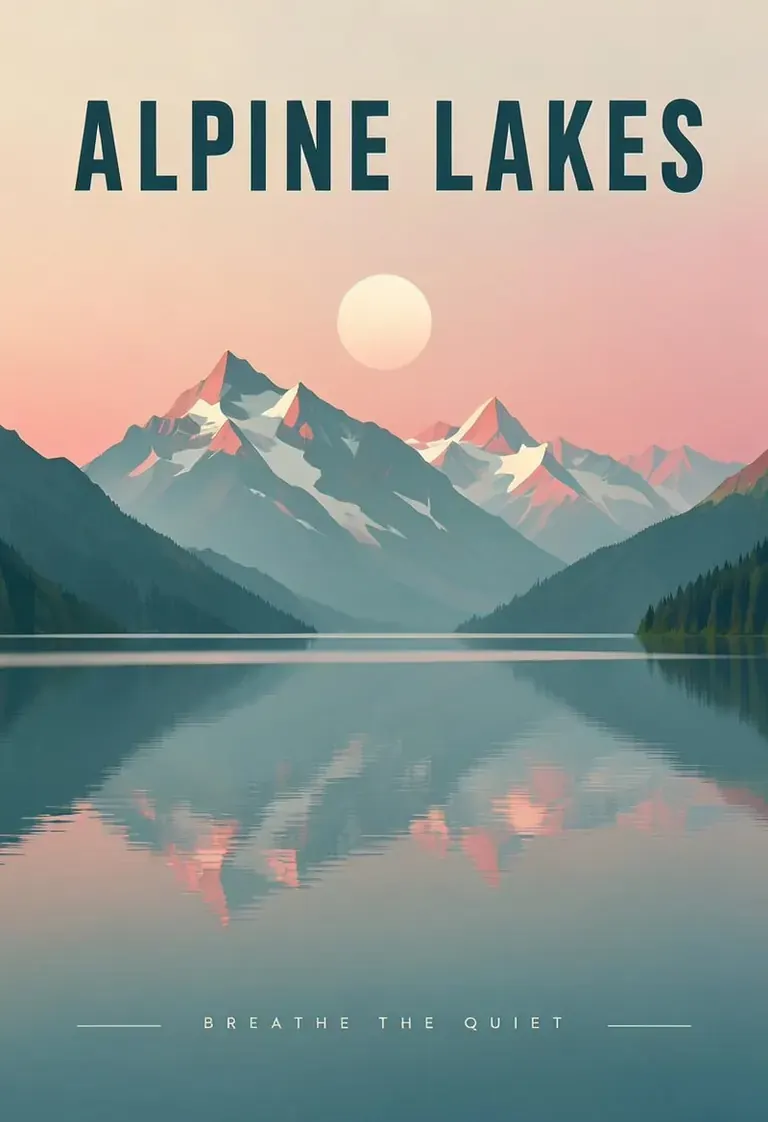
A minimalist travel poster of a still mountain lake at dawn, flat vector style with soft gradients. A bold title "ALPINE LAKES" across the top and the tagline "breathe the quiet" in small capitals along the bottom. Teal, cream and dusty pink palette, clean typography, centered composition.
akizukirei608 작성 프롬프트 · moss
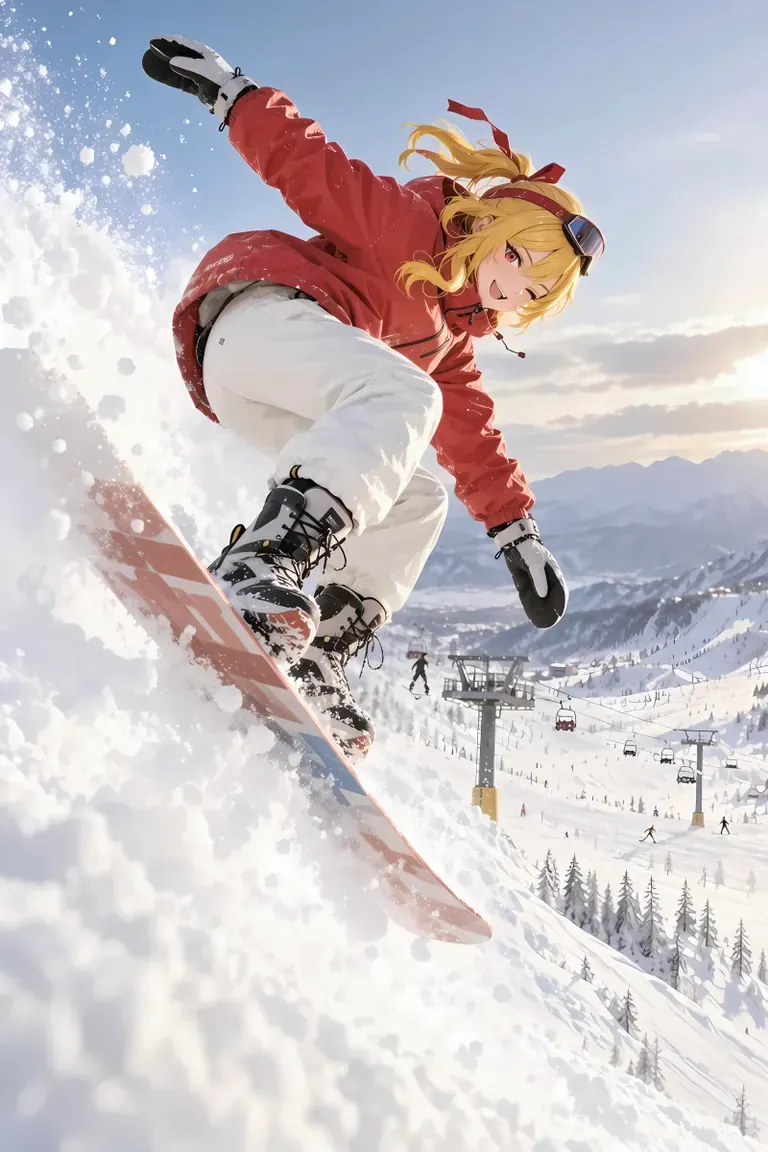
masterpiece,best quality, absurdres, anime style, cinematic lighting, natural shadow, very aesthetic, highest detail, detailed background, intricate scenery, depth of field, insane details, intricate, subsurface scattering, 1girl, kaela kovalskia, red eyes, red hair ribbon, red headband, jacket, snowboard, snowboarding, jumping, floating, outdoors, snow, ski resort, cinematic composition
 AI 이미지 및 비디오 모델 카탈로그인 ModelTrends의 렌더링 및 프롬프트입니다.
옵션
| 옵션 | 매핑 대상 | 기본값 |
|---|---|---|
(prompt) | Prompt text | — |
/run:moss | Workflow shortcode | moss |
사용된 모델
 moss ModelTrends에서 단축코드
/run:moss로 가져온 모델 ModelTrends에서 보기 개발자를 위한 (선택 사항)
API 예시 코드입니다. 개인 용도로 이 워크플로우로 앱을 만들 수 있습니다. 배포 준비가 되면 비즈니스 플랜으로 업그레이드를 참고하세요. 전체 렌더링 API 문서를 확인하세요.
curl https://cloud.graydient.ai/api/v3/render/ \
  -X POST \
  -H "Content-Type: application/vnd.api+json" \
  -H "Accept: application/vnd.api+json" \
  -H "Authorization: Bearer $GRAYDIENT_TOKEN" \
  -d '{
    "prompt": "/workflow /run:moss ",
    "callback_url": "https://example.com/webhook/render"
}'이것이 내부 작동 방식입니다. 이미 설정되어 있습니다. 위 표의 매개변수가 이 슬롯에 연결되어 작동 방식과 로드할 모델을 변경할 수 있습니다. 이해하거나 수정할 필요 없이 이미 작동하도록 설정되어 있습니다.
이 워크플로우 페이지에는 shortcode, 옵션, ModelTrends 다운로드만 나열되어 있습니다. 전체 노드 그래프는 ModelTrends에서 워크플로우 다운로드 시 확인할 수 있습니다. 이 페이지에는 이 워크플로우의 노드 그래프가 아직 그려져 있지 않습니다. ModelTrends에서 열어 워크플로우 파일과 로드하는 모델을 다운로드하세요.
모든 워크플로우: 강력한 워크플로우