
moss workflow
MOSS-Image: A 5B-parameter open diffusion model with layout control and text rendering in English and Chinese. Powered by Qwen3.5-9B and the FLUX.2 latent space. EXPERIMENTAL / NEW - EXPECT CHANGES Telegram Commands: /run:moss-image [prompt] - Generate an image from description or spatial layout /steps:50 - Sampling steps (default: 50, range: 15-100) /guidance:3.0 - Prompt guidance / CFG (default: 3.0, range: 1.5-6.0) /seed:42 - Reproducible random seed /size:1024x1024 - Output canvas size (multiples of 16, e.g. 1024x1024, 1280x768, 768x1280) /slot1:5.0 - Flow sampling shift (default: 5.0) Tips: - Text Rendering: Put text in quotes within the prompt or use newlines (\n) for line breaks. - Negative Prompt: Default filter cleans up artifacts (worst quality, bad anatomy, blurry, watermark). - Layout Control: Supports 4K token prompts and structured JSON bounding boxes.
Kompatybilne / Dostępne w aplikacjach zasilanych przez Graydient





Przykładowe renderingi
Wykonane modelami, które uruchamia ten workflow, udostępnione przez ich twórców na ModelTrends. Wybierz miniaturę, aby zobaczyć render w dużym rozmiarze wraz z promptem, który go stworzył.
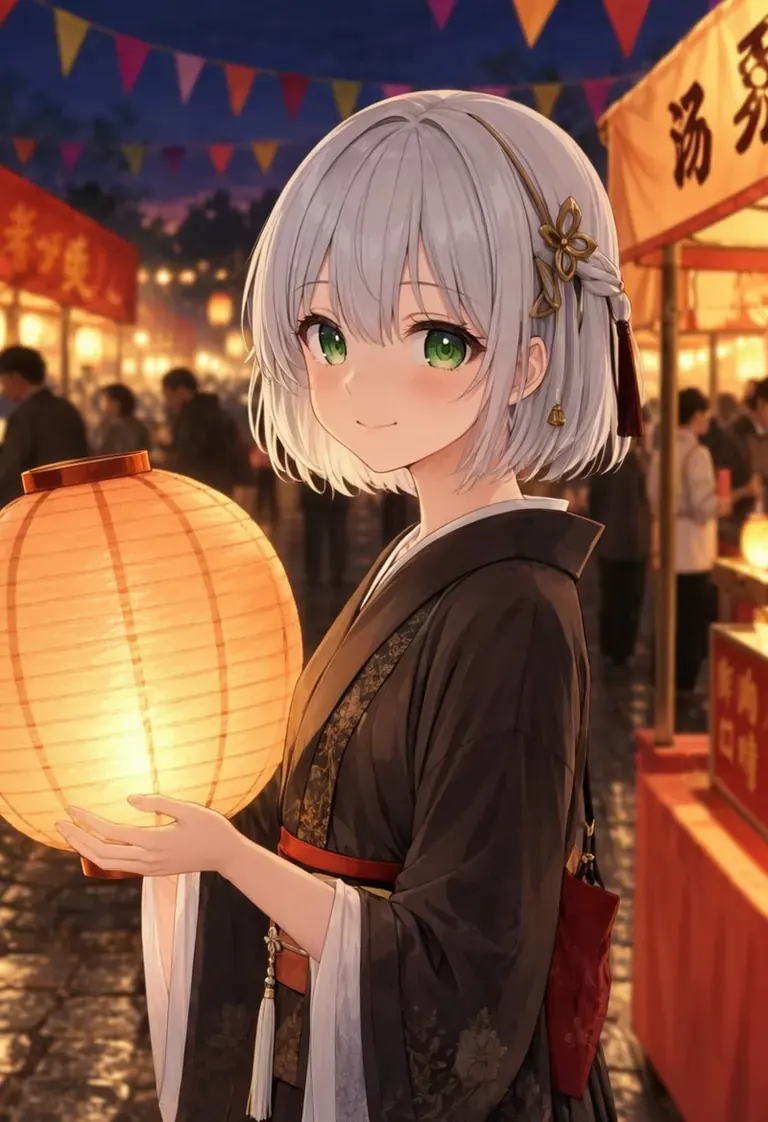
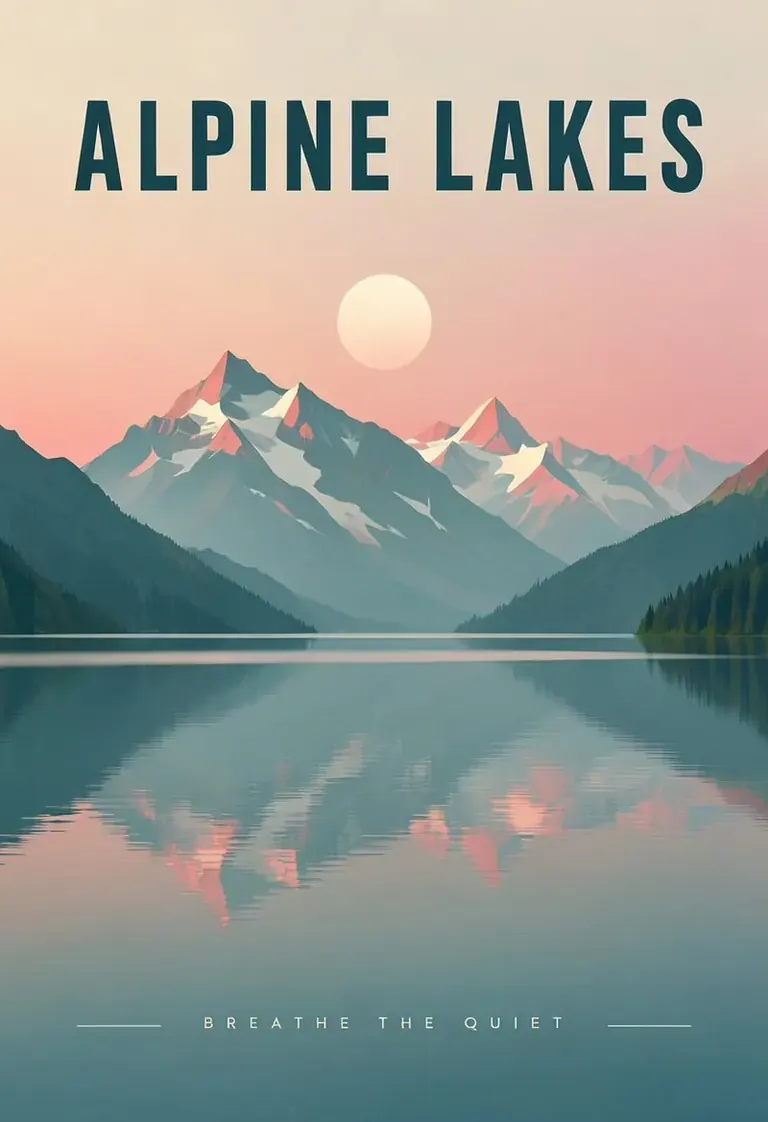
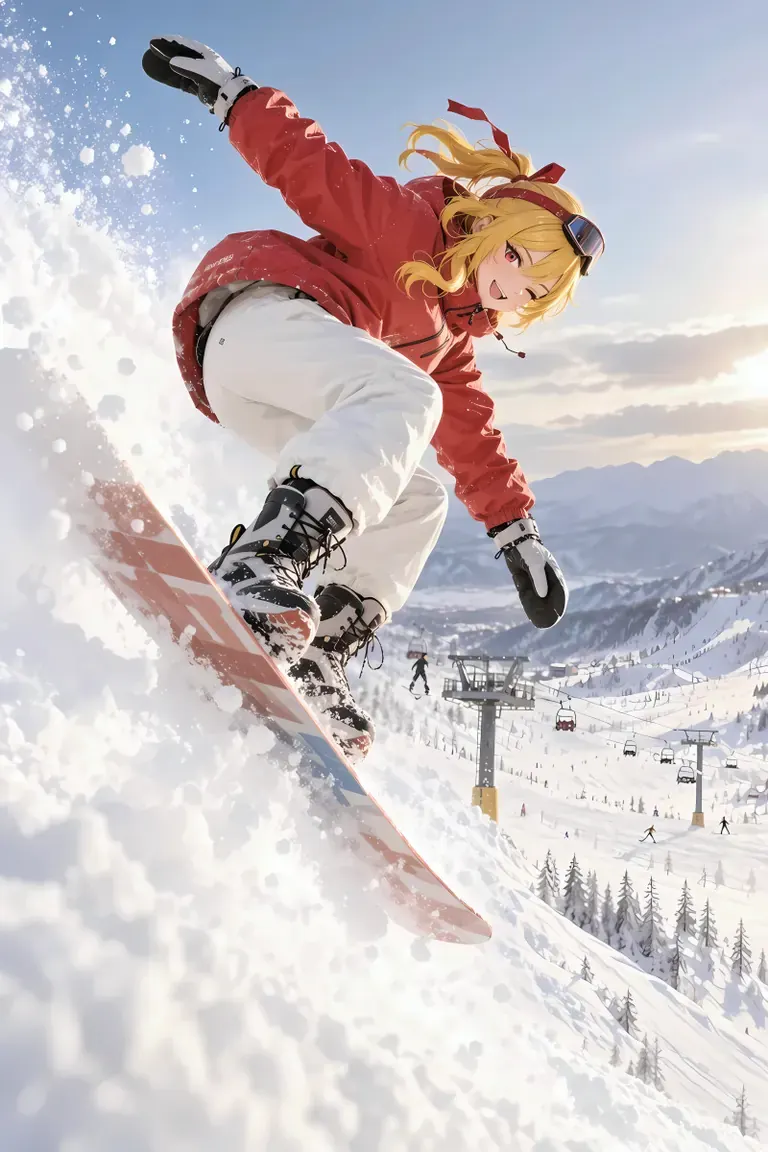
Prompt by CivitaiOfficial · moss
best quality, highres, 1girl, silver hair, green eyes, holding a glowing paper lantern, night festival, paper streamers, food stalls in the background, soft bokeh, detailed background, gentle smile, anime illustration
Prompt by CivitaiOfficial · moss
A minimalist travel poster of a still mountain lake at dawn, flat vector style with soft gradients. A bold title "ALPINE LAKES" across the top and the tagline "breathe the quiet" in small capitals along the bottom. Teal, cream and dusty pink palette, clean typography, centered composition.
Prompt by akizukirei608 · moss
masterpiece,best quality, absurdres, anime style, cinematic lighting, natural shadow, very aesthetic, highest detail, detailed background, intricate scenery, depth of field, insane details, intricate, subsurface scattering, 1girl, kaela kovalskia, red eyes, red hair ribbon, red headband, jacket, snowboard, snowboarding, jumping, floating, outdoors, snow, ski resort, cinematic composition
 Renderingi i prompt z ModelTrends, katalogu modeli AI do obrazów i wideo.
Opcje
| Opcja | Mapuje na | Domyślnie |
|---|---|---|
(prompt) | Prompt text | — |
/run:moss | Workflow shortcode | moss |
Używane modele
 moss
Model zaimportowany przez shortcode
moss
Model zaimportowany przez shortcode /run:moss z ModelTrends
Zobacz na ModelTrends
Dla deweloperów (opcjonalnie)
Przykładowy fragment API. Możesz zbudować własną aplikację z tym workflow do użytku osobistego. Skontaktuj się z nami po serwery o wysokiej dostępności, gdy będziesz gotowy do wdrożenia na świat. Zobacz pełna dokumentacja API renderowania.
curl https://cloud.graydient.ai/api/v3/render/ \
  -X POST \
  -H "Content-Type: application/vnd.api+json" \
  -H "Accept: application/vnd.api+json" \
  -H "Authorization: Bearer $GRAYDIENT_TOKEN" \
  -d '{
    "prompt": "/workflow /run:moss ",
    "callback_url": "https://example.com/webhook/render"
  }'
Tak to działa za kulisami. Jest to już dla Ciebie skonfigurowane. Parametry w powyższej tabeli podłączają się do tych miejsc, pozwalając Ci zmieniać sposób działania i które modele są ładowane. Nie musisz tego rozumieć ani modyfikować – po prostu działa, już ustawione.
This workflow page lists the shortcode, options and ModelTrends downloads. The full node graph is available with the workflow download on ModelTrends. The node graph for this workflow is not drawn on this page yet. Open it on ModelTrends to download the workflow file and the models it loads.
Wszystkie workflowy: Potężne Workflowy